How to Add Your Online Course on Korshub: A Step-by-Step Guide for Course Creators
Prabhat
Aug 5, 20263 min read28 views
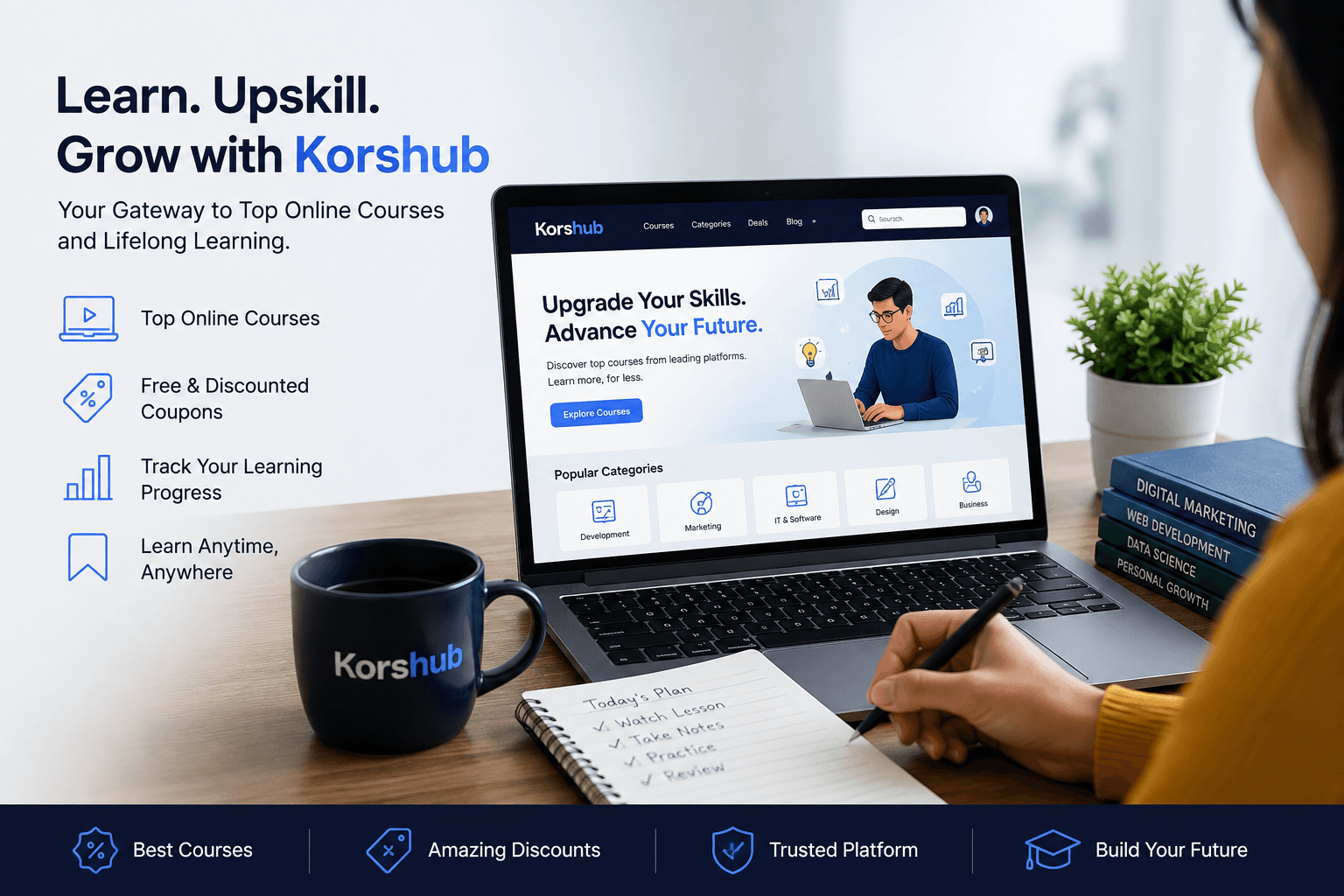
If you're an online course creator looking to reach more students without paying commissions or listing fees, Korshub makes it easy to showcase your courses to thousands of deal-hunting learners.
Whether you sell courses on Udemy, Coursera, Teachable, Thinkific, Kajabi, or your own website, you can list your courses on Korshub for free and keep 100% of every sale because students enroll directly through your official course page.
Advertisement
Why List Your Course on Korshub?
Unlike traditional marketplaces, Korshub doesn't resell your course or take a percentage of your revenue.
Benefits include:
Free course listing
Zero commission on sales
Unlimited course and coupon listings
Automatic SEO optimization
Course analytics and performance tracking
Coupon management
Deal alerts sent to interested learners
Optional paid promotions whenever you want extra visibility
Step 1: Create Your Free Creator Account
Visit korshub.com and sign up using:
Google Sign-In
Email and Password (verified with a one-time code)
No credit card is required, and creating an account is completely free.
Step 2: Complete the Creator Onboarding
The onboarding process only takes a couple of minutes.
You'll be asked to provide:
Your creator name
Platforms where you publish courses
Billing region (only needed if you later purchase promotions)
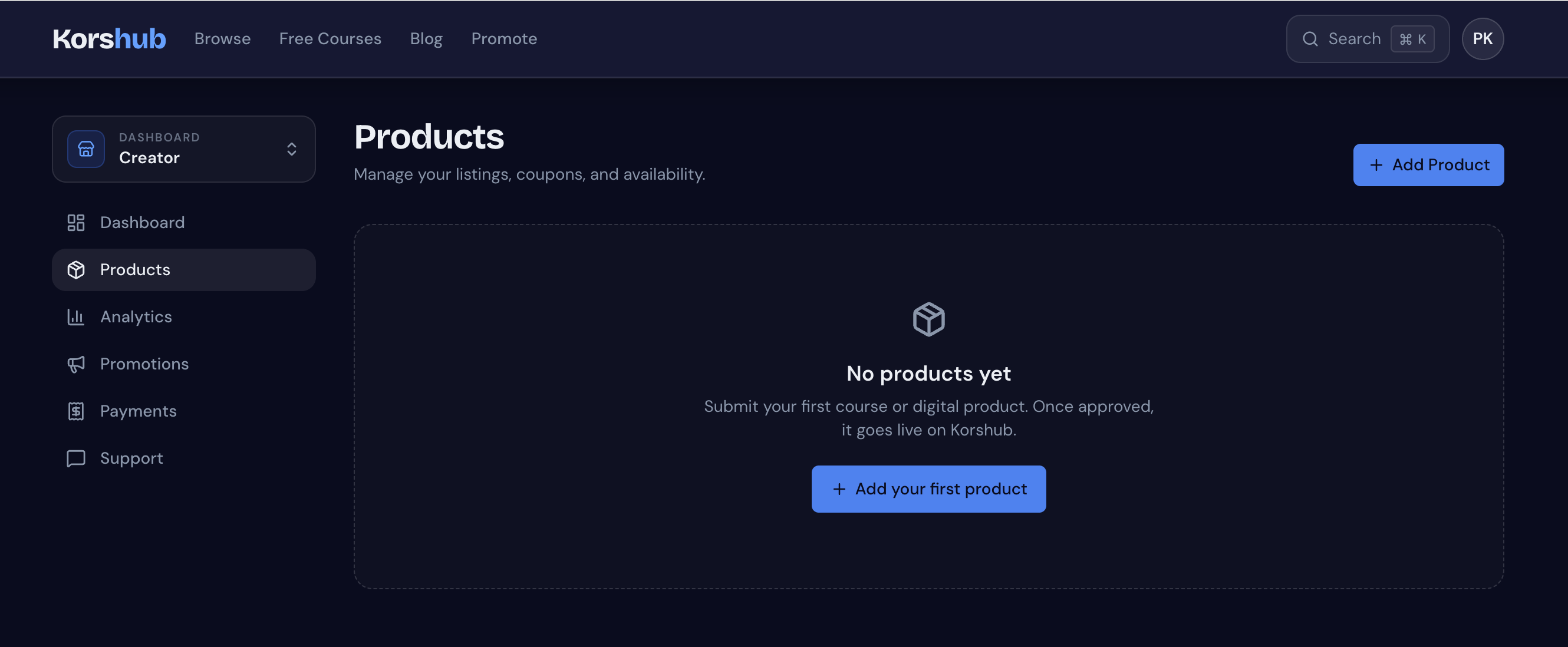
After setup, you'll gain access to your Creator Dashboard where you can manage:
Products
Coupons
Analytics
Promotions
Payments
Support
This is the easiest part.
Simply paste your course link into Korshub.
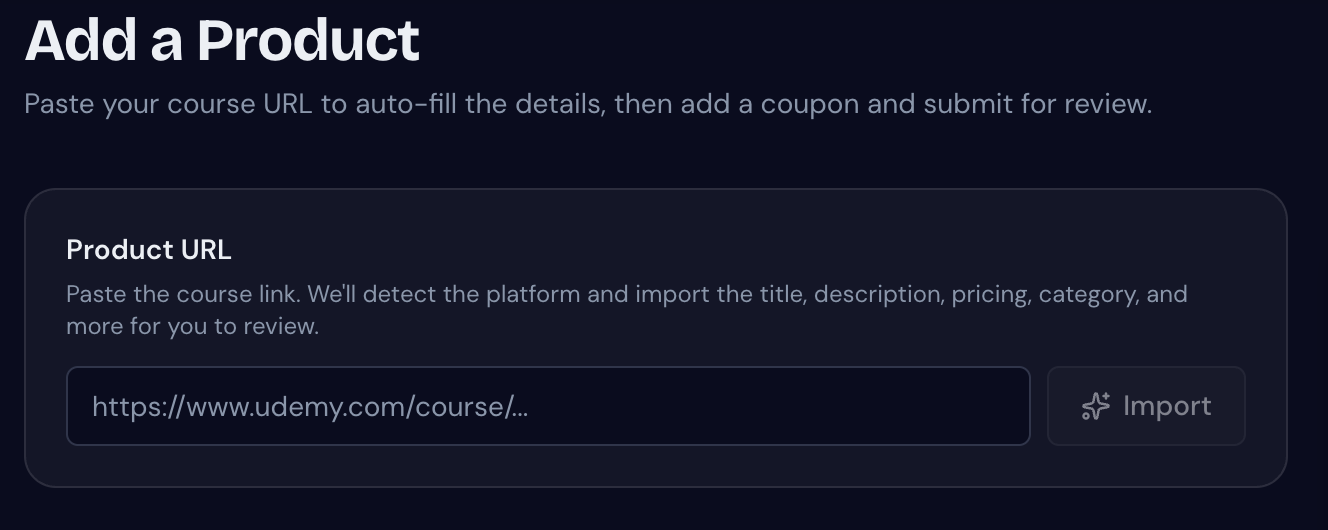
The platform automatically imports:
Course title
Description
Thumbnail
Instructor details
Current price
Original price
Rating
Student count
Coupon code (if available in the URL)
You'll instantly see a live preview of how your course listing will appear to learners.
Step 4: Review and Submit
Before publishing, you can edit the imported information if needed.
Korshub also generates:
SEO title
SEO description
This helps your course rank better in search engines without extra effort.
Step 5: Wait for Approval
Every listing goes through a quick human review to maintain a trusted marketplace.
Most courses are approved within one business day, and you'll receive an email once your listing is live.
If any changes are needed, Korshub lets you edit and resubmit your course quickly.
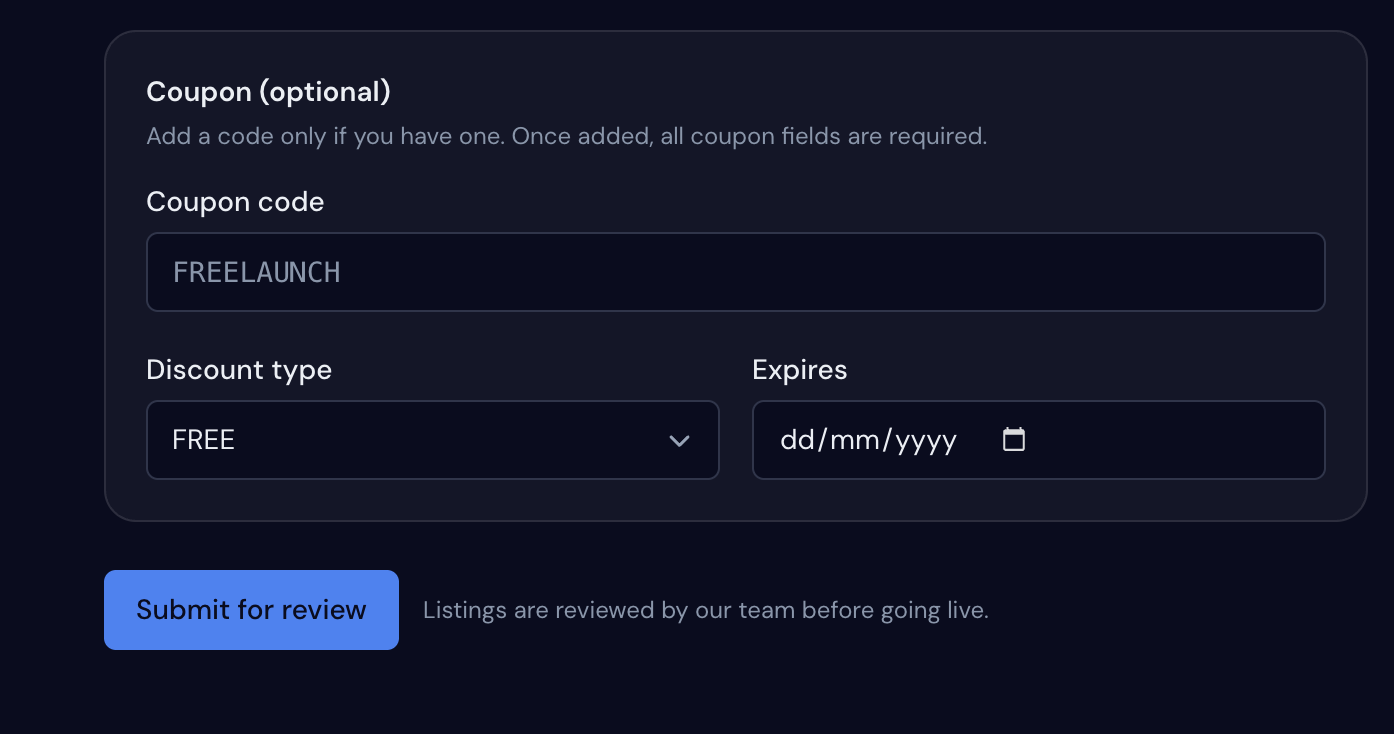
Step 6: Add Coupons and Deals
Once your course is live, you can create multiple coupon campaigns.
Supported coupon types include:
Free coupons
Percentage discounts
Fixed-price offers
Korshub automatically displays the best available deal to learners while tracking genuine clicks on every coupon.
Step 7: Let Korshub Notify Interested Students
One of the most powerful features is Deal Alerts.
When learners watch your course, they automatically receive an email notification whenever:
A new coupon goes live
A scheduled discount starts
This means you don't need to build or manage an email list to promote your discounts.
Step 8: Track Your Performance
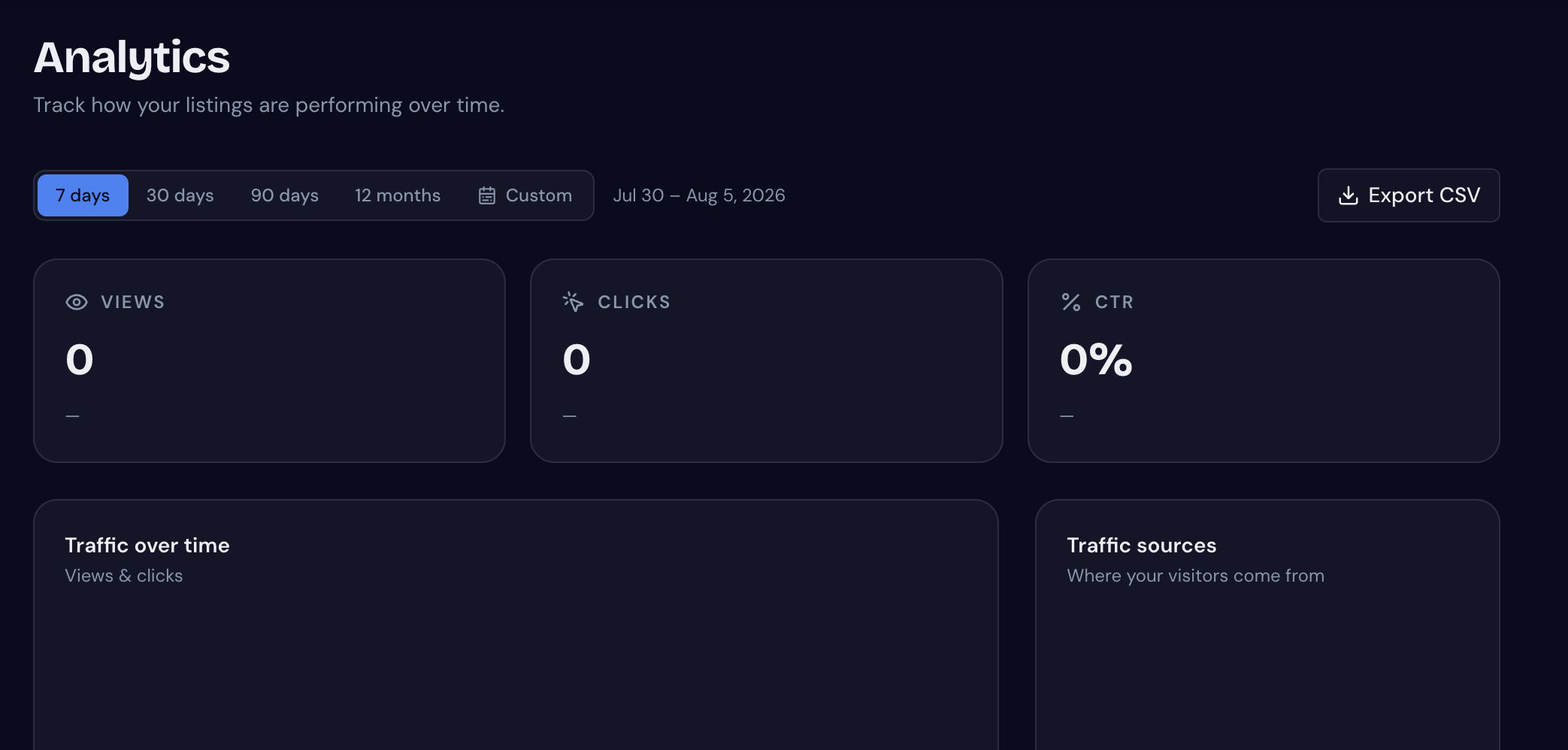
Inside your analytics dashboard, you can monitor:
Views
Clicks
Click-through rate (CTR)
Traffic sources
Coupon performance
Price history
CSV exports
All analytics exclude bots and duplicate visits, giving you accurate insights into how your listings perform.
Optional: Promote Your Course for More Reach
Listing your course is always free.
If you're launching a new course or running a major sale, you can choose optional paid promotions such as:
Featured homepage placement
Deal alert email campaigns
Social media promotion
Editorial blog features
Promotional videos
Managed advertising campaigns
You'll receive a custom quote first, and nothing is charged until you approve it.
Supported Course Platforms
Korshub supports courses from many popular platforms, including:
Udemy
Coursera
edX
Skillshare
DataCamp
Codecademy
Pluralsight
Simplilearn
Edureka
Teachable
Thinkific
Kajabi
Self-hosted websites
If your course has a public URL, Korshub can likely list it.
Final Thoughts
Korshub is built for creators who want more visibility without sacrificing revenue. With free listings, automatic course imports, SEO-ready pages, coupon management, analytics, and optional promotional tools, it's a simple way to connect your courses with learners actively searching for great deals.
If you're ready to grow your audience while keeping 100% of your sales, create your free creator account and submit your first course today.