Udemy
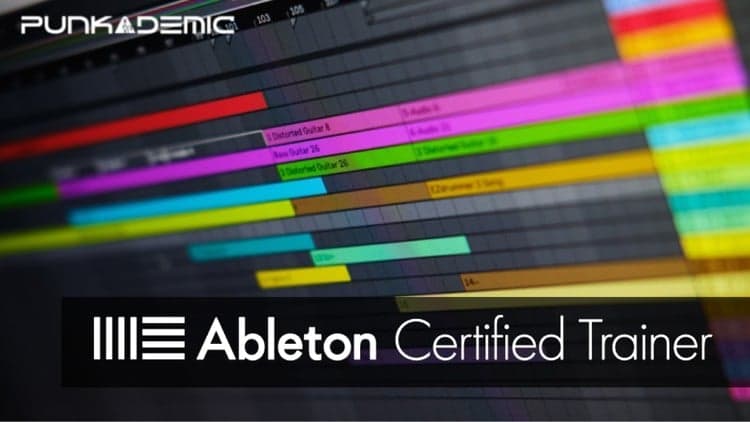
Ableton Certified Training: Ableton Live 11 (Part 4, 5, & 6)
Course4.59kALL LEVELS
$109.99
Price
No active coupon right now
View Course →No coupon right now. We'll tell you when there is one.
Mark your own learning status. Opening a course link does not establish enrollment.
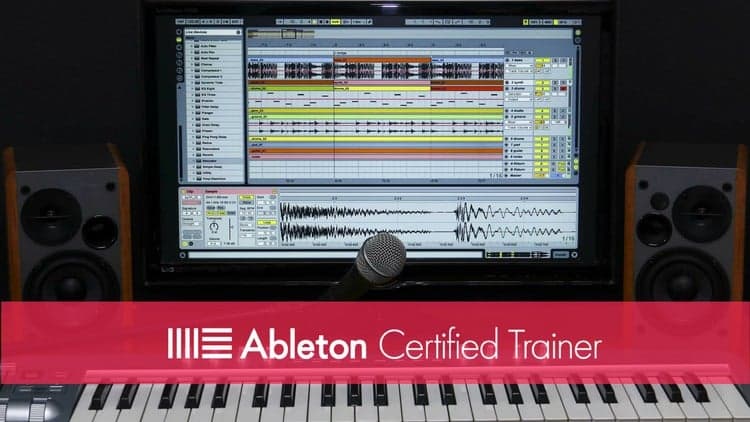
This is Ableton's official certified curriculum (Parts 1–3), taught by Dr. Jay Anthony Allen—an Ableton Certified Trainer and tenured professor who's taught nearly a million students. The teaching mirrors private tutoring: how Ableton is actually designed, not hobbyist interpretations.
By the end, you'll record ideas (audio or MIDI), build in Session View, arrange in Arrangement View, mix, and export a finished song—not a sketch. Videos are short, projects are real, and Allen answers every question personally within 24 hours.
Best for: Anyone opening Ableton for the first time and wanting a clear path from confusion to a completed track.
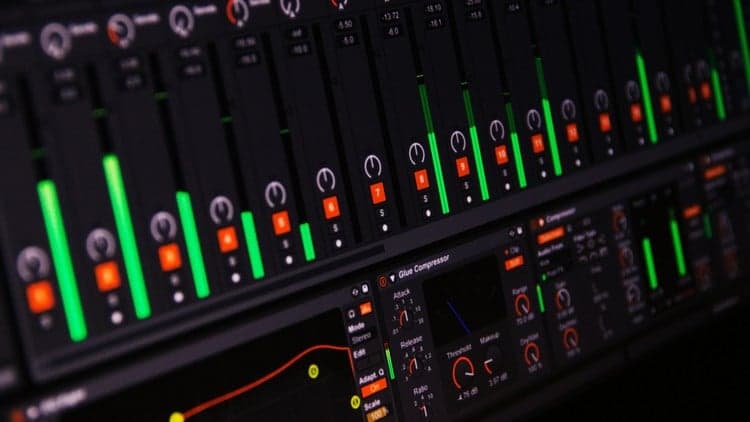
You opened Ableton Live. There's a grid. There's a timeline. There are racks, devices, sends, scenes, and a glowing red record button that does something different depending on which view you're in. You closed it.
That's the moment this course was built for.
Hi, I'm Jay — Dr. J. Anthony Allen. I'm an Ableton Certified Trainer, a tenured university professor, and I've taught close to a million students online. This is the official Ableton Live 11 curriculum, Parts 1–3, taught the way I'd teach it to a private student paying me by the hour — except faster, cheaper, and you can rewind.
What you'll actually be able to do
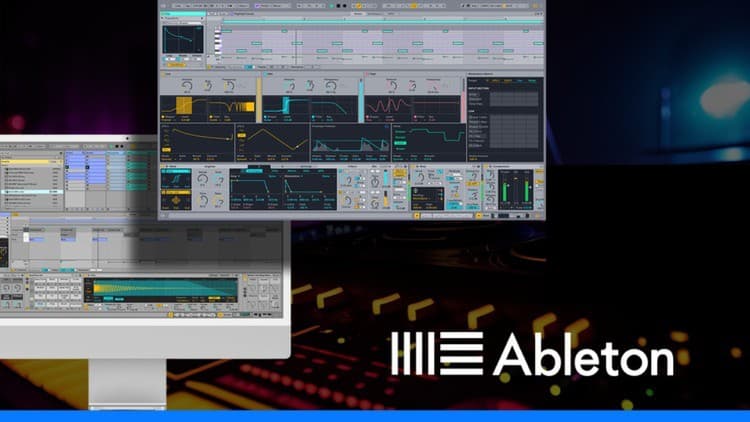
By the end of these three parts you can open a blank Ableton set, record an idea (audio or MIDI), build it out in Session View, arrange the full song in Arrangement View, mix it, and export a finished track. Not a half-finished sketch. A song.
Why this course
This is Ableton's certified curriculum, not a hobbyist's interpretation of it. Every concept maps to how the program is actually designed to be used. No 12-hour rabbit holes on a feature you'll use once.
I treat you like an adult with limited time. Short videos. Real projects. Clear language. No hype.
The credentials, briefly
Ableton Certified Trainer. Ph.D. in Music. Tenured university professor. ~1 million students online. 4.7+ average rating across my catalog. I answer every question posted to this course personally, within 24 hours. Not a TA. Me.
Risk-free
Udemy's 30-day money-back guarantee applies. If the first few lessons don't click, get a full refund. No questions, no hard feelings.
See you in Lesson 1.
— Jay
Advertisement
Ableton Certified Training: Ableton Live 11 (Part 4, 5, & 6)
Ultimate Ableton Live 9: Part 1 - The Interface & The Basics
Not the best price we've seen. The lowest we've recorded is $11.99 on 17 Aug.
This is what we recorded in US pricing — not every price this course has ever had, and prices differ by country.