Udemy
 Udemy
UdemyMark your own learning status. Opening a course link does not establish enrollment.
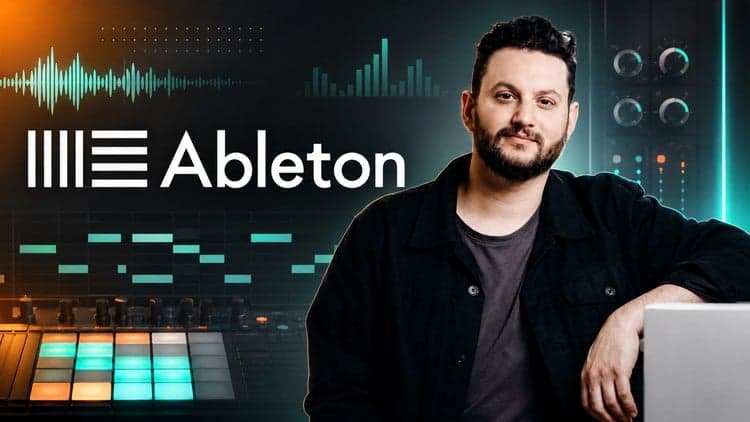
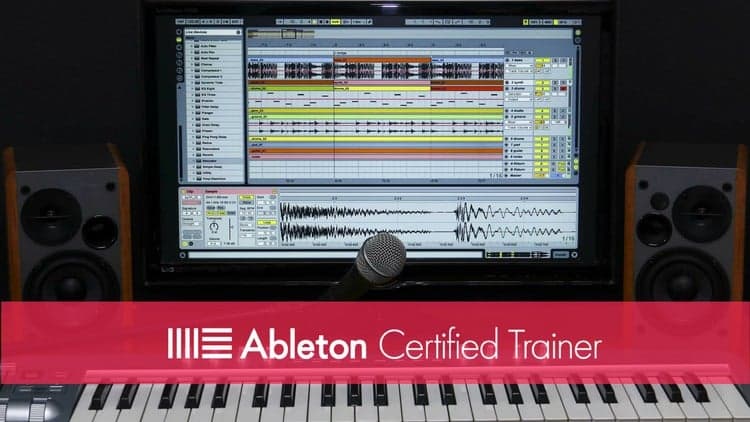
This free lite edition trims the full 89-lecture Ableton Live for Beginners course down to its most essential lessons, giving new producers a quick, guided tour of the software rather than a slow crawl through menus.
You'll move through the core building blocks of a Live session: navigating the interface, setting up new tracks, recording and editing MIDI, recording and editing audio, and applying audio effects.
Anyone who has just installed Ableton Live and needs a fast, structured overview before diving into their own tracks. No prior production experience is assumed.
Because it's a condensed preview of a larger paid course, treat it as a foundation-builder rather than a complete production curriculum.
This is the free "lite" version of the full, 89-lecture tutorial course, Ableton Live for Beginners.
The free version contains a ton of really useful information and will give you an idea of how I like to teach my courses. We'll learn how to navigate the user interface, creating new tracks, recording and editing midi, recording and editing audio, audio effects, and much more.
I created this course because of a feeling.
You probably know the feeling. It's the feeling you get when you start something new. It's unexplored territory. It's exciting but frightening. It's promising but humbling. I love that feeling but it can be overwhelming to start something new. That's why I created this course. I want to teach you the essential foundations of music production in Ableton Live so that you can be encouraged and have fun making music.
My goal with this course is to get you up and running in the shortest amount of time possible. If you have just unboxed the software for the first time and need someone to give you a quick run-down of what's possible, this free course is for you.
If you enjoy it and find it beneficial, I hope you'll consider enrolling in the full course. Thanks!
Advertisement
![Electronic Music Production with Ableton Live [2025]](/_next/image?url=https%3A%2F%2Fimg-c.udemycdn.com%2Fcourse%2F750x422%2F6523651_6960_3.jpg&w=3840&q=75)
Ultimate Ableton Live 9: Part 1 - The Interface & The Basics