Other
Free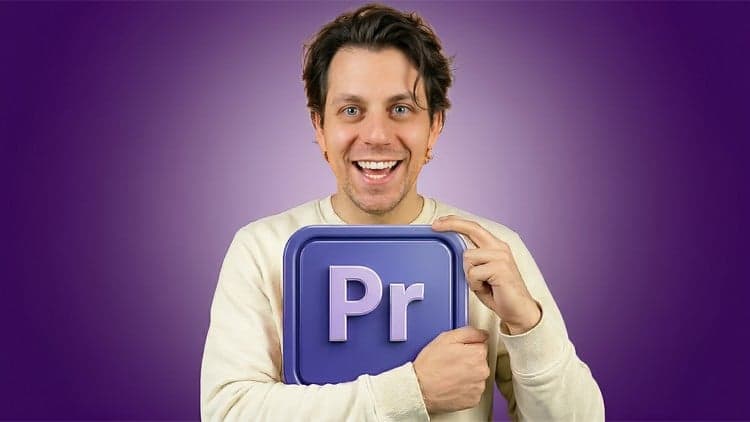 Udemy
Price
No active coupon right now
View Course →No coupon right now. We'll tell you when there is one.
Mark your own learning status. Opening a course link does not establish enrollment.
Loading saved status…
This course assumes you have never edited a single clip. It opens with setup, including installing Premiere Pro, checking that your computer meets the requirements, and deciding whether to use your own footage or the presenter clips provided for practice.
The sequence moves from interface and project basics into a first draft, then adds motion, text, sound, and simple color grading. Each stage ends with a draft version of the video, so you can see how every new technique changes the result rather than wondering whether you are on track.
The course suits people who want a methodical introduction and are willing to work through each stage in order.
Welcome to Adobe Premiere Pro for Complete Beginners — a fully step-by-step course designed for absolute beginners starting from zero.
If you’ve never edited before or want to make sure you've covered the basics, this course is for you.
Start From the Very Beginning
We don’t jump straight into editing.
In the first section, we make sure everything is set up properly. You’ll learn:
How to download and install Premiere Pro
How to check your system requirements
How to download the optional course footage so you can follow along step by step
You are welcome to use your own footage — but if you prefer guidance, you can download the provided presenter clips, b-roll, and music and edit exactly alongside the lessons.
Step-by-Step Editing Basics
Next, we move into the core foundations of editing.
You’ll learn:
How the Premiere Pro layout works
What sequences, bins, and timelines are
How to import and organize footage
How to cut and place clips
How video and audio layers work
How to create your first “skeleton” draft edit
After each learning stage, you’ll see a draft version of the video come together — so you’re never lost and always understand how each step improves the edit.
Building a Complete Edit
Once the basics are clear, we layer in more creative tools:
Adding motion with keyframes
Scaling and repositioning clips
Adding text and graphic elements
Sound effects and music
Audio transitions and pacing
Basic color grading
Stabilizing shaky footage
You’ll see your edit evolve from a simple structure into a complete, polished video.
Slightly More Advanced (But Still Beginner-Friendly)
After mastering the essentials, we introduce slightly more advanced techniques — explained simply and clearly:
Green screen (Ultra Key)
Masking and blur effects
Video transitions
Nesting
Opacity effects
Cropping and split-screen layouts
Auto-removing pauses in speech
Syncing external audio
These lessons show you how to combine tools together to create real effects — not just click buttons.
By the End of This Course
You will:
Understand Premiere Pro confidently
Know how to structure a full edit from scratch
Be able to combine video, audio, motion, text, and color
Create clean, professional-looking edits
Feel confident starting your own projects
This course is intentionally designed for beginners. We move step by step, build gradually, and always show the results in draft form so you can see real progress.
If you’ve been wanting to learn video editing but felt overwhelmed, this is the course that walks you through it clearly — from your very first click to your final export.
Advertisement
Tracking since 15 Nov — not enough history yet to tell you whether today's price is any good. Watch the course and we'll tell you when it drops.
This is what we recorded in US pricing — not every price this course has ever had, and prices differ by country.
No Korshub reviews yet.
Daily Editorial Workflows for Assistant Editors in Premiere

Finishing the Cut: Post-Production Pipelines in Premiere

Assistant Editor Foundations in Adobe Premiere