Udemy
 Udemy
UdemyPrice
No active coupon right now
View Course →No coupon right now. We'll tell you when there is one.
Mark your own learning status. Opening a course link does not establish enrollment.
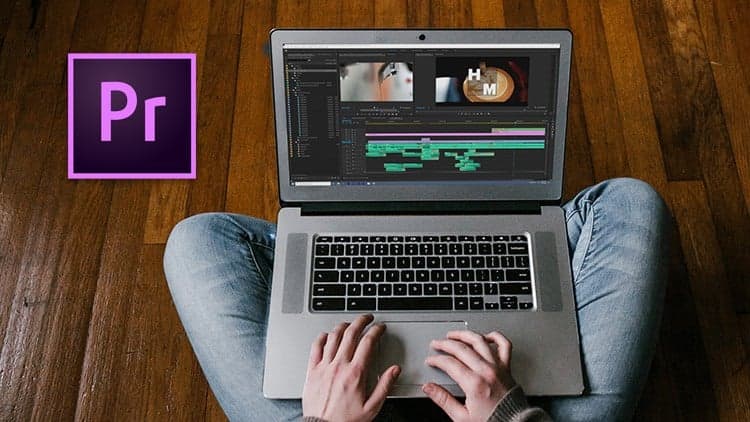
This course treats Premiere Pro as a complete system rather than a collection of isolated features. It covers the full workflow: importing and organizing your media, mastering the timeline and editing tools, then applying color correction, effects, and transitions that actually enhance your story.
The teaching approach balances breadth with depth. You'll learn foundational skills like in/out points and the razor tool alongside sophisticated techniques—green screen keying, picture-in-picture composites, masking, blending modes, and keyframe animation. Whether you're starting with no experience or refining your craft, the course moves methodically from workspace setup through final export, ensuring every tool clicks into place before moving on.
Premiere Pro Training for all levels and industries!
This class covers it all, and can be used by all types of learners in all industries.
What will you learn?
· How to navigate the Premiere Pro interface and workspace
· How to customize and take ownership of the Premiere Pro workspace
· How to import all assets including video, audio, images and more
· How to organize all of your assets into folders and bins
· How to sort and add metadata to your assets in the project panel
· How to create and edit Sequences
· How to master the Timeline
· How to use in and out points to make better edits and be organized
· How to customize your buttons on the Source and Program panel
· How to use the Razor tool for clean and precise edits
· How to use the Ripple and Rolling tool
· How to use the Slip and Slide tool
· How to Crop your videos
· How to create a Picture in Picture effect
· How to adjust brightness and contrast
· How to Color Correct using the Color Lumetri which includes Hue, Saturation, Levels, Sharpening and more!
· How to adjust the speed and duration of the your clips
· How to add text, titles and captions
· How to apply and master Transitions
· How to import and work with still images
· How to work with Markers on the timeline and source panels
· How to create a Black and White video
· How to work with Masking effects
· How to work with the Blur effect
· How to work with Keyframes on your timeline and special effects
· How to create movement, and pan and zoom on your images and video
· How to blur out people
· How to use Blending Modes
· How to create a Text Clipping Mask
· How to use Green Screen
· How to export your videos
· And more!!!
Advertisement
Adobe Premiere Pro Masterclass: Video Editing in Premiere
Not the best price we've seen. The lowest we've recorded is $9.99 on 17 Aug.
This is what we recorded in US pricing — not every price this course has ever had, and prices differ by country.