Udemy
 Udemy
UdemyMark your own learning status. Opening a course link does not establish enrollment.
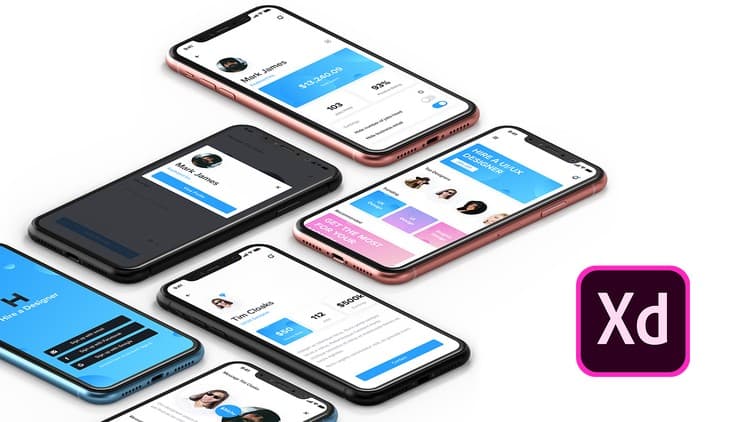
This course covers the basics of Adobe XD, a free UI/UX design tool from Adobe that runs on both Mac and PC and lets you design, prototype, and share from a single app. Beyond the core features, the Repeat Grid, masking, plugins, and prototyping tools, the course also covers the instructor's own design process, including how to communicate with clients and developers and structure a strong case study.
Anyone new to UI/UX design looking for an accessible, well-supported entry point, since Adobe XD is free to start and updated regularly.
Adobe Xd 2021 is a UI / UX design tool created by Adobe and awesome thing about it is that it works on both Mac and Pc, it gets regular updates, you can design, prototype and share, all with one app, for free.
Go from wireframes to high fidelity prototypes, all in one app, and share your files with clients and developers with a single click.
In this free Adobe Xd 2021 Basics - UI / UX Design Course we are going to cover not just the basics, but also my design process, communication with clients and developers, best practices for case studies and so much more.
We are going to cover:
Basics Of Adobe Xd
Design Features
Prototyping Features
Communication With Clients
Sharing
Plugins
Repeat Grid
Masking Features
Adobe Xd Shortcuts
My Design Process
Great Case Studies
Awesome Design Systems
Best Exporting Practices
If you are just getting into the UI/UX field, this is the best time ever to do it, because tools and resources which are available now are better then ever, and the list of available resources keeps expanding. That's why Adobe Xd is one of the best tools out there because it gets regular updates, it's free to get started and it's so versatile if you combine it with other Adobe products.
I look forward to seeing you in course!
Have a creative day.
Alex
Advertisement

User Experience Design Essentials - Adobe XD UI UX Design


Adobe CC Masterclass: Photoshop, Illustrator, XD & InDesign