
Udemy
 Udemy
Free and discounted course coupons, posted every day.
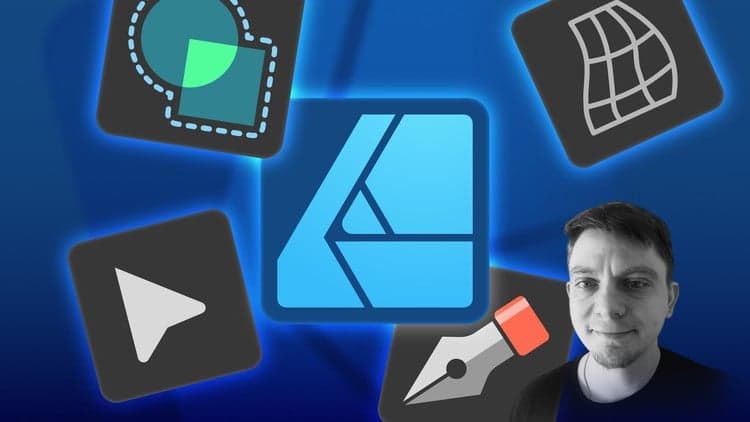
This quick-start guide is built for absolute beginners and software switchers alike, focusing entirely on orientation: understanding the interface and knowing what each core tool actually does before attempting a real project.
Hobbyists, students, and aspiring designers who are brand new to design software, or who are moving over from another vector tool and need to remap their existing knowledge to Affinity Designer's workspace.
By the end, the goal isn't mastery — it's confidence: a solid enough grasp of the fundamentals to start experimenting with your own vector art.
Mark your own learning status. Opening a course link does not establish enrollment.
Loading saved status…
From the Udemy page
Welcome to Affinity Designer 2. 5 Quick Start Guide for Beginners, your perfect starting point for exploring the world of vector design!
This course is designed to help you get familiar with Affinity Designer 2. 5 by focusing on the basics—understanding the interface and discovering the wide range of tools available. Whether you’re brand new to design software or transitioning from another program, this course will provide you with the foundational knowledge you need to get started. …
Advertisement
Yes. It's free on Udemy.

Beginners guide to Graphic Design | 45 Episode FREE Series


No Korshub reviews yet.