Skillshare
SubscriptionBeginner's Guide to Adobe After Effects: Learn Motion Graphics
Course3.5
Skillshare membership
View course →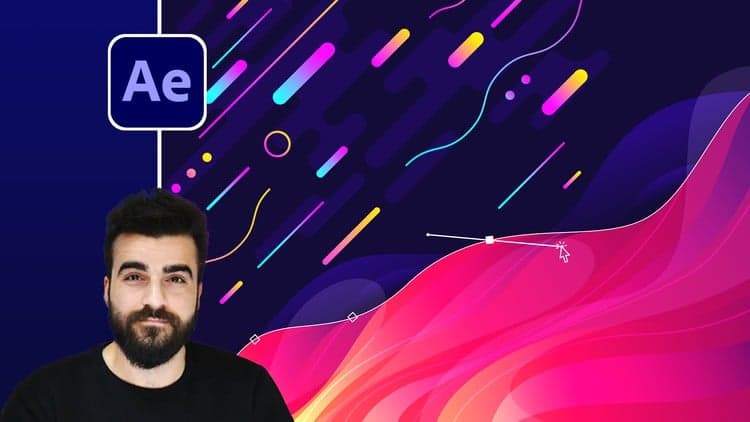 Udemy
Price
No active coupon right now
View Course →No coupon right now. We'll tell you when there is one.
Mark your own learning status. Opening a course link does not establish enrollment.
Loading saved status…
The course covers a wide range of After Effects techniques, from the interface through to advanced motion tracking. Its breadth is the defining feature: text, shape, morphing, lettering, liquid gradient titles and data visualization all appear on the list.
The course closes with four real projects, worked through step by step, and project files are included so you can examine each setup. Those finished pieces are intended to become portfolio work.
The captions are auto-generated, so anyone who relies on subtitles may find some wording off. Basic After Effects familiarity helps, though the opening lessons start from the interface itself.
NOTE: All Available Captions are Autogenerated!
This course is made for beginners and advance who want to up their game in animation and motion graphics in After Effects
By the end of this course, you can call yourself an animator and a good animator!
Let me tell you why
We will start the course by the basics of After Effects you will learn everything you need to know to start working with After Effects comfortably
Next, we will cover the principle of animation we will cover the most important one for motion graphics
You will learn about all types of keyframes with practice
You will learn about Graph Editors in Adobe After Effects
You will know how to animate with ease
You will learn about some of the best animation techniques to date.
You will learn everything text animation
you will learn everything about shape animation
You will learn how to do morphing animation
You will learn about the letter animation
You will learn how to make beautiful gradient liquid title animations
You will learn Modern data visualization
You will learn advanced motion tracking
With all of these, there will be practice projects,
Wait we are still not done at the end we are going to work on 4 real projects. You will learn step by step how to make each of them. Not only this you will have access to the project files and dive deep into them.
By the end of this course, you will have a bunch of animation project that you can add to your CV and start receiving jobs from Clients.
Download all the project files now, you will need it from the first lesson
Advertisement
Tracking since 15 Nov — not enough history yet to tell you whether today's price is any good. Watch the course and we'll tell you when it drops.
This is what we recorded in US pricing — not every price this course has ever had, and prices differ by country.
No Korshub reviews yet.
Beginner's Guide to Adobe After Effects: Learn Motion Graphics
Adobe After Effects for Beginners: Motion Design Essentials
Motion Graphics Masterclass (8 Hours) – Complete After Effects Training for Beginners to Pros