Skillshare
SubscriptionBeginner's Guide to Adobe After Effects: Learn Motion Graphics
Course3.5
Skillshare membership
View course → YouTube
Price
This course is free to watch on its platform.
Watch free on YouTube →Mark your own learning status. Opening a course link does not establish enrollment.
Loading saved status…
This beginner series works through After Effects in the order most people need it: setting up the software, understanding panels and compositions, then layers, masks and shape layers. It moves on to parenting, camera movement, blending modes and track mattes before finishing with exporting.
Learning After Effects in isolation makes the interface hard to follow. Seeing layers, masks and parenting introduced one after another gives each concept a clear place, which is useful if you are starting from zero and want a mental map of the software.
Expect to follow along in the software as you go. The series covers the core toolset, so pair it with more specialized material once the basics feel comfortable.
🎬 Welcome to the Ultimate After Effects Course
If you're a beginner and want to learn Adobe After Effects from scratch, this is the only course you need. In this full step-by-step tutorial series, I'll guide you through everything, from basic animations to advanced techniques used by professionals.
No experience needed. Whether you want to make motion graphics, animate text, or create stunning video edits, this course will help you master After Effects with real-world examples and practical projects.
🧠 No plugins needed. No prior experience required.
Just open After Effects and start animating with me.
✅ Download the Free Project Files: https://shorturl.at/zhIjY
Chapters:
00:00 - Setting up Ae
05:04 - Panels and Workspace
11:55 - Setting up Compositions
17:17 - Importing and Organisation
20:43 - Types of Tools
32:06 - Types of Layers
42:35 - Layer Properties
52:04 - Mask and Shapelayers
01:03:13 - Null Objects and Parenting
01:25:16 - Camera Movements
01:35:29 - Blending Modes
01:43:32 - How to use Track Mattes
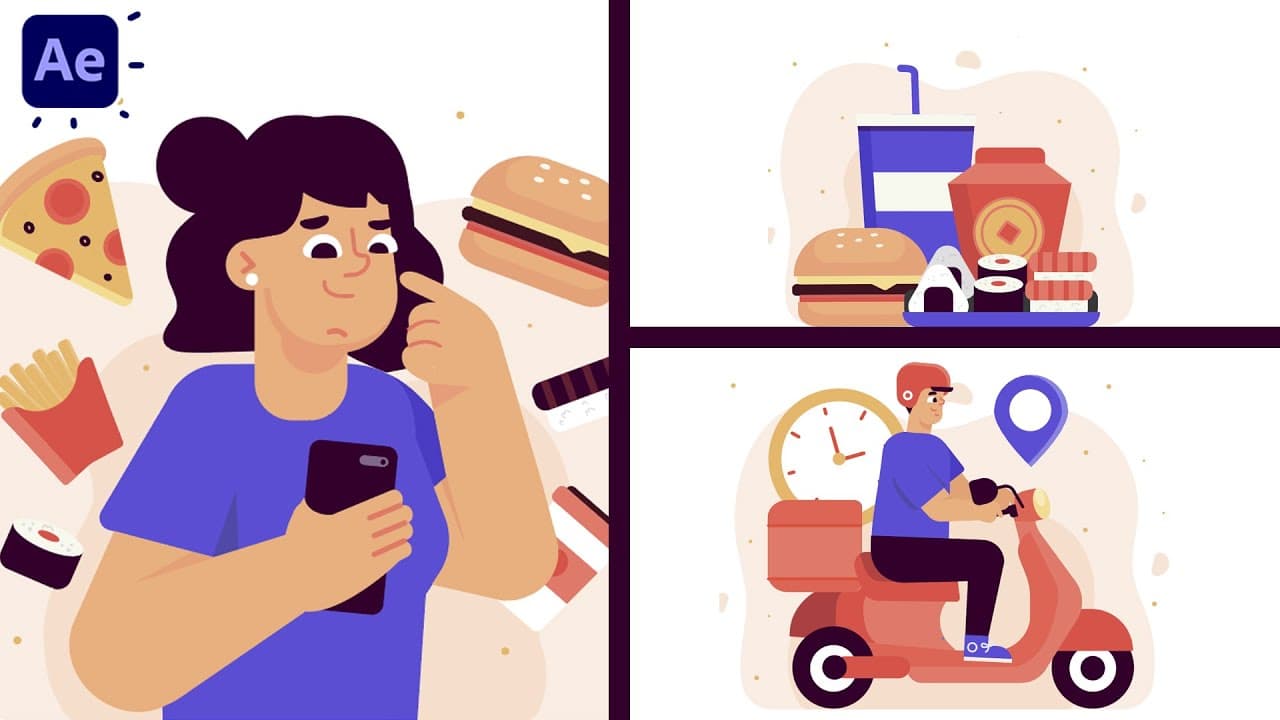
01:51:18 - Animating Illustrations
02:16:11 - Exporting
02:21:34 - Free Plugins
02:31:13 - Outro
--
💻 Perfect for beginners, motion designers, video editors, YouTubers, and content creators who want to level up their animation skills using After Effects
🔔 Don't forget to subscribe and turn on the bell icon so you don't miss the rest of this free After Effects course!
❤️ My Instagram profiles:
Dope Motions - https://www.instagram.com/dope.motions/
Nikhil Pawar - https://www.instagram.com/nikhilpawarrr/
--
✅contact
For business inquiries, email me here: nikhil@dopemotions.com
Website: https://dopemotions.com
--
Thank you
Advertisement
No Korshub reviews yet.
Beginner's Guide to Adobe After Effects: Learn Motion Graphics
Adobe After Effects for Beginners: Motion Design Essentials
Motion Graphics Masterclass (8 Hours) – Complete After Effects Training for Beginners to Pros