Skillshare
SubscriptionProcreate Animation for Illustrators: Create Easy GIFs in Procreate 5
Course4.710kBEGINNER
Skillshare membership
View course →Access
Skillshare membershipIncluded with a Skillshare subscription
This course is included with a Skillshare membership subscription.
Start your free month on Skillshare →30-day free trial, new members only.
Already a Skillshare member? Open the class
No coupon right now. We'll tell you when there is one.
Taught by Libby VanderPloeg — Artist and Illustrator
Mark your own learning status. Opening a course link does not establish enrollment.
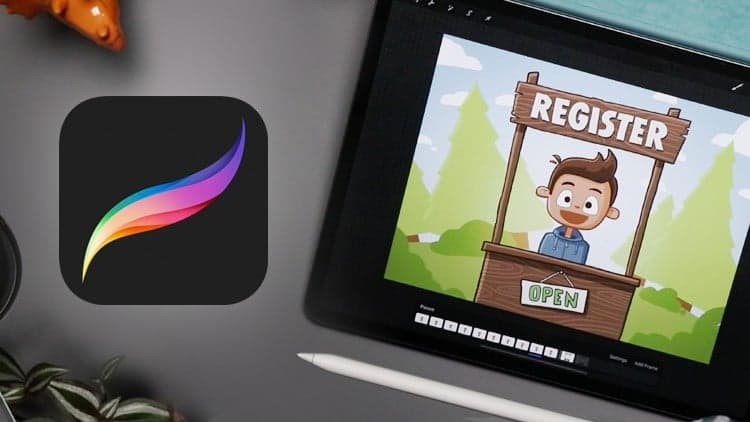
Illustrator Libby VanderPloeg shows how to animate your artwork using just Procreate and Photoshop—easier than you'd think. You'll plan your initial sketch with motion in mind, use Procreate's layers to choreograph movement, then activate animation in Photoshop with just a few clicks. Export your finished piece as a GIF or video to share.
Whether you're expanding your professional skills or starting a fun project, this hands-on approach unlocks custom, hand-drawn animation straight from your iPad.
Looking to take your illustrations to the next level? Learn how to quickly and easily animate your work with Procreate!
Jump into the world of animation with illustrator Libby VanderPloeg — using only Procreate and Photoshop! From planning a sketch with motion in mind to sharing your final work on the web, Libby will teach you everything you need to know to create your very own animated illustration!
The best part? It’s easier than you think. Libby will show you how to add motion to your work with just a few simple tweaks to your original illustration.
You'll learn how to:
Plus, Libby shares her favorite tips and tricks to get the most out of Procreate.
Whether you’re looking for a new skill to add to your professional repertoire or a fun weekend project, this simple approach to animation will unlock your ability to create custom, hand-drawn work with beautiful motion. And since Libby will teach you how to plan your animation right on your iPad, you’ll be ready to start your project wherever and whenever inspiration strikes!
Note: Access to both Procreate and Photoshop are recommended for this class.
Advertisement
Procreate Animation for Illustrators: Create Easy GIFs in Procreate 5

Illustrating in Procreate: Drawing a Shareable Timelapse
Characters in Motion: Capturing Motion in Illustration