Coursera
Subscription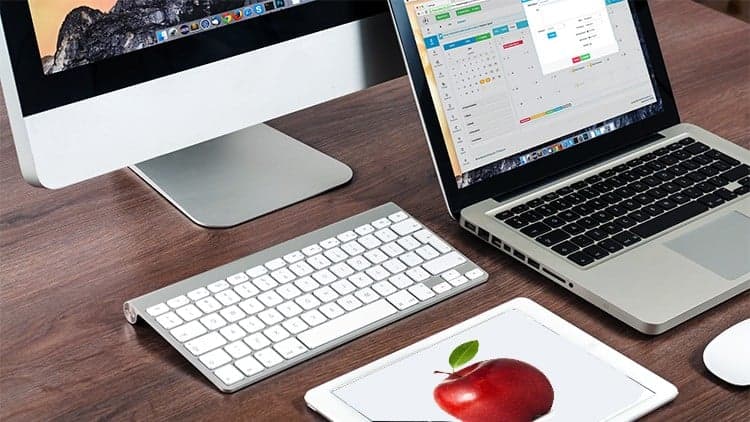
Price
No active coupon right now
View Course →No coupon right now. We'll tell you when there is one.
Mark your own learning status. Opening a course link does not establish enrollment.
Loading saved status…
This course is pitched at people who are new to macOS, including those moving over from Windows. It assumes no earlier experience and is meant to help you feel at home on the Mac quickly rather than teach any kind of programming.
The course walks through the desktop, System Settings, and how to install and remove apps. It also looks at Time Machine for backups, iCloud across Apple devices, and the built-in dictation feature, with tips aimed at getting more from the laptop or desktop.
Because the course is organised by feature area, it is easy to dip into whichever part of macOS you need most at a given moment.
The Apple Mac OS for beginners course is designed with Apple Mac OS beginners in mind. The Apple Mac OS course is designed to take you from beginner to advanced so that you will be able to get the most out of your Apple Mac. This course can use this course as an Introduction to Mac OS for anyone who is new to Apple Mac. The tutorials can be used as a refresher course to get you back up to speed on Mac OS. This Apple Mac Basics Course is also great for anyone coming from Windows and are new to Mac OS and want
The course focuses on the main areas of Mac OS:
Desktop - The course looks at the main features of the Apple Mac OS desktop,
Systems Preferences - We will look at the most important parts of the Apple Mac OS system preferences and how to use them. This will allow you to be able to customise your MacBook to suit your needs,
Installing Programs - By the end of the course you will be able to install and remove programs on your Apple Mac.
Using and getting the most out of your MacBook or iMac.
We will look at time Machine. You will know how to make a correct and full back up of your Apple MacBook or iMac.
We will look at the features of iCloud and how you can use iCloud across your MacBook, iMac, iPhone and iPad.
The course looks at the most common used programs that are provided for free with your Apple Mac.
Apple Mac OS dictation is one the most impressive features of Mac OS. We will look at how to set it up and use it Properly.
All these features are included along with some great hints and tips to make you into a Mac super user. The Course will be updated as Apple update the Mac OS.
Advertisement
Tracking since 15 Nov — not enough history yet to tell you whether today's price is any good. Watch the course and we'll tell you when it drops.
This is what we recorded in US pricing — not every price this course has ever had, and prices differ by country.
No Korshub reviews yet.