Udemy
Free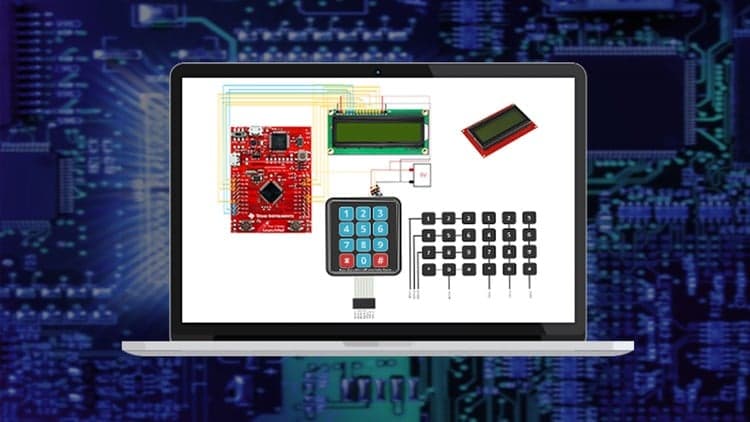 Udemy
UdemyMark your own learning status. Opening a course link does not establish enrollment.
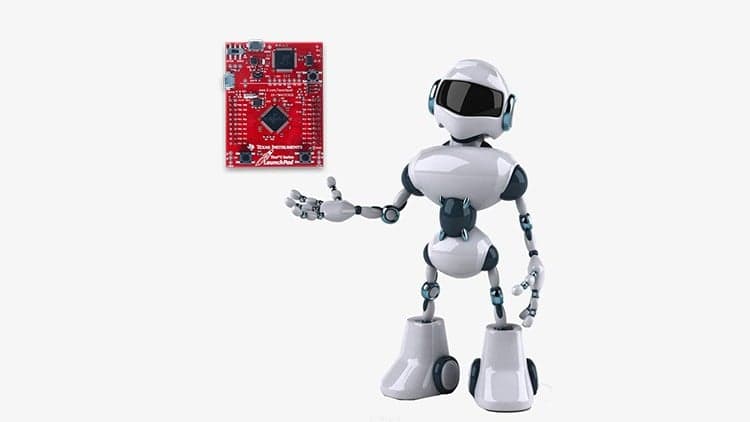
This course is a hands-on, bare-metal walkthrough of writing your own drivers and libraries for ARM Cortex-M microcontrollers, focused specifically on keyboards and LCD displays. It starts by clarifying the difference between GPIO and SPIO and how registers control input and output pins, then builds up from there into real driver code.
Embedded systems learners who want low-level, register-level access to peripherals rather than relying on pre-built libraries — anyone curious about how keyboard and LCD interfacing actually works under the hood.
This course takes a step-by-step practical approach on how to write drivers and libraries that will allow your Cortex-Microcontroller to talk to Keyboards and Liquid Crystal Displays. It goes on to provide optimization methods such as accessing the LCD with 4-bits rather than 8-bits and also programming keyboards using the matrix arrangement approach.
We will start by differentiating between GPIO and SPIO, this will give students the understanding on how registers relates to IO ports then we shall write out the code to see how these registers actually work with inputs and outputs.
We shall look at how to write our own LCD Drivers and Libraries, we shall take a look at the pinout and how we interface with the microcontroller, take a look at how we control the shift registers inside the LCD, then we shall go on to code our own driver and library.The last section of the LCD chapter deals with writing data in 4-bits to reduce the number of IO pins used for LCD.
The final chapter of the course deals with interfacing to keyboards, I will introduce how keyboards also conserve the number of IO pins by using the matrix arrangement and then we shall go on to write our keyboard driver and library. In a nutshell, this are the key areas we shall be looking at in this course :
If you interested in having bare-metal level access to keyboards and LCDs then this course is for you.
Advertisement