Other
Free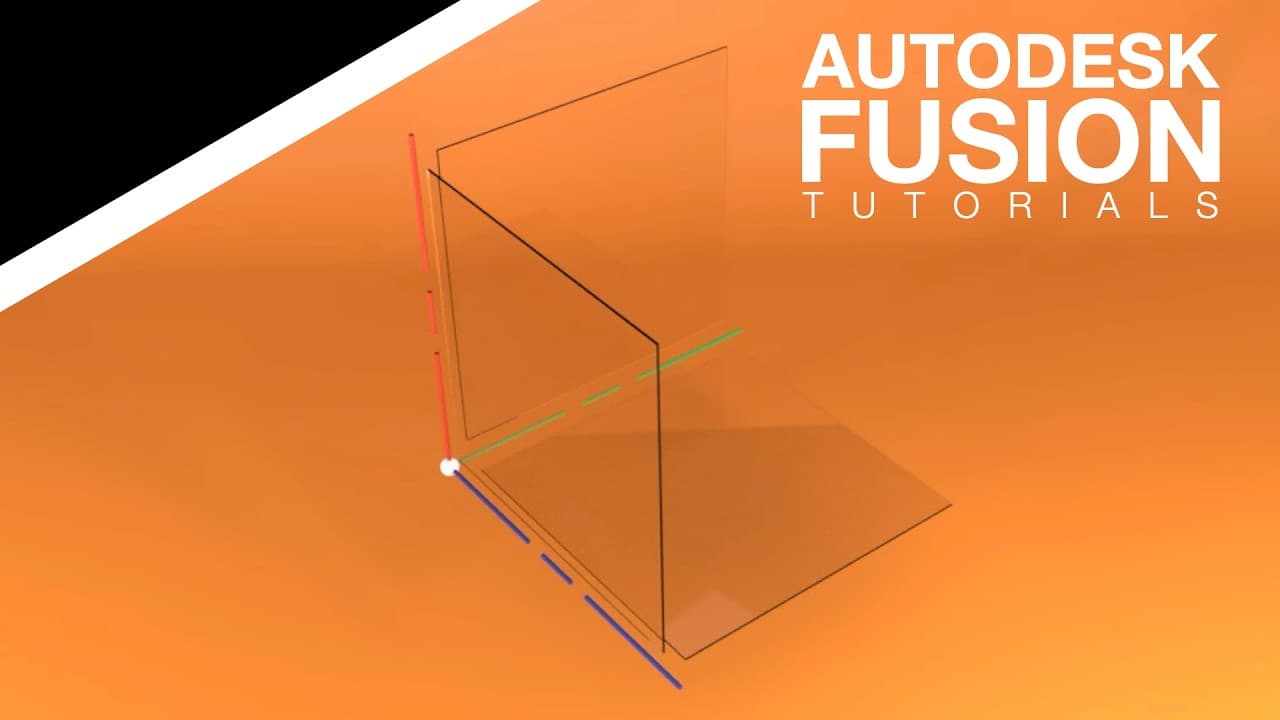 YouTube
Price
This course is free to watch on its platform.
Watch free on YouTube →Mark your own learning status. Opening a course link does not establish enrollment.
Loading saved status…
This beginner series walks through the core Fusion skills in order, starting with the interface and moving through sketches, constraints and modeling tools. It treats Fusion as a parametric system, so the lessons include building fully defined sketches before extruding them.
Lessons build guided practice models, parametric parts and simple assemblies, then finish with designs meant to reinforce the earlier material. Appearances and basic visualization tools are covered too.
Anyone starting CAD from zero, students in engineering fundamentals courses, and hobbyists who want a clear introduction to design workflows.
Have Fusion installed before you begin, since the lessons work inside the software itself. Working alongside the video, rather than only watching it, is the quickest way to see how the sketch tools behave.
Start learning Autodesk Fusion with this complete beginner-friendly course designed to introduce the essential tools, workflows, and concepts needed to begin creating 3D models confidently. This structured series walks step-by-step through the fundamentals of CAD design using practical examples that build real understanding from the ground up.
Throughout the course, you’ll learn how Fusion works as a parametric design system while developing strong modeling habits early. Each lesson builds on the previous one, helping new users understand not only how to use the software, but how to think like a designer or engineer.
This series focuses on clarity, fundamentals, and workflow confidence, making it ideal for anyone starting their CAD journey.
WHAT YOU’LL LEARN
• Navigating the Autodesk Fusion interface
• Sketch creation and constraint fundamentals
• Building fully defined sketches
• Extrude, revolve, and core modeling tools
• Understanding parametric design workflows
• Editing and modifying models efficiently
• Creating components and simple assemblies
• Applying appearances and basic visualization tools
• Best practices for clean beginner CAD models
WHAT YOU’LL BUILD
• Guided beginner practice models
• Parametric 3D parts
• Introductory assemblies
• Finished designs that reinforce core skills
WHO THIS COURSE IS FOR
• Complete beginners to Autodesk Fusion
• Students learning CAD or engineering fundamentals
• Makers and hobbyists starting 3D design
• Anyone wanting a structured introduction to Fusion workflows
REQUIREMENTS
• Autodesk Fusion installed (personal or educational license works)
• No prior CAD experience required
• A willingness to learn step-by-step
By the end of this course, you’ll understand the core tools and workflows used in Autodesk Fusion and have the confidence to begin designing your own models using professional parametric CAD techniques.
Advertisement
No Korshub reviews yet.