Other
Free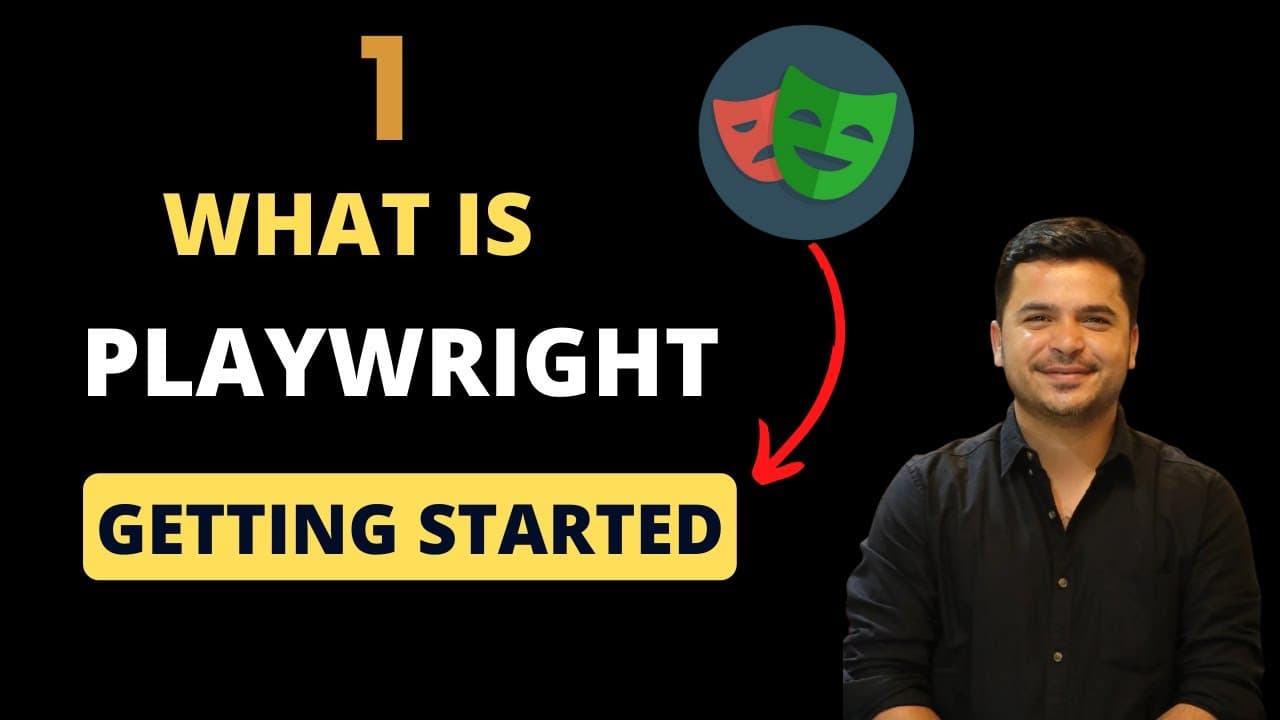 YouTube
Mark your own learning status. Opening a course link does not establish enrollment.
Loading saved status…
This series introduces Playwright with JavaScript, starting with installation, setup and basic scripting. The description frames it as a progression from locators and page interactions to advanced features such as file uploads, screenshots and multi-page scenarios.
Developers learning test automation, QA engineers adding Playwright to their workflow and web developers scripting browser tasks are the stated audiences. The description is general, so the playlist's individual videos will show the depth more clearly.
Welcome to the Playwright with JavaScript Tutorials playlist! This series takes you on a journey from mastering the basics of Playwright to advanced automation techniques, all using JavaScript. Whether you're a beginner exploring browser automation or an experienced developer looking to enhance your testing capabilities, this playlist has you covered.
What You’ll Learn:
Getting Started with Playwright: Installation, setup, and basic scripting.
Core Concepts: Working with locators, selectors, and page interactions.
Advanced Features: Handling file uploads, screenshots, and multi-page scenarios.
Test Automation: Writing robust test scripts and using assertions effectively.
Parallel Testing: Speed up your tests with Playwright’s powerful parallelization.
Debugging & Reporting: Learn debugging techniques and generate insightful reports.
Real-world Examples: Automating tasks like form submissions, web scraping, and more!
Why To Use Playwright?
Playwright is a modern, open-source automation framework by Microsoft that supports multiple browsers (Chromium, Firefox, WebKit) and platforms. It’s perfect for creating reliable, fast, and scalable automation scripts, making it a go-to tool for developers and QA engineers.
Who is This For
Developers learning test automation.
QA engineers looking to integrate Playwright into their workflow.
Web developers are automating browser interactions.
feel free to reach out to us for any help or assistance.
Checkout our free and paid courses
https://academy.learn-automation.com/learn
https://courses.learn-automation.com/
Connect with us:
Email - mukeshotwani@learn-automation.com
Linkedin- https://www.linkedin.com/in/mukesh-otwani-93631b99/
Instagram- https://www.instagram.com/mukeshotwaniofficial/
Facebook Group- https://www.facebook.com/groups/256655817858291
Advertisement
No Korshub reviews yet.