Udemy
FreeAdobe Photoshop Crash Course in 60 Minutes - Quick and Easy
Course4.51kINTERMEDIATE
Free
 Udemy
UdemyPrice
No active coupon right now
View Course →No coupon right now. We'll tell you when there is one.
Mark your own learning status. Opening a course link does not establish enrollment.
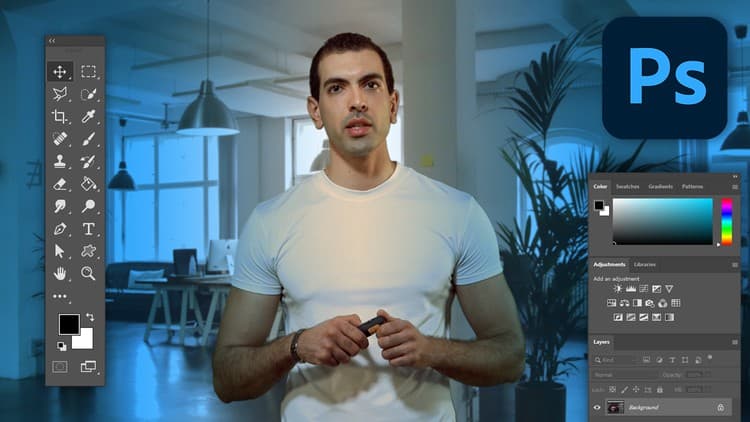
Designed for people who want results fast, this 35-minute course from designer and IT expert Abdul Ahad strips away unnecessary detail without sacrificing depth. Each chapter flows logically—from the interface and file handling, through layers and selections, into transforms and retouching—with exercise files included so you can practice immediately.
The step-by-step method ensures you build a real foundation. By the end, you'll have hands-on competence in Photoshop's core tools, perfect for designers short on time or professionals dipping into image editing.
Ideal for: Busy professionals and designers who need Photoshop skills without a semester-long commitment.
Want to learn Photoshop but don’t know where to start from?
This course is well designed and prepared to make you a decent Photoshop user. All the course contents and examples are wisely chosen and each chapter is explained using the step-by-step method to better fit your needs. The initial chapters are basics and further chapters are explained in more details without making things overcomplicated. To help you follow along with the lectures, exercise files are included in each chapter.
If you are looking for a faster way to learn Photoshop then you are in the right place. This course is designed to be quick and easy thus it only teaches the basics of Photoshop and it best fits those who are preoccupied and can’t take a full-length course.
What you will learn:
This course covers the basics of Photoshop, and its chapters are as follows:
Getting Started: In this chapter, I will introduce you to Photoshop and its interface, you will learn how to create a new document, open, save, and export files for web and print. And you will master some tips and tools to use Photoshop more efficiently.
Layers: This chapter covers anything you need to know about layers. You will learn how to use the Layers Panel, Layer Mask and other useful layer properties.
Selections: By completing this chapter you will be able to select and modify objects using Photoshop’s enhanced selection tools such as, the Marquee Selection Tools, Lasso Tools, Magic Wand, Quick Selection Tool, and newly introduced Object Selection Tool.
Transform and Crop: This chapter will teach you how to transform, resize, crop and straighten images.
Retouching: And in the final chapter, you will learn how to retouch and remove skin issues using Photoshop’s powerful healing tools.
About the Instructor:
My name is Abdul Ahad and I am an IT Expert as well as a Professional Designer, I started my journey working as a freelancer and managed to work on several projects. And I am here to share all those experiences with you. By being self-taught, I know all the necessities and requirements that an instructor needs to be able to provide quality courses.
By completing this course, you will have a decent understanding of Photoshop, and you will also have a sound foundation of Photoshop to build upon.
Advertisement
Adobe Photoshop Crash Course in 60 Minutes - Quick and Easy
Adobe Photoshop Complete Mastery Course Beginner to Advanced
Not the best price we've seen. The lowest we've recorded is $9.99 on 18 Aug.
This is what we recorded in US pricing — not every price this course has ever had, and prices differ by country.