Udemy
 Udemy
UdemyMark your own learning status. Opening a course link does not establish enrollment.
Taught by an instructor with over 20 years in an accounting office and years of home-based bookkeeping experience, this course starts from zero: accessing QuickBooks Desktop, understanding your accounting software options, and setting up a company file. It works through both a free QuickBooks sample file and a company built during the course.
Complete beginners who need to handle their own day-to-day bookkeeping, whether or not they follow along with the actual software (version 2016 or later is recommended if you do).
Because the fundamentals have stayed consistent across QuickBooks Desktop releases, the course remains a solid starting point even as the software's appearance evolves.
This course is designed for the needs of beginners to start using QuickBooks Desktop.
You can choose to either follow the course without the software or follow along with the software. I do recommend having a version of the software to follow along.
Although QuickBooks Desktop make change with each new release and there can be changes in appearance, there are a lot of basics that remain. Therefore a version 2016 or higher should allow you to follow along quite nicely. And after the purchase of this course you will have access to the course on an ongoing basis.
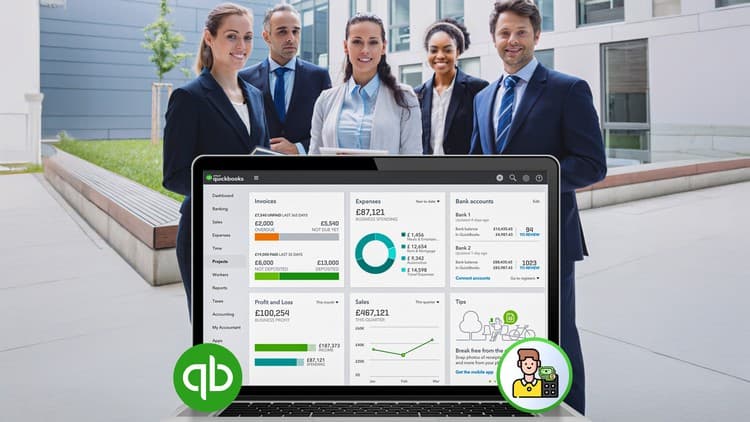
This course will discuss how to access QuickBooks Desktop, the accounting software options and how to set up a company.
We will look at navigating the software, using a free QuickBooks Sample file and the company created during the course.
In the course we will take some time to get oriented to the software and what different options can do for us.
There will be a look at setting some preferences, completing bank reconciliations and many other items.
The intent being that you should gain enough knowledge to begin doing your own day to day bookkeeping.
A bit about the instructor:
I worked in an accounting office for over 20 years and taught courses similar to this one. I have done bookkeeping out of my home for many years.
Advertisement