Udemy
Free Udemy
UdemyPrice
No active coupon right now
View Course →No coupon right now. We'll tell you when there is one.
Mark your own learning status. Opening a course link does not establish enrollment.
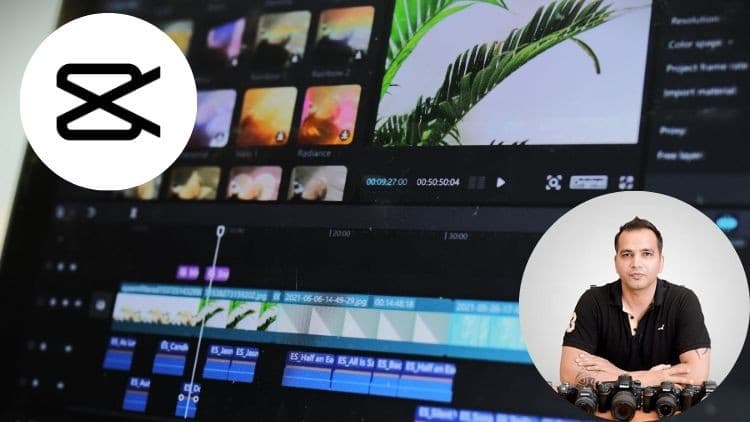
CapCut is a capable desktop video editor for beginners and those stepping up their craft. This course takes you from navigating the interface through importing, trimming, and merging, then into transitions, effects, and audio mixing. Advanced techniques like color grading, keyframe animation, and layered audio editing round out the toolkit.
You'll work on real projects: short films, music videos, promotional content for social media or YouTube. Each lesson builds a skill; each project integrates multiple skills.
Best for: creators wanting professional-quality output without the complexity of industry-standard software. No experience needed; just bring basic computer comfort and CapCut installed on your machine.
CapCut is a powerful video editing software that allows users to create and edit videos on their desktop computers. This course is designed for beginners who want to learn how to use CapCut to edit videos for personal or professional purposes.
In this course, you will learn how to navigate the CapCut interface, import and organize media files, apply basic editing tools such as trimming, splitting, and merging, add transitions and effects, adjust audio levels, and export finished projects.
Throughout the course, you will have the opportunity to work on a variety of video projects, including basic video edits, short films, music videos, and promotional videos. You will also learn how to use CapCut's advanced features, such as color grading, keyframe animation, and advanced audio editing.
By the end of this course, you will have a solid understanding of CapCut's capabilities and be able to use the software to create professional-quality videos. Whether you're interested in creating content for social media platforms, YouTube, or other online platforms, this course will provide you with the tools and knowledge you need to get started.
Course Objectives:
Understand the basic features and functions of CapCut
Navigate the CapCut interface and import media files
Edit videos using basic tools such as trimming, splitting, and merging
Apply transitions and effects to enhance the visual appeal of your videos
Adjust audio levels and add background music
Export finished projects in a variety of formats
Use advanced features such as color grading, keyframe animation, and advanced audio editing
Apply the skills learned in the course to create professional-quality videos for personal or professional use.
Prerequisites: No prior experience with CapCut or video editing software is required. However, students should have basic computer skills and familiarity with desktop applications. Students should also have access to a desktop computer with CapCut software installed.
Advertisement


Video Editing in CapCut | Beginner to Pro | Desktop + Mobile

Not the best price we've seen. The lowest we've recorded is $9.99 on 18 Aug.
This is what we recorded in US pricing — not every price this course has ever had, and prices differ by country.