Udemy
Price
No active coupon right now
View Course →No coupon right now. We'll tell you when there is one.
Mark your own learning status. Opening a course link does not establish enrollment.
Catia 3DEXPERIENCE is the current generation of Catia running on a cloud platform—and if you know Catia V5, you'll recognize the core logic immediately. This course teaches you the modern interface, cloud workflow, and the three essential workbenches: Sketcher, Part Design, and Assembly Design.
You'll progress through guided exercises—sketching, building features like pads and pockets, creating assemblies, and running interference checks—until you're confident modeling complex parts. The course goes beyond button-clicking: it includes mechanical engineering fundamentals like material selection, stress analysis, tolerancing, and design-for-manufacturing, turning you from a CAD operator into an engineer ready for industry work.
Lifetime email support is included, so you're never stuck.
Hi, my name is Alex, and I'm a Design Engineer.
I've spent more than 20 years working with Catia in automotive engineering, racing and industrial design. That experience got me into companies like Ferrari Formula One Team, Red Bull Racing, Jaguar Land Rover and Aston Martin, and everything in this course comes from that practical experience, not theory.
What is Catia 3DEXPERIENCE?
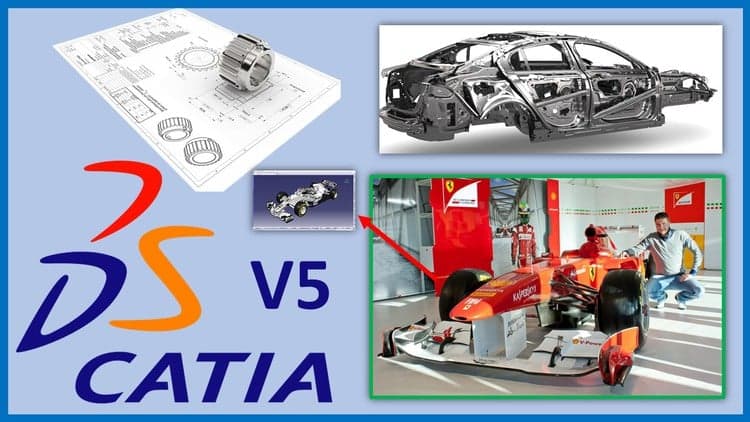
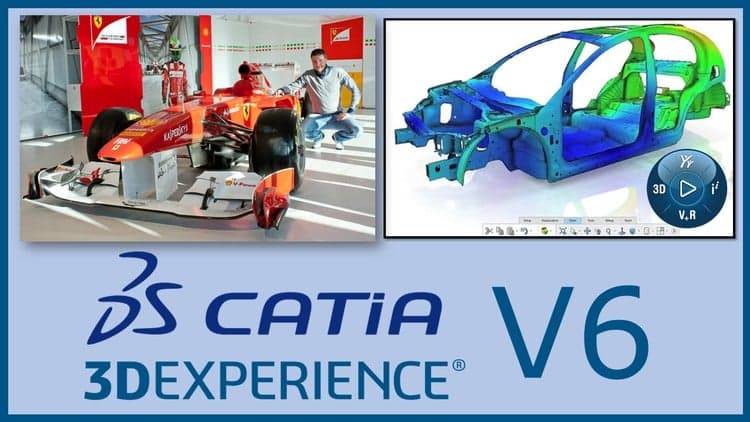
Catia 3DEXPERIENCE is the newest generation of Catia, made by Dassault Systemes. It replaced Catia V6, which no longer exists as a standalone product, and it runs on the cloud-based 3DEXPERIENCE platform. The design logic is very similar to Catia V5, so if you know V5 you'll feel at home fast. What's new is everything around it: the interface, the cloud, and the way you manage your files. That is exactly what this course teaches.
In this course I use the Student Edition, which you can buy directly from the Dassault Systemes website at a very low price, with a 1-year license. I explain all the details in the free "Watch this first" video on this page.
What's inside
We start with the platform itself: how to install and open Catia 3DEXPERIENCE, log in to the cloud, understand the interface, and manage your files in the 3D Space (import, export, rename and delete). Then we go through the three core apps, command by command:
Sketcher: points, lines, profiles, constraints, construction elements, transformations and sketch patterns
Part Design: every feature from pads and pockets to ribs, multi-section solids, drafts, patterns and Boolean operations
Assembly Design: product structure, engineering connections (the new assembly constraints), assembly patterns, interference analysis and sections
Between the lessons you'll do guided exercises to turn commands into real skill: a connecting rod, a piston, a tow ball, a crankshaft, a full engine assembly and more.
More than just software
At the end you'll find a full section on the mechanical engineering knowledge every design engineer should have: the engineering design process, materials and how to select them, stress and failure analysis, tolerances and fits, GD&T, fasteners and joining methods, and design for manufacturing (DFM and DFA). This is the knowledge that turns a Catia operator into an engineer companies want to hire.
Coming from Catia V5?
Throughout the lessons I point out exactly what changed compared to V5, so your existing knowledge transfers directly. You can also use Catia 3DEXPERIENCE with my other courses, where I provide STEP files for the exercises.
You'll also have my personal email, and if you ever get stuck or have questions, I'll answer and help you.
Everything I teach comes from practical experience only, no theories. And I only wish to give you some inspiration.
See you in the course!
Advertisement

CATIA V5 Mastery: 500 Examples| 20 Project| 300 Q&A| 10 Test



Not the best price we've seen. The lowest we've recorded is $9.99 on 18 Aug.
This is what we recorded in US pricing — not every price this course has ever had, and prices differ by country.