Coursera
SubscriptionGenerative AI Coding Assistants for Developers
CourseNo ratings yet346INTERMEDIATE
Coursera Plus
View course →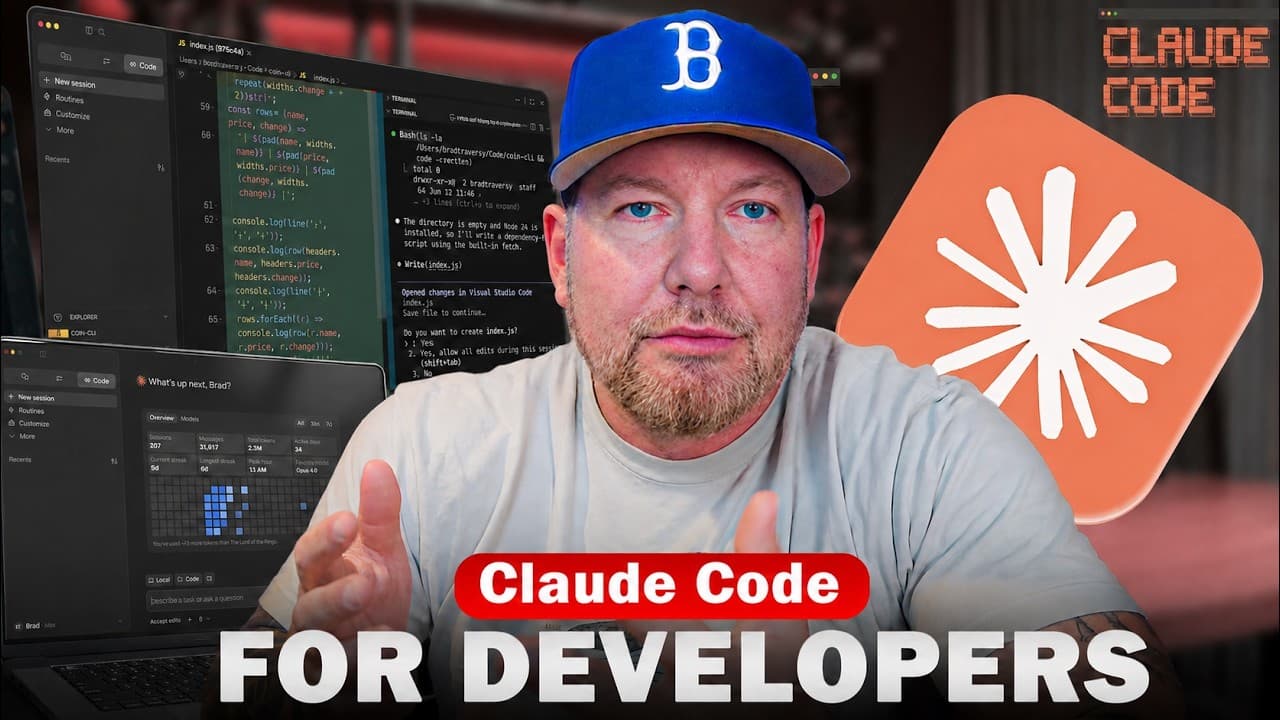 YouTube
Mark your own learning status. Opening a course link does not establish enrollment.
Loading saved status…
The running order of this crash course follows how most people actually adopt the tool: install it, learn the first prompts and the permission settings, refactor some code, then move on to working inside an existing project. Only after that does it reach skills, MCP servers and sub-agents, which is the right sequence because those features assume you already understand context and planning.
Developers who want a single session to get oriented, and who are comfortable pausing the video to try each step in their own setup.
An overview and starting point for Claude Code.
Want to learn more about coding with AI? Check out my course:
https://www.traversymedia.com/coding-with-ai
Get Cluade Code To Follow Along: https://clau.de/TraversyMedia
Get the Neon free plan: https://get.neon.com/6uuwMG3
Follow Neon to not miss course giveaways:
- X/Twitter: https://x.com/neondatabase
- Linkedin: https://www.linkedin.com/company/neondatabase
Github Gist With Prompts:
https://gist.github.com/bradtraversy/9937e0ecfc8a5b269ce6a885636670dc
Crypto Dash Repo:
https://github.com/bradtraversy/crypto-dash
Timestamps:
0:00 - intro
2:23 - What Is Claude Code
3:56 - Installing Claude
6:43 - First Launch
7:26 - Models & Usage Limits
10:44 - Effort
11:14 - Using Claude In VS Code
12:16 - The First Prompt
16:10 - Shell Mode
17:30 - Modes
19:15 - Settings & Permissions
22:55 - VS Code Extension
24:05 - Refactoring Code
27:03 - Context, Tokens & Clearing
29:20 - Global Sessions
33:14 - Working on an Existing Project
35:48 - Claude.md File & /init
39:28 - Plan Mode
44:58 - Adding Favorites Feature
48:05 - Skills
53:27 - MCPs
57:51 - Sub-Agents
Advertisement
No Korshub reviews yet.
Generative AI Coding Assistants for Developers