Coursera
SubscriptionPersonal Effectiveness: Time Management, Goals, Efficiency
CourseNo ratings yet144
Coursera Plus
View course →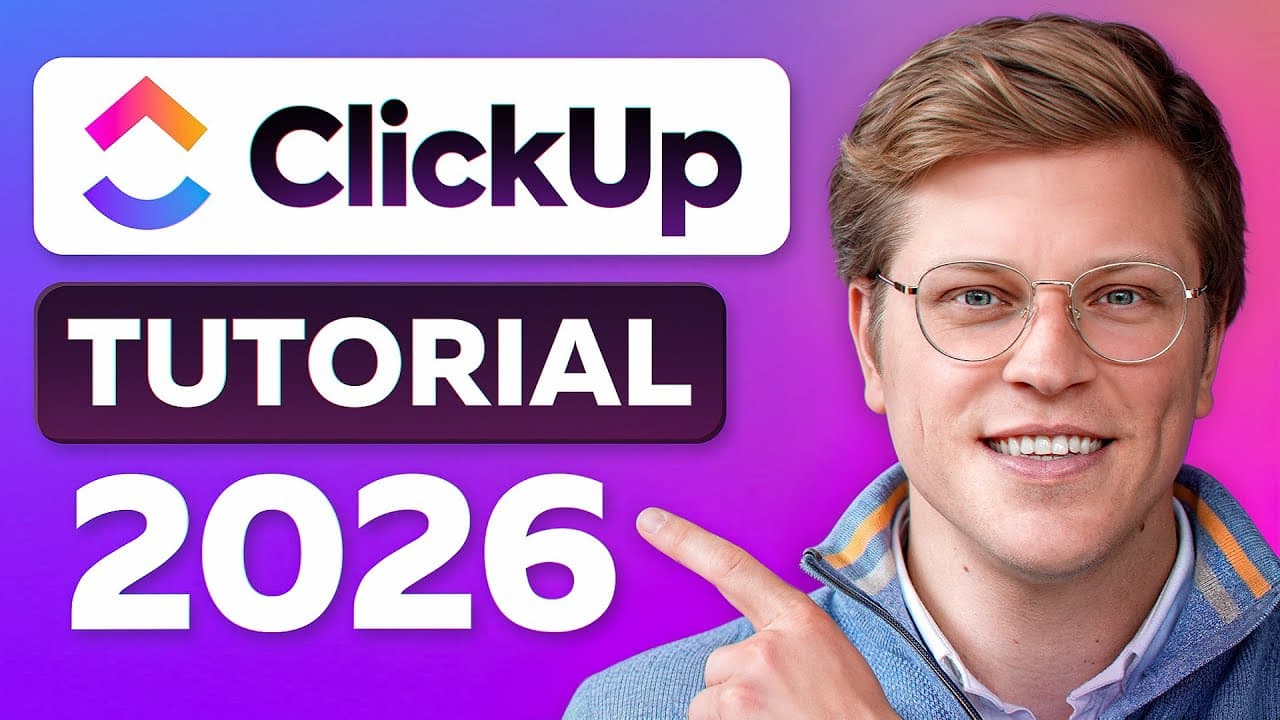 YouTube
Price
This course is free to watch on its platform.
Watch free on YouTube →Mark your own learning status. Opening a course link does not establish enrollment.
Loading saved status…
This is a beginner walkthrough of ClickUp, the 'Everything App' for work, moving from the basic structure of a workspace down to individual tasks. At over an hour long, it works best as a series you dip into rather than one sitting.
Solo freelancers and managers of larger teams both fit the audience. Anyone who has tried project tools and felt buried by options will find the sequence useful, because it builds the structure first and layers features on top.
The closing lessons on templates and workflows are the ones to return to once a team has settled on its process, since that is when customizing the tool pays off.
Stop wasting time on manual updates and master your team’s productivity with this comprehensive ClickUp tutorial for 2026. Learn to organize tasks, automate workflows, and manage projects like a pro!
👉 ClickUp: https://try.web.clickup.com/georgev?sid=clickup-tutorial-1 (Get started for FREE here)
In this video, George Vlasyev breaks down ClickUp for Beginners and how to master team project management from scratch. We’re looking at the latest 2026 Strategy and how tools like ClickUp are changing the game for remote teams and agile organizations.
💼 Get my complete ClickUp sales CRM system: https://vlasyev.com/templates/clickup-sales-crm
📋 Get my ClickUp SOP & wiki template: https://georgevlasyev.lemonsqueezy.com/checkout/buy/63ffe9e0-d6dc-4f1f-97a4-afa0615f3e17
🎥 Hire us for professional video production: https://vlasyev.com/agency
🕒 Timestamps:
0:00 Introduction & Setup
2:45 ClickUp Hierarchy
9:13 Creating & Assigning Tasks
15:08 Using Views – List, Board, Calendar, Gantt
25:17 Collaboration Tools – Comments, Mentions, and Docs
34:09 Goals, Docs & Whiteboards
42:17 Automations – Work Smarter with Automatic Actions
47:54 Dashboards & Reporting – Monitor Your Projects
52:17 Workflows & Templates – Customizing ClickUp for Your Team
1:00:59 Power Tips & Final Thoughts
💡 About The Videos:
George Vlasyev designed this guide to help you navigate the "Everything App" for work without the usual overwhelm. We dive deep into the six levels of the ClickUp hierarchy—from Workspaces down to subtasks—ensuring your team has a clear, organized skeleton for every project. You'll see real-world demos of Whiteboards for brainstorming and Dashboards for real-time reporting to keep your stakeholders informed.
Most teams fail at project management not because they lack the tools, but because they lack the structure. This tutorial provides that structure by showing you how to implement 2026 workflows, including automated task assignments and custom status tracking. Whether you're a solo freelancer or managing a large team, this video establishes a foundation for scalable growth and efficient collaboration.
📲 Connect With Me:
- Business Inquiries: george@vlasyev.com
- Connect on LinkedIn: https://www.linkedin.com/in/georgevlasyev
LEGAL DISCLAIMER: Some of the links in this description are affiliate links. If you click and make a purchase, I may receive a small commission at no extra cost to you. I only recommend tools I personally use to grow my business and the George Vlasyev brand.
#GeorgeVlasyev #ClickUpTutorial #ProjectManagement2026
Advertisement
No Korshub reviews yet.
Personal Effectiveness: Time Management, Goals, Efficiency

Work Smarter, Not Harder: Time Management for Personal & Professional Productivity