NPTEL
Free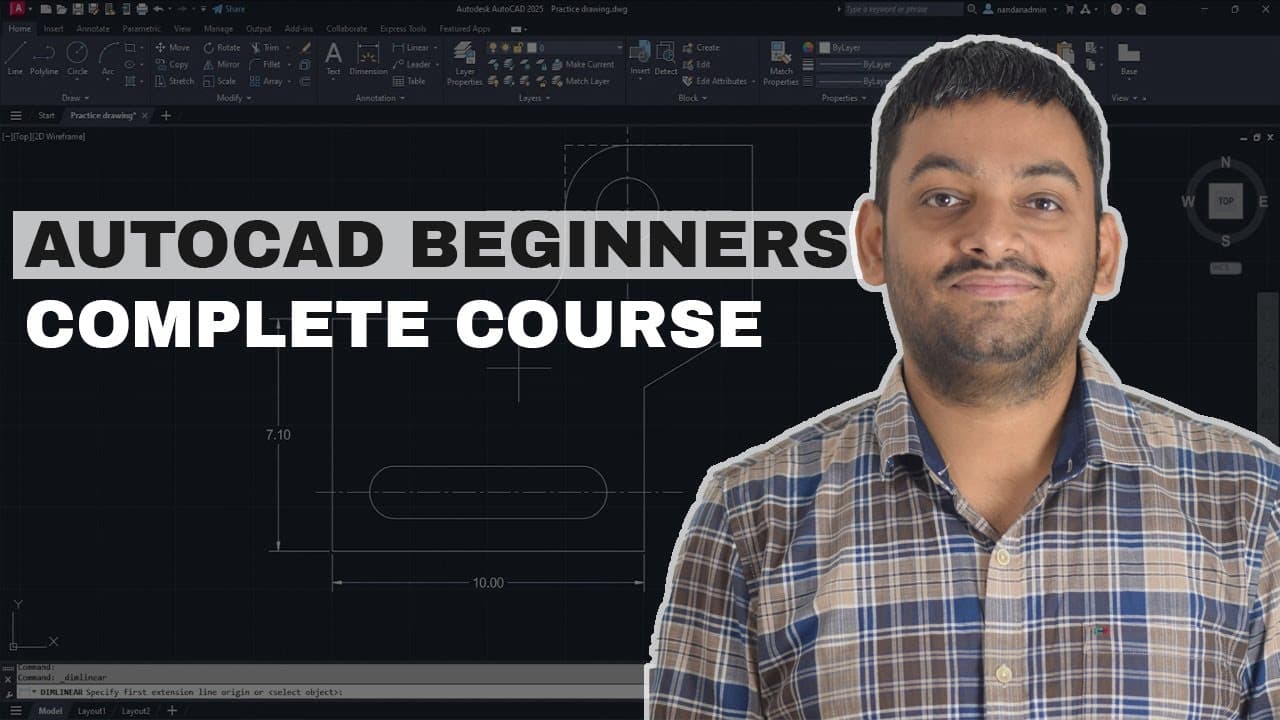 YouTube
Mark your own learning status. Opening a course link does not establish enrollment.
Loading saved status…
The video moves from the user interface and basic lines through navigation, units and drawing commands before reaching editing tools and object snaps. Each stage depends on the one before, so the order is part of the lesson.
The modify tools section is the longest stretch, followed by status bar toggles and draw commands. Dimensions, layers and blocks come next, and printing and plotting closes the course.
A practice drawing PDF is available to download, which lets you work alongside the lessons on the same geometry the instructor uses. That habit matters with an editing-heavy course like this one.
Download the lesson files used in this AutoCAD beginners course here: https://mail.sourcecad.com/autocad-beginners-complete-course
Free AutoCAD essentials complete course with certificate of completion: https://sourcecad.com/courses/autocad-essentials-course/
In this complete AutoCAD course for beginners, you will learn all about AutoCAD right from scratch in a step-by-step way.
Here are the topics covered in this video series:
00:00 Introduction
02:57 User interface
08:03 Making basic lines
09:54 Navigation tools
12:24 Selection set
14:28 Understanding units
18:14 Draw commands (line, polyline, circle, arc & rectangle)
20:28 Status bar toggles (ortho mode, polar tracking & dynamic input)
34:11 Modify tools (move, copy, rotate, mirror, join, explode, fillet, trim, extend & offset)
52:59 Object snaps
58:26 Object properties (line type & transparency)
01:01:51 Adding dimensions
01:05:49 Using layers
01:09:14 Making & modifying blocks
01:15:32 Printing & plotting
Download the practice drawing PDF here: https://sourcecad.com/autocad-practice-drawings-with-pdf-ebook/
Why @sign is used for making rectangle is explained here: https://sourcecad.com/course/3-making-rectangles/
Learn all about simple and dynamic blocks of AutoCAD in these courses https://sourcecad.com/courses/autocad-2022-beginners-course/ and https://sourcecad.com/courses/autocad-dynamic-blocks/
AutoCAD printing and plotting course https://sourcecad.com/courses/printing-and-plotting-in-autocad/
Advertisement
No Korshub reviews yet.