Other
Free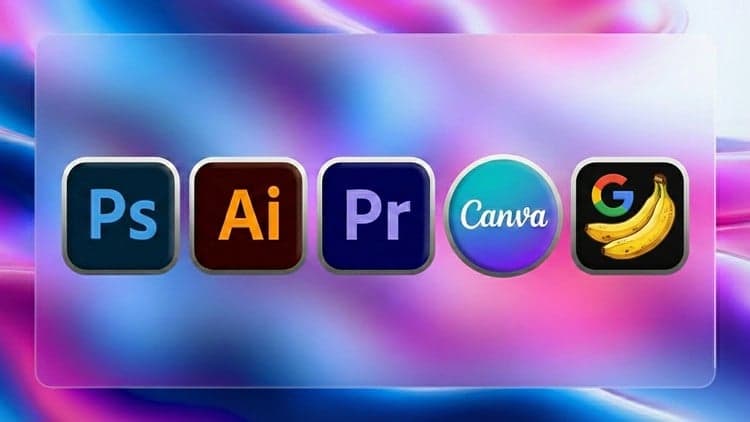
Price
No active coupon right now
View Course →No coupon right now. We'll tell you when there is one.
Mark your own learning status. Opening a course link does not establish enrollment.
Loading saved status…
This masterclass bundles graphic design and video editing into one path. It takes in Photoshop for image editing, Illustrator for vector work, Canva for quick templated layouts, and Premiere Pro for video. Because the scope is broad, each program gets a shorter treatment than a dedicated course would give it.
Beginners who want a survey of creative tools before choosing a specialization will get the most from it. Entrepreneurs and marketers who make their own social posts and promotional clips may find the Canva and Premiere sections directly useful, since those tasks come up in everyday business content.
If you already know one of these tools well, the other sections may feel like an introduction rather than a deep dive.
Unlock your creative potential and become a skilled graphic designer and video editor with our Comprehensive Masterclass! This Udemy course is carefully crafted to guide beginners and intermediate learners through the essentials of Adobe Photoshop, Illustrator, Canva, and Adobe Premiere Pro – the industry-leading tools for graphic design and video editing.
What You'll Learn:
Adobe Photoshop Fundamentals:
Master the basics of image editing and manipulation.
Explore advanced techniques for photo retouching and enhancement.
Design stunning graphics for both print and digital media.
Adobe Illustrator Mastery:
Learn vector graphics creation for logos, illustrations, and more.
Understand the principles of design and composition.
Develop skills in creating scalable and high-quality graphics.
Canva for Design:
Harness the power of Canva for quick and visually appealing designs.
Create social media posts, presentations, and marketing materials effortlessly.
Customize templates and unleash your creativity without a steep learning curve.
Adobe Premiere Pro Video Editing:
Dive into video editing fundamentals and workflow.
Edit and enhance videos with professional techniques.
Add transitions, effects, and audio for a polished final product.
Course Highlights:
Hands-On Projects: Apply your skills immediately with practical exercises and real-world projects.
Expert Guidance: Benefit from step-by-step instructions by industry experts with years of experience.
Resourceful Materials: Access downloadable resources, cheat sheets, and templates to aid your learning.
Community Support: Join a vibrant community of learners, exchange ideas, and receive feedback on your work.
Who Is This Course For?
Beginners looking to start a career in graphic design and video editing.
Intermediate designers seeking to enhance their skills with industry-standard tools.
Entrepreneurs and marketers aiming to create compelling visual content for their businesses.
Why Choose This Course?
Gain proficiency in multiple tools, expanding your versatility as a designer.
Receive a certificate of completion, showcasing your newly acquired skills.
Stay updated with the latest trends and techniques in graphic design and video editing.
Enroll now and embark on a creative journey that will equip you with the skills needed to bring your ideas to life! Whether you're a freelancer, aspiring designer, or business professional, this masterclass is your gateway to unleashing your creativity with confidence.
Advertisement
Tracking since 15 Nov — not enough history yet to tell you whether today's price is any good. Watch the course and we'll tell you when it drops.
This is what we recorded in US pricing — not every price this course has ever had, and prices differ by country.
No Korshub reviews yet.
Daily Editorial Workflows for Assistant Editors in Premiere

Finishing the Cut: Post-Production Pipelines in Premiere

Assistant Editor Foundations in Adobe Premiere