Other
Free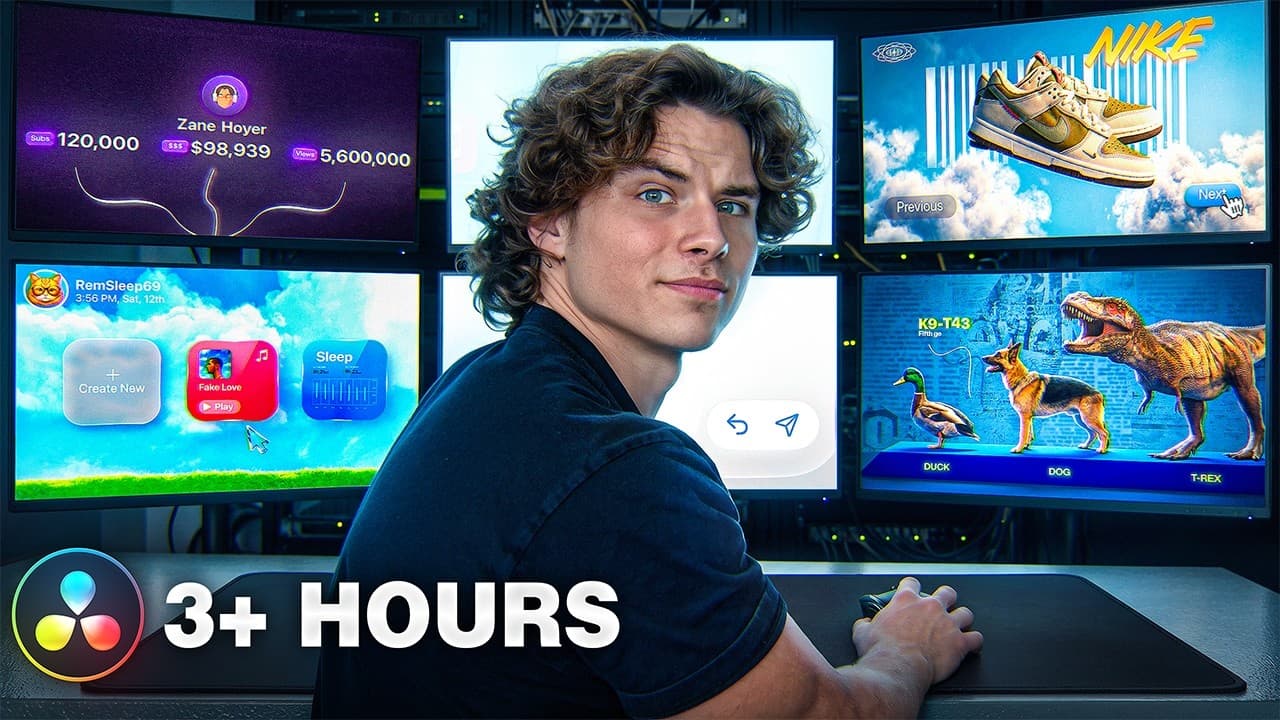 YouTube
Mark your own learning status. Opening a course link does not establish enrollment.
Loading saved status…
This is an advanced session for editors who want motion graphics and visual effects inside DaVinci Resolve. Its first part breaks down animations inspired by widely viewed videos, from clean, Apple-style graphics to cinematic 3D animation built in Fusion.
The runtime is split into three parts. The opening section covers the reference animations, the middle section offers step-by-step tutorials that were previously shared only with a community, and the final section goes deeper into advanced Fusion workflows. Project assets and bevel and text animation tools are offered for practice.
Beginners should build core editing skills first, since the course assumes familiarity with the software.
Welcome to my DaVinci Resolve motion design course…
Try this tool for free to make custom soundtracks for your videos: https://suno.pxf.io/zz5AeG
Link to all the assets I used: https://drive.google.com/drive/folders/1mBAjdiGb5dVtcnbCL5yEo3aIVuawr85H?usp=sharing
Link to bevel and text animations: https://peejent.lemonsqueezy.com?aff=erKVPE
This is nearly four hours of in-depth editing secrets packed into a single masterclass.
First up, we’re breaking down high-quality animations inspired by real YouTube videos pulling millions of views. From sleek, Apple-style motion graphics to cinematic 3D Fusion animations, these techniques are highly versatile and built for real-world editing.
Next, I’m showing multiple step-by-step tutorial lessons that were originally kept exclusive to my community.
Finally, I’ve carefully selected my most advanced workflows and put them at the end of this MONSTER of a video. In this section, we dive deep into what can actually be achieved in DaVinci Resolve Fusion.
#DaVinciResolve #MotionDesign #VideoEditing
Advertisement
No Korshub reviews yet.
Daily Editorial Workflows for Assistant Editors in Premiere

Finishing the Cut: Post-Production Pipelines in Premiere

Assistant Editor Foundations in Adobe Premiere