11.How to render or export your After Effects animation
12.My computer is really crappy help
13.Empty your disk cache to clear hard drive space
14.Ive lost my timeline in After Effects
15.Lower thirds type animation
16.Creating a watermark in After Effects
17.Rules of motion graphics anticipation
18.Custom easing using the graph editor in After Effects
19.Adding audio & music to your video
20.Inspiration for you motion graphics
My Learning
Mark your own learning status. Opening a course link does not establish enrollment.
Korshub's take
Motion Graphics Opens a Revenue Stream
Motion graphics demand looks flashy, but the fundamentals are learnable—and hiring motion designers remains competitive. This beginner course walks you through After Effects essentials in digestible video lessons.
What You'll Create
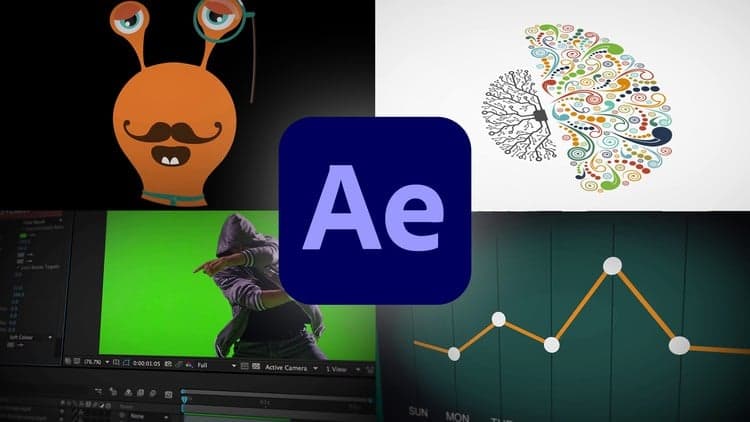
Beautiful animations and infographics
Slick type animations and title sequences
Animated charts, parallax, and basic character animation
Downloadable exercise files and completed files let you follow along exactly and check your work.
About this course
In this course you’ll learn how to create motion graphics in Adobe After Effects. This motion graphics course is everything you need to start creating beautiful animation & infographics.
As part of this course you’ll get downloadable exercise files so you can work along exactly with the trainer. You’ll also get completed files with every video so you can download and check your files against the trainers.
In this course you'll learn:
Create beautiful motion graphics
Animate compelling infographics
Choose the correct video settings.
You’ll learn how to exporting your video easily.
You’ll be able to create slick type animations.
Rendering your video for Youtube & Vimeo.
Create titles for interviews.
Add music to your motion graphics.
Trim & editing video.
Add watermarking your video.
Fixing shaky footage.
Color correct & fix any bad footage.
Add a vignette to your video.
Learn how to use your skills from Illustrator & Photoshop
How to use green screen footage
How to mask like a pro.
How to animate infographics like bar graphs, line graphs & pie charts.
How to use camera to make 3D type.
Animating static images using parallax
Plus basic character animation. + More…
Your trainer is an Adobe After Effects Certified Expert and Certified Instructor. Daniel has been creating immersive infographics and motion graphics for more than 12 years.
The course is approximately 3 hours long. Each step broken into individual videos to make it easily digestible.
You’ll need Adobe After Effects installed on your computer. A 30 day free trial can be downloaded directly from Adobe.
If you’ve been excited by the world of motion graphics but still haven’t started. This beginner course is perfect for you.