Udemy
Free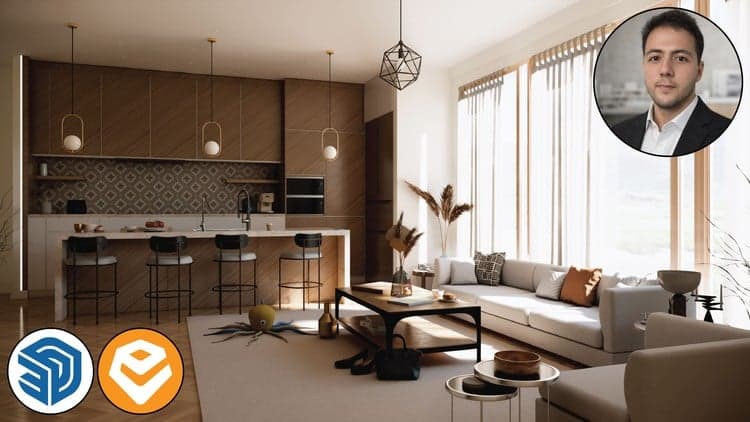 Udemy
UdemyMark your own learning status. Opening a course link does not establish enrollment.
This hands-on tutorial focuses specifically on Enscape 4.15's interior rendering workflow inside SketchUp, aimed at architects, interior designers, and 3D visualization artists who want client-ready images without a complicated pipeline. It follows a real project from setup to export, rather than covering Enscape's features in the abstract.
Beginners and those with some prior SketchUp experience alike — the course is built to be followed step by step with real project examples, ending with renders suitable for a portfolio or client presentation.
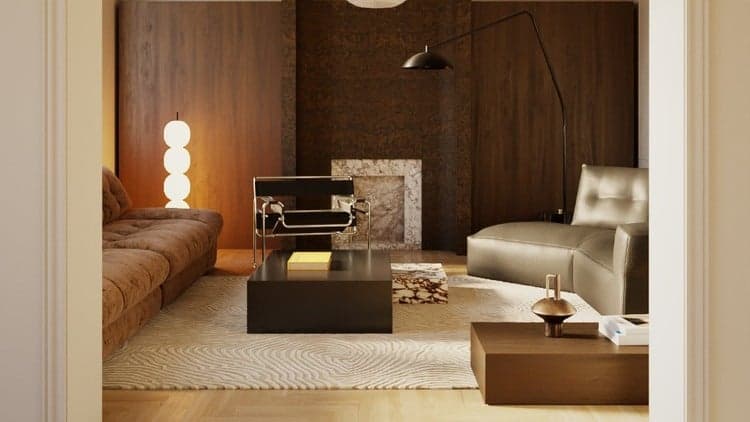
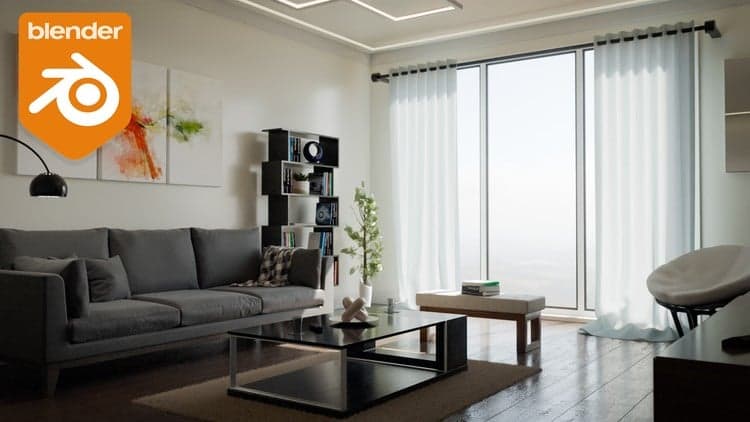
Do you want to create photorealistic interior renders directly inside SketchUp using Enscape 4.15? This course is built for architects, interior designers, and 3D visualization artists who want to produce stunning, lifelike interior renders without complex workflows.
In this hands-on tutorial, you will learn how to set up your interior scene in SketchUp, configure Enscape 4.15 for maximum realism, and export beautiful high-resolution images ready for client presentations and your portfolio.
What you will learn:
- How to prepare and organize your SketchUp interior model for rendering
- How to set up realistic natural and HDRi Lights in Enscape
- How to apply and customize materials — wood, glass, fabric, concrete, and more
- How to control exposure, white balance, and atmosphere for mood
- How to set up perfect camera angles and interior views
- How to export high-quality still renders and panoramas
Whether you are a beginner or have some SketchUp experience, this course guides you step by step with real project examples and clear explanations.
By the end of this course, you will confidently produce interior renders that look professional, impress clients, and stand out in your portfolio.
Enroll for free today and bring your interior designs to life with Enscape 4.15!
Advertisement
BEST PLUGINS IN SKETCHUP & Make Sketchup much more powerful