Coursera
Subscription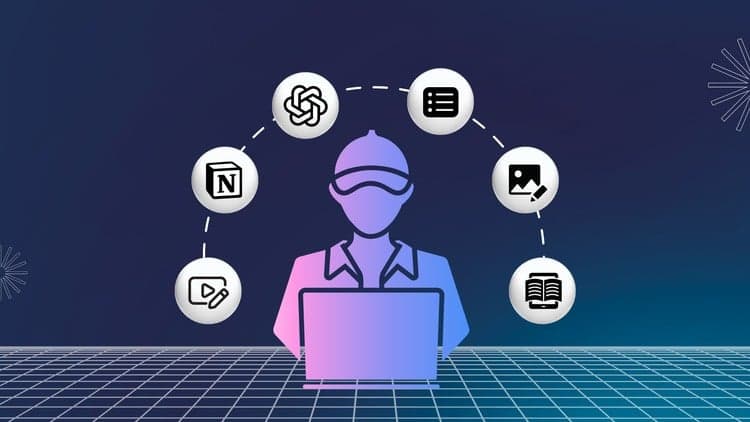
Price
No active coupon right now
View Course →No coupon right now. We'll tell you when there is one.
Mark your own learning status. Opening a course link does not establish enrollment.
Loading saved status…
This course bundles several practical skills that beginners often need when they start working for themselves. It is less a close study of one tool than a sampler showing how different skills fit together in one line of work, which makes it useful for finding out where to focus.
Extras include image editing, editable PDFs and building resumes and portfolios in Canva, along with e-learning tutorials.
The course suits someone who wants a broad introduction before choosing a specialism. Those who already know one of these tools well may find the others more useful. Check the section outline to see which areas get the most time before you commit.
Featured here in this course
1. Video Editing
Learn to Edit videos, add background music, voice-over, caption, text, trimming, split clips, Display text at a particular Time stamp, Display images at a particular Timestamp, Add Sound effects at a particular Time Stamp
2. Voice over
Learn to record audio, edit audio, trim, select, split, delete, copy, paste, select, and noise reduction
Learn to use screen recorders to record voice along with screen, noise reduction in screen recorder
3. Manual Crowd Testing
Learn the basic terms of testing. Test cycle, Test scenarios, Test overview, Test cases, Bugs, Types of Bugs, Severity, Priority, Bug Template, Test case execution steps, and Bug Bounty Contests.
4. Google Forms and Google Sheets
Learn to create Google forms, and features, add questions, and responses, link responses to Google sheet, settings
Learn the basics of Google Sheets, How to use Google Sheets, and Operations performed in Google sheet, formulas, graphs, charts
5. Notion
Learn what is Notion, How to use Notion, Where Notion is used, Basic blocks in Notion, Adding Pages, Media, Tables, Databases, Database views, Sample template creation for to-do lists, expense tracking, project management, roll up and relation features and template using linked databases
6. ChatGPT
Learn what is ChatGPT, How to interact with ChatGPT, Example interactions, How it is used in various fields, Prompt Engineering, Create prompts, How to earn from prompts
7. Extras
Learn to edit images
Learn to create editable pdf
Learn to create Resumes and Portfolios using Canva
Learn to create e-learning tutorials
Future Updates:
1. Mobile Video Editing
2. Canva
3. KDP
4. Social Media Marketing
To gain insights into the diverse world of freelancing, simply open ChatGPT and input this prompt 'Top 50 freelancing skills and tasks involved'. It provides a comprehensive overview of various freelancing tasks across different industries. The concepts and tools covered in this course will help to excel in at least the top 40 skills under this freelancing category.
Advertisement
Tracking since 15 Nov — not enough history yet to tell you whether today's price is any good. Watch the course and we'll tell you when it drops.
This is what we recorded in US pricing — not every price this course has ever had, and prices differ by country.
No Korshub reviews yet.
Notion for Beginners: Build Powerful Dashboards & Databases


Notion Fundamentals - The Complete Notion Course for Beginners