Coursera
Subscription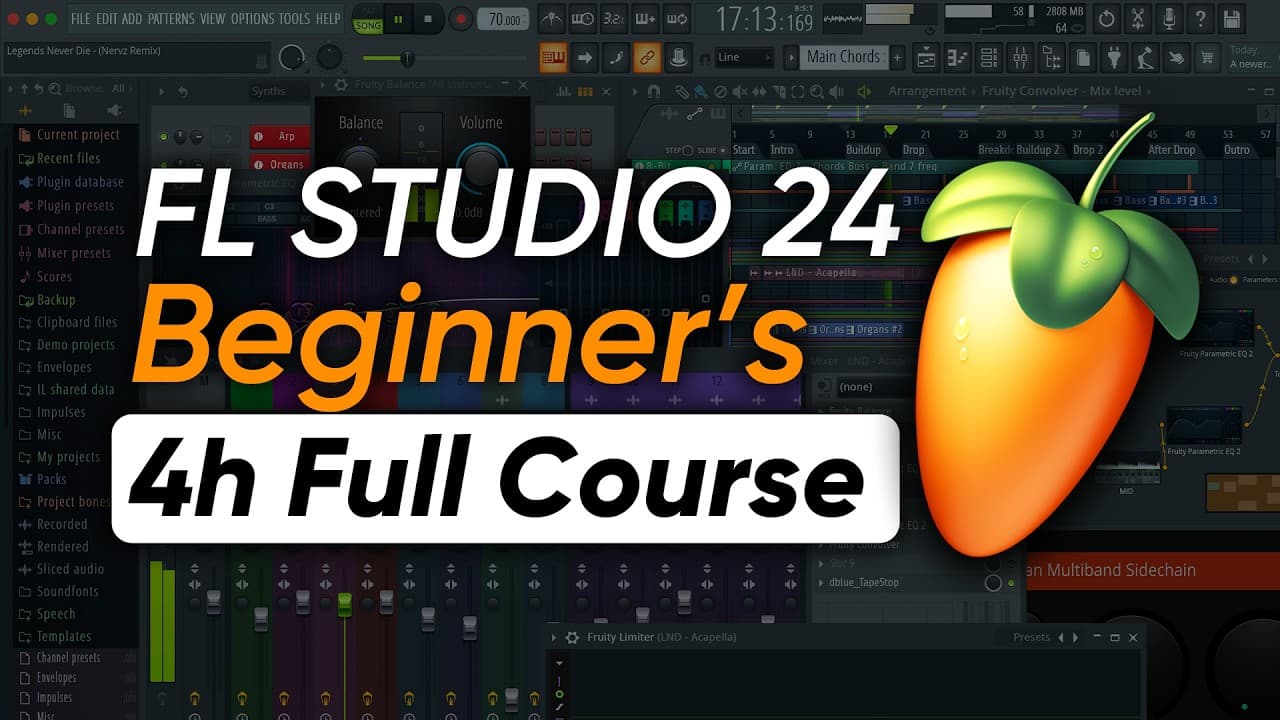 YouTube
Price
This course is free to watch on its platform.
Watch free on YouTube →Mark your own learning status. Opening a course link does not establish enrollment.
Loading saved status…
Organized as six days, this video follows the whole production path from first sound to exported master. Each day has a clear focus, so a viewer can jump to the stage they need or work through the lot in order.
Complete beginners who want one continuous lesson rather than a set of separate clips. Because much of the material is about mixing, the second half suits people who already have a track to finish.
🚨 *BLACK FRIDAY ACTIVE:* Everything 80% OFF (Only 100 Spots): https://MixElite.com/join/?vid=6YwWKn6k0Mg
👆 Get All Courses, Sounds & Templates + Weekly "Fix My Mix" Calls + Unlimited 1:1 Feedback
🎁 FREE Course Resources: https://MixElite.com/fl-studio-basics-course-downloads/?vid=6YwWKn6k0Mg
Welcome to the Complete Music Producer Beginner's Course (FL Studio Basics Tutorial) where you'll master everything you need to start making your own music in FL Studio.
-----------------------------------------------------------------------
📁 *Want ALL Project Files, Samples and Presets we use in our tutorials?*
-----------------------------------------------------------------------
Academy Members get access to *everything you see us use* in our YouTube videos.
Plus 60+ hours of premium courses, weekly live coaching, 1:1 feedback from our team & more.
Get All Access 👉 https://MixElite.com/join/?vid=6YwWKn6k0Mg#accessall
---------------------------
🕒 *Time Stamps*
---------------------------
0:00 - What You're Going To Learn
*Day 1 - How to start making music*
1:33 - Music Production Equipment you need
6:26 - What music production software should I use?
8:16 - Workflow Behind Producing a Track
10:30 - Understanding FL Studio & Navigation
*Day 2 - How to Write Chords and Melodies in FL Studio*
24:39 - Music Theory, Installing Instruments, Writing Chords & Melodies
29:52 - Music Theory Explained - Notes & Scales
32:07 - Using FL Studio Piano Roll & Scale Helpers
34:07 - Building Chords in Piano Roll
46:22 - 4 Ways of Writing Melodies for Beginners
57:46 - Writing a Bassline
*Day 3 - How to Make Beats*
1:01:47 - Programming Trap & EDM Drums + Arrangement
1:04:10 - Writing Trap Drums
1:08:21 - How to Install Sample Packs in FL Studio
1:10:36 - How to Make Trap Hi-Hat Rolls in FL Studio
1:17:53 - How to Make EDM House Drums in FL Studio
1:25:42 - How to Arrange Your Ideas into Full Songs - Easy Way
*Day 4 - How to Mix*
1:41:50 - Holy Quad Mixing Formula
1:47:28 - How to Balancing Volume in FL Studio
1:53:59 - FL Studio Mixer Explained
1:59:17 - Stereo and Mono - What's the Difference?
2:02:34 - Signal Flow in FL Studio Explained
2:03:37 - How to EQ in FL Studio (Equalization)
2:22:41 - Dynamics & Compression
2:41:05 - Why is Compression So Important and Why Does It Work?
2:42:22 - How to Use Sidechain Compression - Making Your Track Punchy
*Day 5 - How to Mix and Record Vocals*
3:09:41 - Everything You Need to Record Professional Sounding Vocals
3:13:35 - Recording Vocals in FL Studio
3:18:30 - Vocal Mixing Volume Automation
3:26:46 - Pitch Correction and Vocal Auto-Tune in FL Studio
3:33:40 - V.O.C.A.L. Technique Explained
3:34:39 - How To EQ Vocals in FL Studio
3:37:49 - How to Compress Vocals in FL Studio
3:39:54 - How to Apply De-esser on Vocals
3:50:14 - How to use Multiband Compression Using OTT on Vocals
*Day 6 - How to Master in FL Studio*
3:52:26 - What is Mastering in Music Production?
3:53:04 - Best Settings for Exporting Your Track for Mastering
3:54:57 - Mastering and Audio Concepts Explained - Decibels, LUFS, Soft Clipping, Limiting
3:59:47 - Mastering Chain Step 1 - EQ
4:06:09 - Mastering Chain Step 2 - Multiband Compression
4:16:06 - Mastering Chain Step 3 - Maximizing Loudness - Best Ways
4:28:24 - Best Settings for Exporting a Final Master
-------------------------------------------------------
📌 *What You'll Learn In This Music Producer Basics Tutorial*
-------------------------------------------------------
In this video, you're going to go from not knowing anything about music production - to producing your tracks from start to finish. It's designed for complete beginners. You'll learn how to start making beats.
Happy producing!
Advertisement
No Korshub reviews yet.