YouTube
Free YouTube
Mark your own learning status. Opening a course link does not establish enrollment.
Loading saved status…
This video is built around concrete objects rather than abstract tool tours. Each chapter takes on a specific shape, from a ghost trap to a cord, and works through the tools needed to build it.
The boolean section is marked for versions before Maya 2023, so newer releases may handle that step differently. The video is labeled beginner and works as a reasonable first modeling run-through. Use the chapter list as a guide to the order of the tools, since each object builds on the techniques before it.
Discover How I Landed My First Animation Job in Hollywood at 26 years old and How You Can Too At Any Age: https://animatorsjourney.com/animation-webinar-registration/?utm_source=youtubeMayaBeginFreeCourse
Enroll in Maya for Beginners: https://courses.digitalcreatorschool.com/bundles/maya-for-beginners
Or on Skillshare: https://skl.sh/2H5I2pw
If you want to become an animator, and not a modeler, check out the path for you at Animator's Journey: https://animatorsjourney.com
The difference, Maya for Beginners covers many areas and is software-focused. Animator's Journey is a deep dive in animation as a skill for career-focused animators and has its own private community with professional feedback on your animation. Both needs no experience to begin and both come with a student license of Maya.
____________________
00:00 - What We'll Learn
01:20 - Intro To Maya's Interface
14:03 - Maya's Manipulators and Navigation
25:09 - Snapping shortcut
27:09 - Intro To 3D Modeling
35:13 - Ghostbuster Trap
48:45 - Insert Edge, Extrude, Append
01:02:33 - Beveling, Normals
01:15:03 - Booleans (pre-Maya 2023)
01:39:52 - Motion Path Modeling
02:01:26 - Ghostbuster Front, Merge Vertices
02:18:02 - Ghostbuster Doors
02:34:49 - Cord Modeling (old method)
02:47:07 - Cord Modeling (new method)
02:52:08 - Next Steps
#maya #3d #3dmodeling
Advertisement
FREE Maya 3D Full Course (3D Animation Course for Beginners) (BUSINESS IDEA)
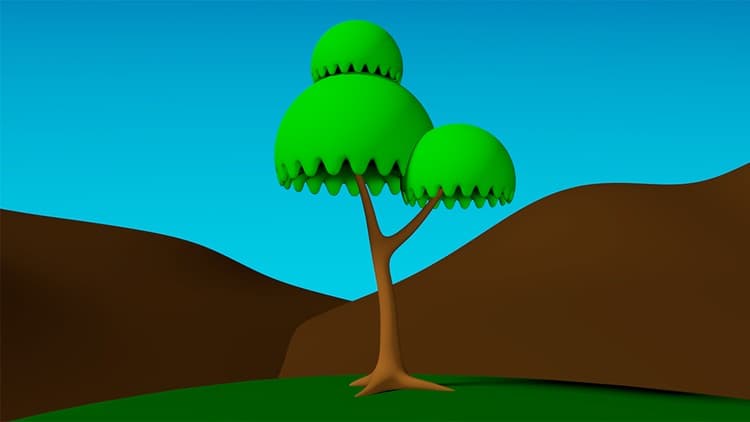

Maya for Beginners: Complete Guide to 3D Animation in Maya
No Korshub reviews yet.