Other
 YouTube
Mark your own learning status. Opening a course link does not establish enrollment.
Loading saved status…
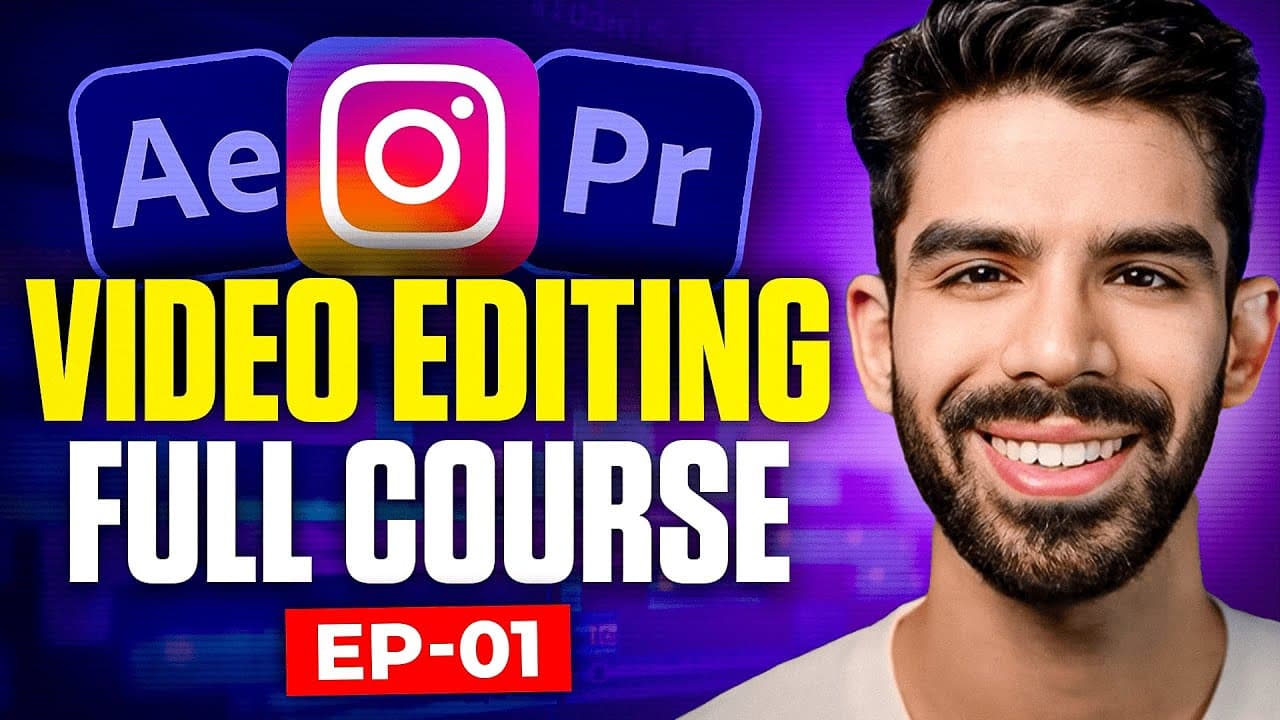
This course covers editing in Adobe Premiere Pro alongside motion graphics in After Effects. Its outline moves from cutting footage and organizing a timeline to basic animation, then to storytelling through pacing, and finishes with audio and color.
Complete beginners and people looking to tighten their existing skills are both addressed. The description aims at creators who want to build a complete edit rather than learn a single tool, so it suits those who expect to use both applications.
The title refers to AI, but the description itself is about Premiere Pro and After Effects. Read the outline, not the title, to judge what is covered.
This Full Video Editing Course is designed for anyone looking to get serious about video editing and content creation using Adobe Premiere Pro and After Effects.
Whether you’re just starting out or want to refine your skills, we’ll walk you through the process step-by-step, focusing on practical techniques that work.
Here’s what we’ll cover:
👉🏻 Premiere Pro Basics: Cutting footage, organizing timelines, and pulling together a solid edit.
👉🏻 After Effects Fundamentals: Adding motion graphics, basic animations, and effects to give your videos depth.
👉🏻 Storytelling Through Edits: Shaping raw clips into something that flows and keeps viewers watching.
Audio and Color: Cleaning up sound and tweaking visuals for a polished finish.
Advertisement
No Korshub reviews yet.
Create video, audio and infographics for online learning