Coursera
Subscription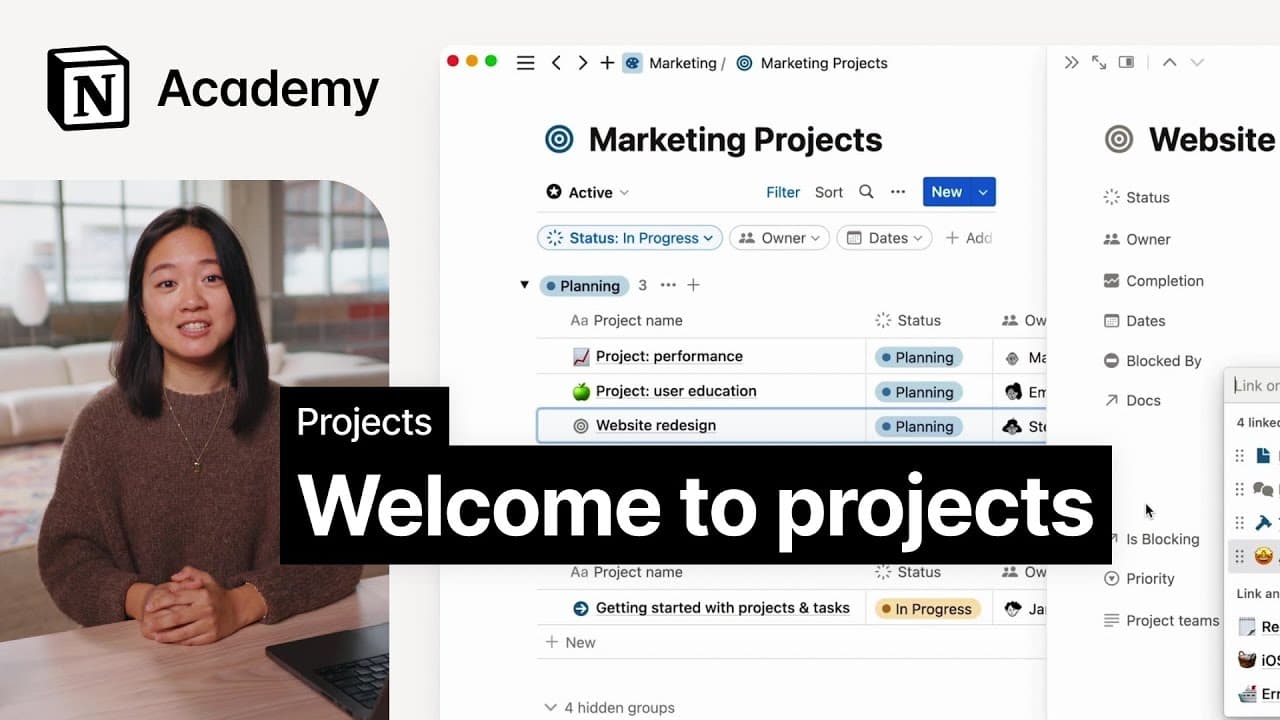 YouTube
Mark your own learning status. Opening a course link does not establish enrollment.
Loading saved status…
This resource walks through creating a Notion project and adding the first tasks. It suits project managers and team members who want to see how a project looks in Notion before moving real work into it.
The listing points to custom properties that build different views, a GitHub connection, and sprint management. Together these show how a basic task list can grow into a fuller tracking setup for software or other teams.
It is a practical starting point for teams that want to try Notion Projects without a long setup.
Set up your project in Notion and add tasks. Then, add properties to build custom views, connect GitHub, manage work in sprints, and more.
Advertisement
No Korshub reviews yet.
Notion for Beginners: Build Powerful Dashboards & Databases


Notion Fundamentals - The Complete Notion Course for Beginners