Coursera
Subscription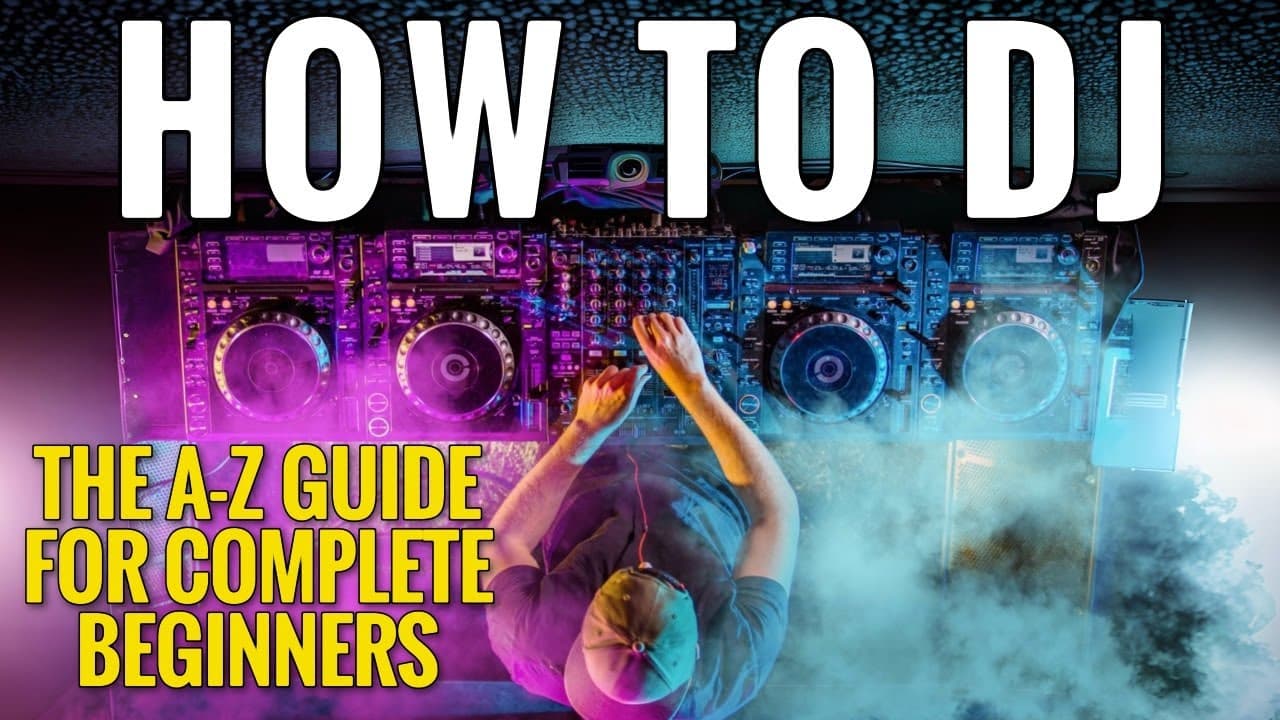 YouTube
Price
This course is free to watch on its platform.
Watch free on YouTube →Mark your own learning status. Opening a course link does not establish enrollment.
Loading saved status…
This beginner guide starts with the software side of DJing: building playlists, finding music and keeping track of tempo. It then moves to the hardware, covering the layout of DJ decks, hot cues compared with memory points, and the beat grid that keeps a mix in time.
The middle of the video works through the core techniques: mixing in key, beatmatching by ear and with the sync button, frequency mixing with headphones, and emergency transitions for when a mix goes wrong. Each skill has its own chapter, so you can practice one at a time.
The later chapters on mashups and the CDJ 3000 are less about theory and more about the kit you may meet in a club, so treat them as a second pass once the basics feel comfortable.
✅ Work with me on a 1-2-1 Mentorship to make incredible dance music and grow your DJ Career. (NO EXPERIENCE NEEDED) https://philharrismusic.com/upgrade
Or alternatively, simply message me the word "MainStage" on instagram and we can chat https://www.instagram.com/philharrismusic
I will work with you until you have a record label. Guaranteed!
✅ Deep Dive into DJing with my courses https://www.beginnerdjlessons.com/dj-bundles-1
00:00:00 Intro
00:03:08 What’s in the video
00:06:30 What is DJing
00:07:40 Dj software
00:11:12 Creating playlist
00:13:48 Software tips
00:15:56 Where to get music from
00:22:55 BPM and Grid
00:28:49 Mixing in key
00:39:40 Basics of DJ Decks
01:06:33 Hot cues vs memory points
01:11:11 Beats, Bars and Phrases
01:18:39 Set hot cues like a pro
01:23:20 How to BEATMATCH
01:29:09 Introducing headphones
01:35:56 Introducing frequency mixing
01:39:40 Real Mixing
01:44:30 One button mixing
01:45:55 BEATMATCHING by ear
01:53:30 The sync button
01:58:37 Tempo slider
02:01:58 Emergency Transitions
02:08:41 Mashups
02:20:43 CDJ 3000
02:29:08 CDJ effects
02:23:56 Mono split
02:36:03 Outro drums
02:37:13 Play a festival
Download my beat tracks - https://www.dropbox.com/scl/fo/llvy4h2clhdxhncrmo2vj/h?rlkey=k54bvm62g86irgnqqydqx3ash&dl=0
------------------------------------------------------------------------------------------------------------------------------------------------
This is your one stop shop for DJ. In this video I'm going to teach you absolutely everything you need to know about putting together a professional DJ set.
Hi, I am DJ Phil Harris, and on this channel, I teach you a series of beginner DJ Lessons and "How to DJ" tutorials. If you are looking for digital DJ tips or would like to know how to start djing then why not consider Subscribing for weekly videos http://bit.ly/SUBSCRIBE2DAY
Advertisement
No Korshub reviews yet.