Other
Free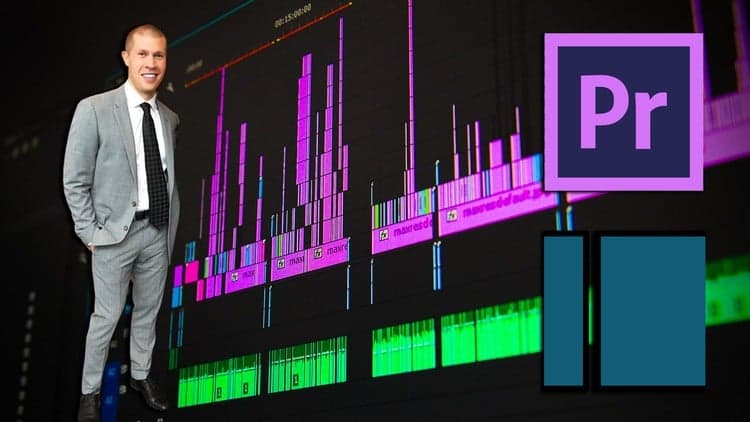 Udemy
Mark your own learning status. Opening a course link does not establish enrollment.
Loading saved status…
This course covers two programs side by side: Shotcut, a beginner-friendly editor, and Adobe Premiere Pro, a professional standard. The idea is to start with the simpler tool, build the core habits, and then move to the more powerful software when you want to go further.
The core workflow is all here: organizing footage, cutting and trimming clips, stacking picture and sound layers, syncing separate audio recordings, and exporting a finished video. The course also spends time on why software choices matter and how to structure a workflow so the edit stays manageable.
Because it spans two programs, the depth on each may be lighter than a single-tool course.
Want to learn how to edit professional videos without feeling overwhelmed by complicated software?
Whether you’re planning to start a YouTube channel, create online courses, produce social media content, or simply improve the quality of your videos, learning how to edit properly is one of the most valuable skills you can develop.
Video editing allows you to transform raw footage into polished, engaging content that people actually want to watch. The good news is that you don’t need years of experience or expensive equipment to get started.
In this course, you’ll learn how to edit videos using both Shotcut and Adobe Premiere Pro, giving you the flexibility to work with either a powerful free option or one of the most widely used professional editing programs available today.
If you're a beginner, Shotcut is an excellent place to start. It’s completely free, easy to learn, and capable of producing high-quality results. For those who want to take their editing to a more advanced level, Adobe Premiere Pro provides powerful tools used by professional creators around the world.
Throughout the course, you’ll learn essential editing skills such as importing and organizing your footage, cutting and trimming clips, layering multiple video and audio tracks, syncing separate audio recordings, and exporting your finished video correctly.
You’ll also learn why editing software matters, how to structure your workflow efficiently, and how to turn raw recordings into polished final videos.
By the end of the course, you’ll have the knowledge and confidence needed to edit videos for YouTube, online courses, social media, or any other content you want to create.
Enroll today and start building the video editing skills that can help bring your ideas to life.
Advertisement
No Korshub reviews yet.
Daily Editorial Workflows for Assistant Editors in Premiere

Finishing the Cut: Post-Production Pipelines in Premiere

Assistant Editor Foundations in Adobe Premiere