Udemy
FreeMark your own learning status. Opening a course link does not establish enrollment.
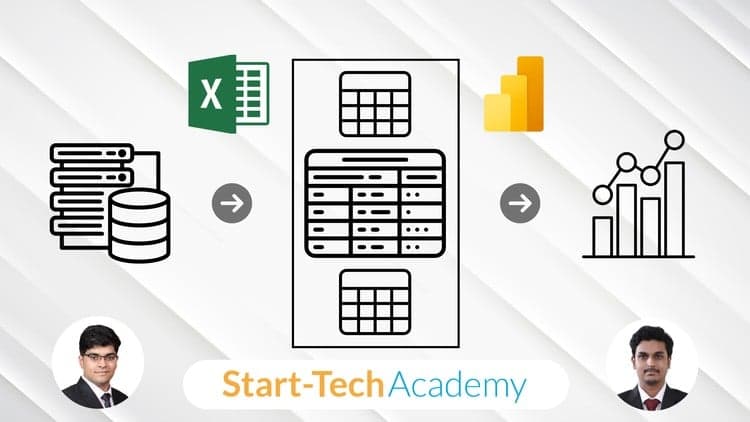
Master advanced data transformation and ETL capabilities in Excel Power Query. Learn to merge and append datasets with various join types, leverage the Advanced Editor, write custom M formula language functions, and manage dynamic filter parameters.
Designed for Excel analysts and data specialists who know Power Query basics and want to build sophisticated automated data preparation workflows.
Building on your foundational Power Query in Excel knowledge, this intermediate course takes you to the next level of data transformation mastery. Discover advanced data integration techniques, including appending and merging datasets with various join types. Delve into M language syntax for creating custom conditional columns and harness advanced table transformations. Unlock the Power Query Advanced Editor, exploring M's built-in functions, mastering best practices like query grouping, and dynamically adjusting filter criteria with parameters. Elevate your skills by crafting custom M formula language functions, unleashing advanced query design capabilities that will empower you to extract deeper insights from your data.
Advertisement