Udemy
 YouTube
Price
This course is free to watch on its platform.
Watch free on YouTube →Mark your own learning status. Opening a course link does not establish enrollment.
Loading saved status…
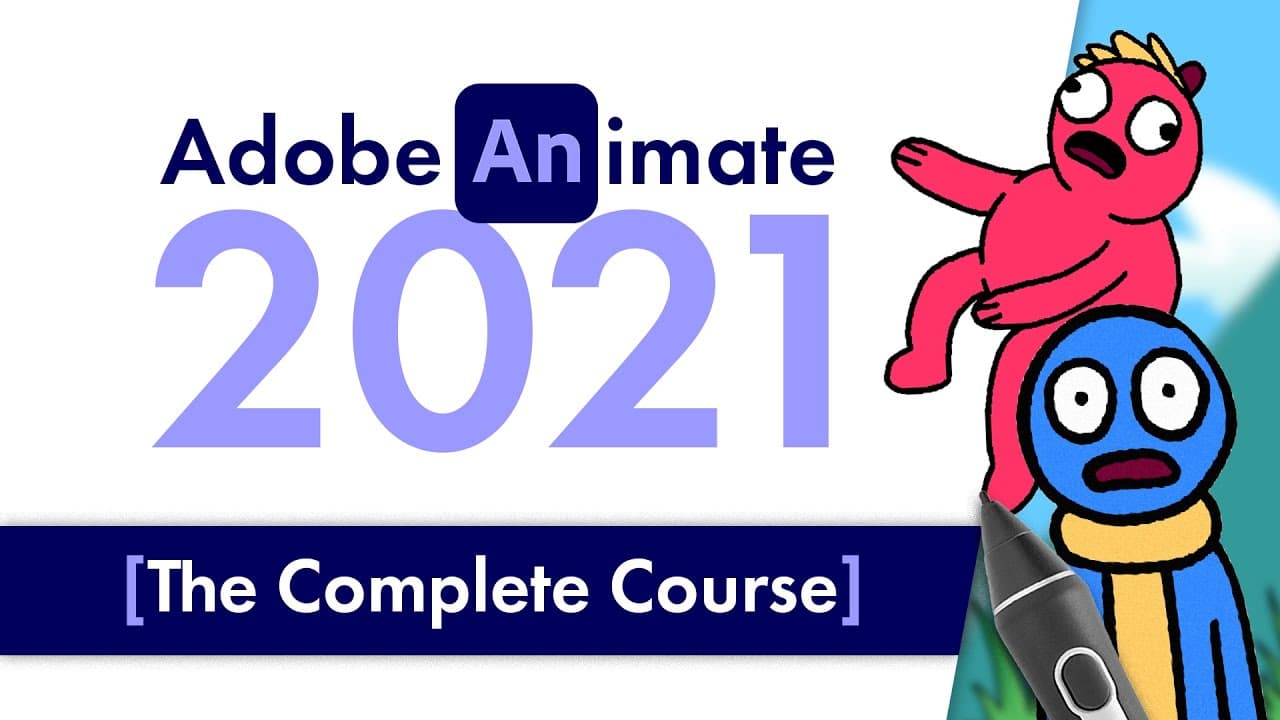
This beginner course compiles ten episodes of an Adobe Animate series into one long video. It begins with planning, collecting inspiration and storyboarding, then covers the interface and a first bouncing ball animation. Later sections handle frame-by-frame character animation, symbols and tweening, colour and gradients, shape morphing, rigging, sound and lip sync, camera and parallax, and export.
It suits someone making a first animation who wants the whole pipeline in one place, from idea to exported file. Chapter timestamps make it easy to revisit a single topic, such as shape hints or layer depth.
If you found this video useful, consider subscribing or joining this channel to get access to perks such as badges and shout outs in videos:
https://www.youtube.com/channel/UCYK0C3K9RYJIN0iKo8i8CIw/join
#adobeanimate #adobeanimatetutorial
In this video, I've collected all 10 episodes of the Adobe Animate 2021 course into one simple video with timestamps. I'll break down, step by step, everything you need to know to make your first animation in Adobe Animate! We'll cover everything from opening the software to exporting your final animation!
adobe animate, adobe animate tutorial, tiptut, adobe animate tutorial 2021, how to animate, how to animate in adobe flash, adobe flash, adobe flash tutorial, flash tutorial, flash, animation, animation tutorial, frame by frame animation, tweening animation, easy animation, how to get started animating
Timestamps:
00:00 Intro
00:16 Series Overview
00:42 Planning & Generating Ideas
01:31 PureRef
01:49 Collecting Inspirations
02:15 Making a Storyboard
03:31 Members Shoutout
04:12 Intro
04:27 Series Overview
04:52 The Absolute Basics
05:42 The Example Project
06:29 Creating an Animation Ready Document
07:12 Interface, The Stage
08:02 Interface, The Toolbar
10:05 Interface, The Properties Panel
11:28 Interface, The Library
12:29 Interface, the Timeline
13:26 Frames and Keyframes
15:07 Your First Animation, The Bouncing Ball
21:36 Member Shoutouts
22:19 Intro
22:34 Episode Overview
22:49 Frame by Frame Theory
24:34 Animating the Character's Body (Bouncing Ball with Theory Details)
34:15 Animating the Character's Head
37:43 Animating the Character's Limbs (Secondary Animation)
44:09 Animating the Character's Face
48:18 Clean Up and Final Linework
50:30 Overview and Recap
51:09 Member Shoutouts
51:50 Intro
52:05 Episode Overview
52:20 Symbols & Tweening Theory
53:46 Getting Started with Symbols
57:17 Graphics VS Movie Clips
01:02:29 A Quick Words Regarding Buttons
01:04:01 Getting Started with Tweening
01:10:49 Orient to Path Classic Tween
01:15:17 Applying the Theory to Your Animation
01:22:28 Symbol Tweens for Fake Parallaxing
01:28:07 Using Frame Picker Combined with Tweens
01:30:50 Technique Overview
01:31:41 Member Shoutouts
01:32:22 Intro
01:32:35 Episode Overview
01:32:52 Picking a Colour Palette
01:33:08 Colour Theory
01:33:35 www.color.adobe.com
01:36:04 www.coolors.co
01:37:08 Working with Colour in Adobe Animate
01:37:53 Hue Shifting for Tints and Shades
01:42:23 Working with Swatches
01:43:19 Adding Gradient Swatches
01:45:17 Adding Colours to your Animation
01:46:47 Using the Gradient Transform Tool
01:55:41 Effects That Work with Graphics
01:57:55 Effects That Work with Movie Clips
02:02:30 Member Shoutouts
02:03:01 Intro
02:03:15 Episode Overview
02:03:25 What is Shape Morphing?
02:04:00 Simple Shape Morphing with Tweens
02:05:07 Using Shape Hints to fix Errors
02:06:50 Shape Morphing Frame by Frame
02:15:01 Finishing Touches
02:16:44 Members Shoutout
02:17:17 Intro
02:17:29 Episode Overview
02:17:50 Rigging with the Bone Tool (Separate Video)
02:17:53 Rigging with Layer Parenting (Separate Video)
02:18:03 What is Rigging?
02:18:29 Rigging a Basic Shape
02:19:48 Setting Up Your Symbol
02:23:51 Layer Parenting
02:27:56 Member Shoutouts
02:28:34 Intro
02:28:46 Episode Overview
02:29:05 What I Recommend
02:29:40 Adding Sound to your Scene
02:31:10 Sound Properties
02:32:33 Publish Settings to Maintain Audio Quality
02:33:25 What About Lip Syncing?
02:33:48 Member Shoutouts
02:34:39 Intro
02:34:51 Episode Overview
02:35:01 Full Camera Masterclass Video
02:35:20 What is Parallaxing?
02:35:43 Adding a Camera to Your Scene
02:36:19 Locking/Unlocking Layers to the Camera
02:36:57 Adding Layer Depth to Your Layers
02:39:19 The Results of Adding Layer Depth
02:40:17 Animating the Camera
02:42:00 Member Shoutouts
02:42:38 Intro
02:42:50 Episode Overview
02:43:08 Options Overview
02:43:53 Sharing & Quick Export Options (Exporting for Social Media)
02:45:07 Publish Settings
02:46:01 Exporting Options That Give YOU Control
02:48:54 CONGRATULATIONS!
02:49:42 Member Shoutouts
Links:
https://www.pureref.com/
https://bardotbrush.com/what-should-i-draw/
https://tiptut.xyz/resources
______
Thanks for watching!
Join this channel to get access to perks such as badges and shout outs in videos:
https://www.youtube.com/channel/UCYK0C3K9RYJIN0iKo8i8CIw/join
Subscribe:
TipTut: https://www.youtube.com/c/TipTut
Website & Resources:
http://www.tiptut.xyz
Social Media:
Facebook: http://www.facebook.com/tiptutzone
Twitter: http://www.twitter.com/tiptutzone
Instagram: http://www.instagram.com/tiptutzone
Dribbble: https://www.dribbble.com/tiptutzone
Advertisement
No Korshub reviews yet.