Skillshare
SubscriptionA Beginner's Guide to Digital Painting in Adobe Photoshop
Course4.314kBEGINNER
Skillshare membership
View course →Access
Skillshare membershipIncluded with a Skillshare subscription
This course is included with a Skillshare membership subscription.
Start your free month on Skillshare →30-day free trial, new members only.
Already a Skillshare member? Open the class
No coupon right now. We'll tell you when there is one.
Taught by Mimi Chao — Owner & Illustrator | Mimochai
Mark your own learning status. Opening a course link does not establish enrollment.
Moving from traditional to digital painting intimidates many artists, but this class normalizes the transition. You'll see real setups, hear honest pros and cons between Procreate and Photoshop, and build your own workflow—not someone else's.
By the end, you'll have painted digitally and know exactly how to integrate the tools into your practice, whether you're a digital newcomer or experimenting with a new medium.
Hello and welcome! In this class, I’ll be sharing my perspective on what makes digital painting so great as well as showing you my full setup, process, and a beginner-friendly version of my workflow using BOTH Procreate and Photoshop. I'll answer lots of common questions I know beginners have, because I had those questions too.
What you'll get from this class:
Bonus Material
As mentioned in the Intro and Tools class, here are the links to the Draw an Illustrated Memory Map class, and blog posts where I share my favorite digital tools, along with my site’s Resources page:
Together we’ll make a digital painting and develop a workflow that you can integrate into your own!
//
If you enjoy this class, you are welcome to check out my three other Skillshare classes: Illustrated Journaling, Making Chat Stickers and Drawing on Photography :) They're all digital illustration-based creative exercises that are accessible to any skill level.
Happy learning!
-M
Follow: @mimizchao
Visit Mimochai: www.mimochai.com
Advertisement
A Beginner's Guide to Digital Painting in Adobe Photoshop
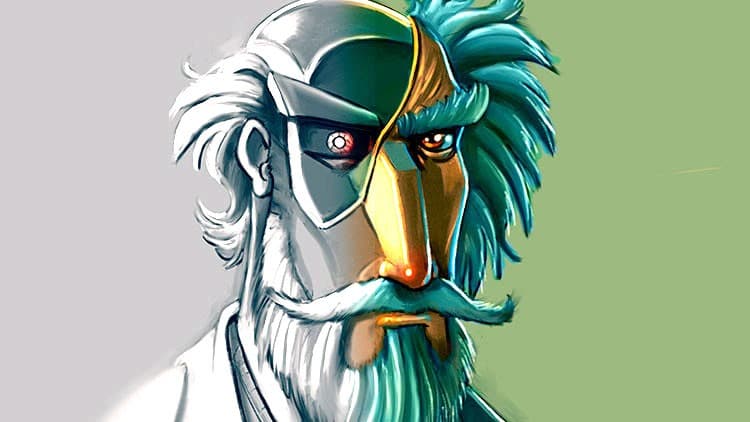
The Digital Painting w/ Procreate Guide | Grayscale method
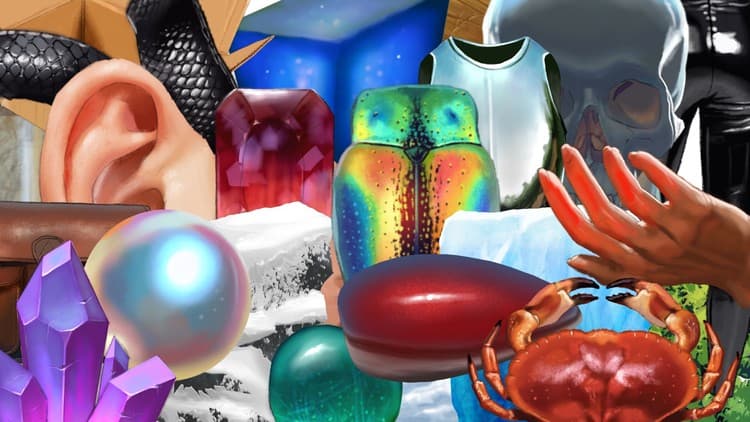
Mastering Digital Art: Basics to Final portrait
The Digital Painting MEGA Course: Beginner to Advanced