YouTube
Free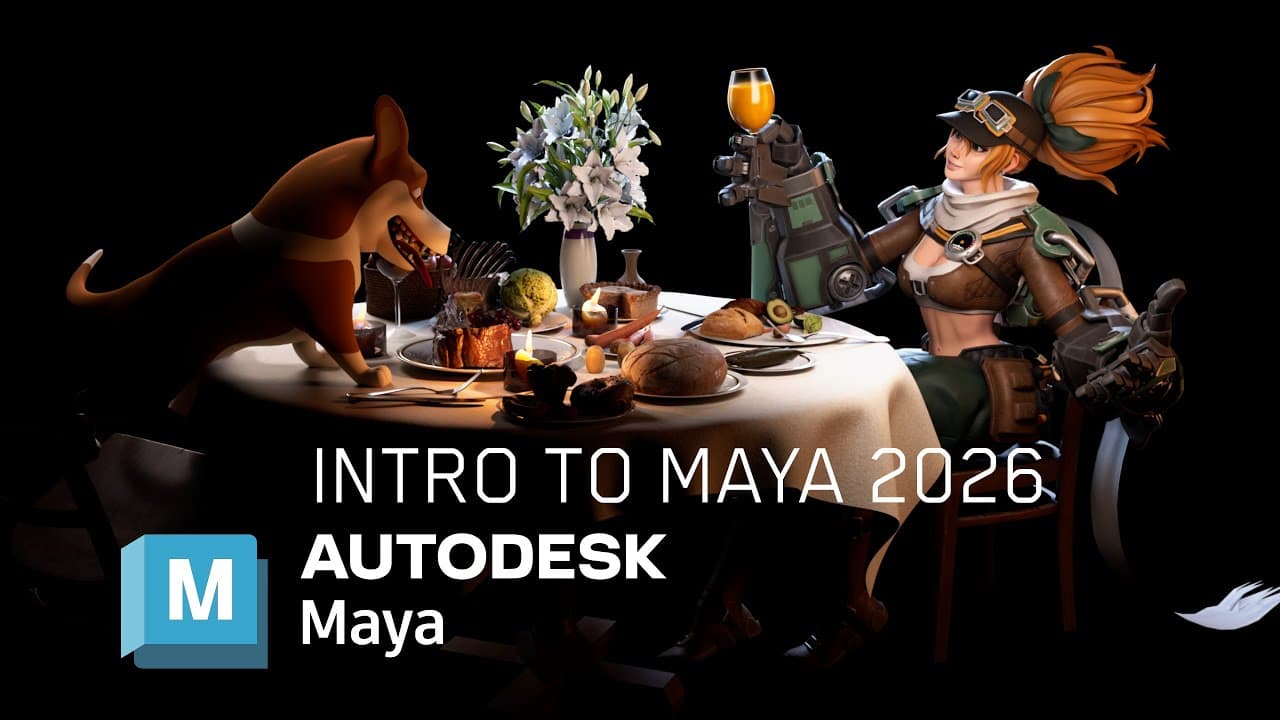 YouTube
Mark your own learning status. Opening a course link does not establish enrollment.
Loading saved status…
Chapter one starts with the interface and basic navigation, then works toward a complete small scene: a restaurant set with a pilot and a corgi posed in it, lit and rendered. Most of the chapter is the build-up to that final frame.
The chapter uses assets from external marketplaces, so you will need to download them to follow along. The chapter list is long, but its timestamps make it easy to skip to the rigging or lighting part you need.
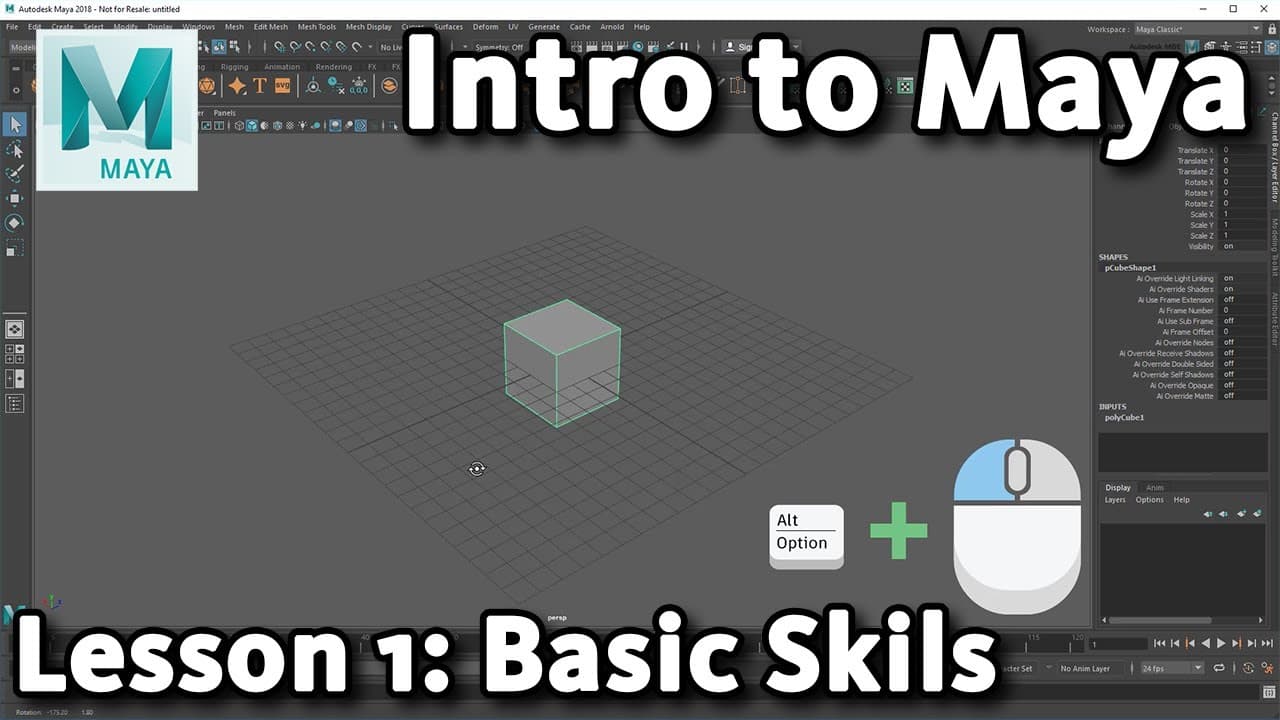
Welcome to my NEW Maya Tutorial series, Learn Maya 2026 For NOOBS! In Chapter 1, we start at the VERY beginning learning about the User Interface, Navigation, 3D manipulation, and work our way up to building and rendering a little restaurant scene using free assets from gumroad and fab.com. Autodesk Maya is used for 3D modelling, rigging, animation, lighting, rendering, and FX.
📌Watch this video FIRST to learn about 3D Theory and Pipeline:
https://www.youtube.com/watch?v=LoQ9bHv3bi4
⭐Download the Tutorial 3D Assets HERE⭐:
https://maniakra.gumroad.com/l/3DFilesMayaChapter1
*This ZIP includes links to all of the FAB assets I used*
Project Character Rigs:
Pilot: https://saidvm6.gumroad.com/l/hnruf
Dog: https://brandonschaal.gumroad.com/l/Douglas
HDRI: https://polyhaven.com/a/warm_restaurant_night
ArtStation - https://www.artstation.com/maniakra
Instagram - https://www.instagram.com/hydramonster/
Twitter - https://twitter.com/Malvision
Gumroad - https://gumroad.com/maniakra
00:00:00 - Intro
00:02:11 - Maya 2026 UI
00:08:59 - 3D Manipulation
00:19:29 - Marking Menus
00:23:27 - Attribute Editor
00:29:14 - Animation: Rigs
00:35:09 - Animation: Key Frames
00:37:09 - Animation: Graph Editor
00:41:54 - Updating Old Maya Files
00:50:45 - Arnold Lighting & Materials
00:55:30 - Set Project & File References
01:00:54 - Importing Assets from FAB.com
01:03:19 - Simple Rigging
01:08:06 - Modelling the Table
01:10:15 - Creating the Render Camera
01:14:17 - FX nCloth
01:20:41 - Importing FAB Assets
01:27:40 - Set Dressing
01:30:56 - Rendering a Frame
01:32:02 - Modelling Plates
01:38:43 - Refining the Scene Layout
01:44:24 - HDRI Render Check
01:45:52 - Posing: Douglas the Corgi
01:47:09 - Posing: The Pilot
01:50:04 - Fine Tuning the Layout
01:51:18 - Lighting the Scene
01:57:41 - Adding Candle Lights
02:01:12 - Adding Atmosphere
02:02:05 - Arnold Lens Effects (Bloom / Glow)
02:07:38 - Arnold Output Variables (AOVs)
02:09:23 - End Result (Outro)
Get a 10% discount on all Anatomy4Sculptors books with code "MANIAKRA10"
Book: https://anatomy4sculptors.com/product/arm-and-hand-in-motion/?attribute_choose-format=Paperback?via=maniakra
Affiliate Link: https://anatomy4sculptors.com/?via=maniakra
Advertisement
FULL ChatGPT Tutorial For Beginners in 2026! (FULL COURSE)

No Korshub reviews yet.