
Udemy
Free Udemy
UdemyMark your own learning status. Opening a course link does not establish enrollment.
Jupyter Notebooks are popular because they preserve state as you work — run some code and the results stick around, letting you pick up exactly where you left off and share your process the way you'd share a book. This course takes that familiar tool and moves it onto AWS-managed infrastructure you control.
This is intermediate-level material aimed at people who already have some familiarity with cloud concepts and want a concrete, hands-on path to hosting their own notebook environment rather than relying on a third-party notebook host. Expect to come away with a working, self-managed Jupyter setup on real AWS infrastructure.
One of the challenges of writing programs is having the ability to pick up where you left off. Jupyter Notebooks do this very well because they allow for interactive running of code, keep results in memory, and empower data scientists and programmers everywhere to build interesting things.
Jupyter is an interactive notebook which allows you to run code right inside the notebook. This is good for many reasons:
Notebooks, like actual books, can be shared easily
While running a notebook, the "state", is remembered: run some code and it' remembers the results of that code
Notebooks easily layout the process of a given program into a story-like progression that anyone can pick up and use.
If you've never worked with Jupyter Notebooks before, I highly recommend that you do.
This course is about bringing Jupyter Notebooks to the AWS Cloud. We'll be preparing a AWS Virtual Private Cloud, Subnets, Internet Gateways, Route Tables, and more so that we can provision AWS EC2 instances securely and effectively.
Once we have an EC2 instance, we can configure nginx, supervisor, and Jupyter so we can run it automatically on a public IP address... check out the first video for more on this.
Advertisement



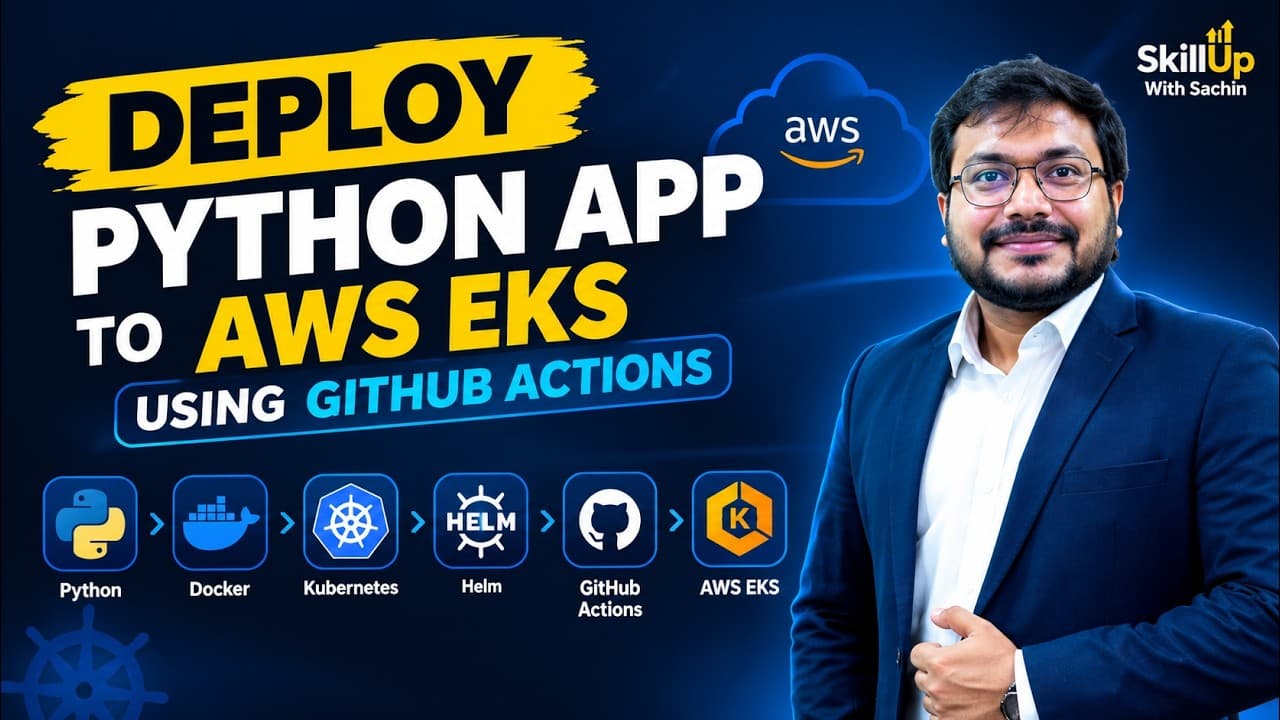
Deploy Python App to AWS EKS Using GitHub Actions | End-to-End DevOps Project #project #python #aws