Skillshare
SubscriptionBeginner's Guide to Adobe After Effects: Learn Motion Graphics
Course3.5
Skillshare membership
View course →
Price
No active coupon right now
View Course →No coupon right now. We'll tell you when there is one.
Mark your own learning status. Opening a course link does not establish enrollment.
Loading saved status…
Kinetic typography can look intricate on screen, but this course argues that most examples are built from a few simple moves repeated with variation. The lessons take apart one scene at a time so each text reveal becomes something you can reproduce.
Motion blur, easy ease and graph editing smooth each move, and that polish is where the animation begins to look professional. A downloadable project file lets you follow every step against the instructor's setup.
The course works without much After Effects experience, though it moves quickly. Anyone who finds it too advanced is pointed toward longer introductory courses in the same catalog.
Ever wanted to add motion to your video titles and text?
Kinetic typography is everywhere nowadays - in films, commercials, music videos, online courses. This 'motion typography' makes your videos look more professional and engaging. While it seems complicated, creating your own kinetic typography videos in Adobe After Effects is quite simple when broken down into the basic animations that are actually happening.
That's what this course is all about - breaking down a complicated motion graphics video, and teaching you how to animate each type of text animation.
What will you be able to do with this course?
If you've ever wanted to jump right into creating kinetic typography videos, but didn't know how - this is the perfect course for you.
How does this course work?
This course is taught using Adobe After Effects. We used the latest Creative Cloud version of After Effects, but you can use any previous version (CS6 or earlier) because the process is the same. In this course, we dive right into creating kinetic typography in After Effects. While it will be easier to follow along if you have some experience with After Effects, it is not a requirement. If this course goes too quickly or seems too advanced for you, try enrolling in our full Kinetic Typography or Complete Adobe After Effects courses, which are for complete After Effects beginners.
Throughout this course, you will be working on your own kinetic typography project. Each lesson breaks down one scene from the sample video, going over a new technique in revealing text (cut, scale, position, and rotation animations).
What bonuses are included in this course?
Follow along by using the downloadable After Effects project file. This way, you can follow along with everything we do in the course.
Why should you enroll?
You should enroll if you want to quickly learn the basic building blocks of creating advanced and intricate text animations. Phil, the instructor, is always available to help out - as if you were in a live course. So if you ever get stuck or need something explained, you will find an answer. By the way, Phil has taught over 100,000 students here on Udemy and really knows how to explain complex ideas - like motion typography - to beginners like you.
We can't wait to see you in the course!
Advertisement
Tracking since 15 Nov — not enough history yet to tell you whether today's price is any good. Watch the course and we'll tell you when it drops.
This is what we recorded in US pricing — not every price this course has ever had, and prices differ by country.
No Korshub reviews yet.
Beginner's Guide to Adobe After Effects: Learn Motion Graphics
Adobe After Effects for Beginners: Motion Design Essentials
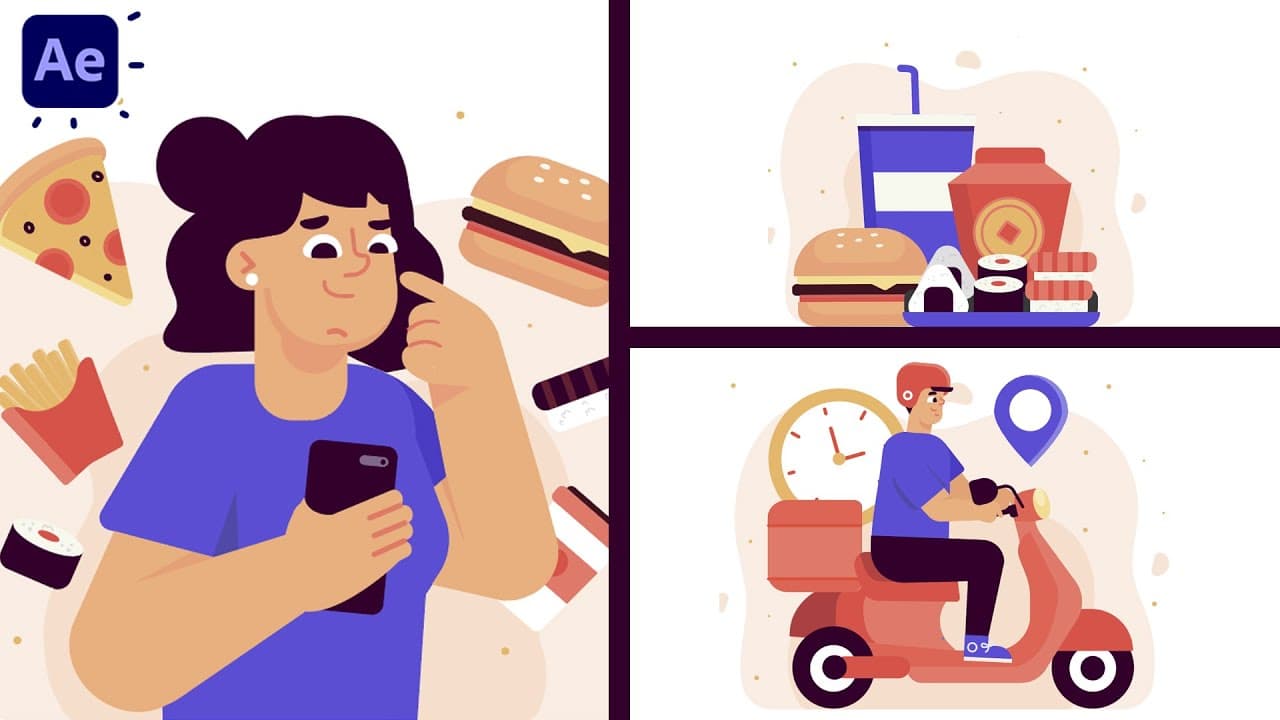
Motion Graphics Masterclass (8 Hours) – Complete After Effects Training for Beginners to Pros