Other
Free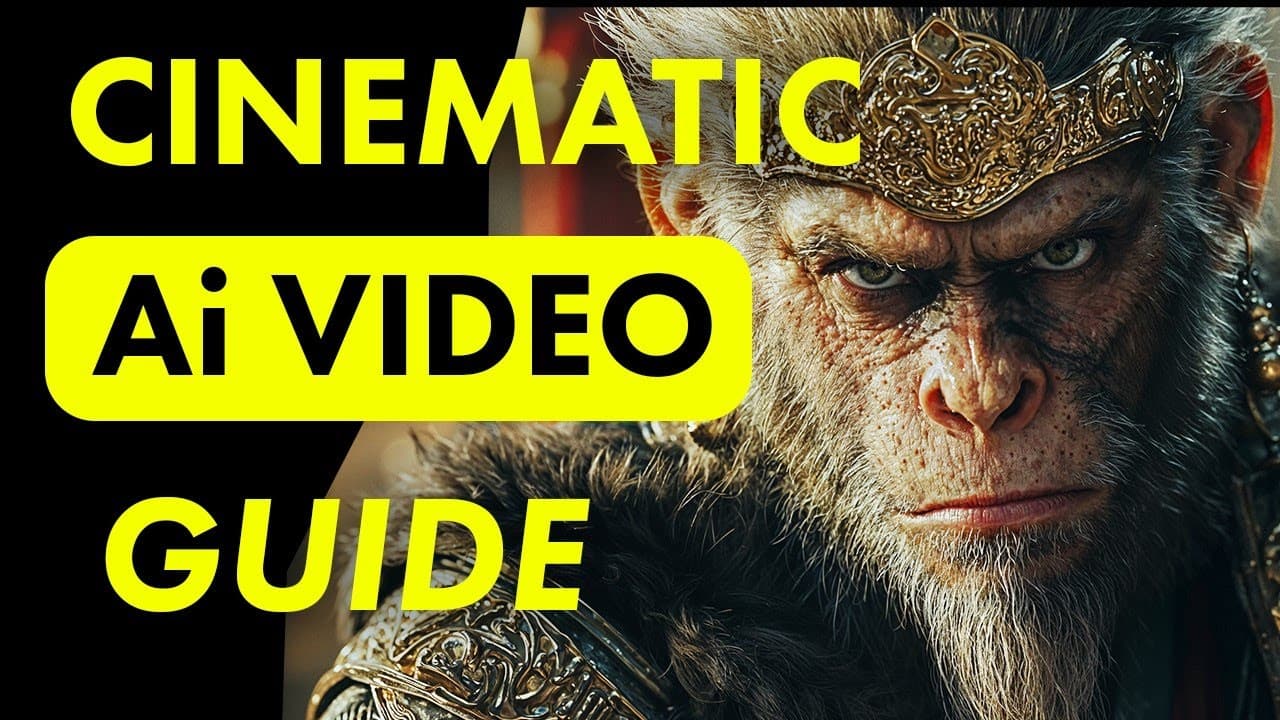 YouTube
Mark your own learning status. Opening a course link does not establish enrollment.
Loading saved status…
Judging by its video titles, this is a collection of tutorials around Kling's AI video generator rather than a structured course. Viewers can pick the entries that match the task in front of them.
A large share of the entries start from a still image. They cover realistic human motion, animation styles, the motion brush, and camera movement prompts for Kling 2.5.
Several titles return to the same problem of holding a character steady across shots. Kling Elements, custom models, and pairing Midjourney images with Kling are the main routes shown.
Later videos push the tool toward music videos, anime-style clips and VFX in Kling 2.1, and a lip-sync tutorial is included. Anyone new to Kling may want the image-to-video entries first, then the consistency videos once they have a few generations behind them.
Tutorials and Tips for Kling's Amazing Free Ai Video Generator!
Videos in this playlist include:
Advertisement
No Korshub reviews yet.