Udemy
Free
Price
No active coupon right now
View Course →No coupon right now. We'll tell you when there is one.
Mark your own learning status. Opening a course link does not establish enrollment.
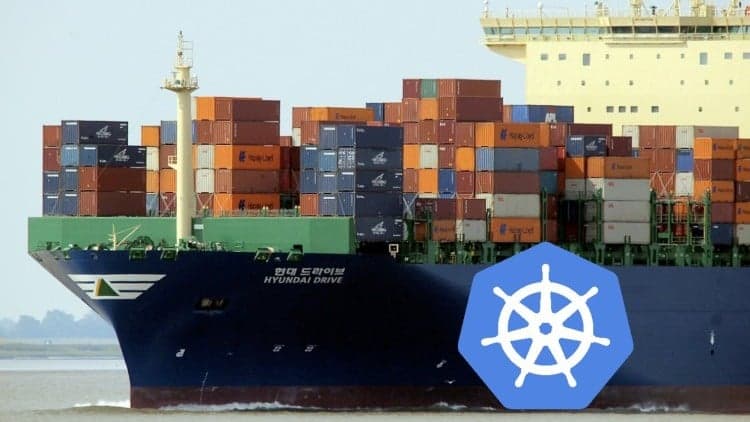
Kubernetes is in high demand, and this 8th-edition course (updated for 2025) teaches it through real work, not theory. You'll work with actual microservice architecture, discover code mistakes by analyzing runtime performance, and handle the tradeoffs that come with complex systems.
The path: Start locally with Docker Desktop, then move to AWS (Chapter 13 onwards) using either EKS or Kops. Add production monitoring with Prometheus, Grafana, and the ELK stack.
Designed for DevOps engineers and developers of any level. You don't code—you orchestrate. The course covers the practical decisions that separate hobby projects from production systems.
Now in its 8th edition for 2025!
(Note: This course requires you to download Docker Desktop. If you are a Udemy Business user, please check with your employer before downloading software. Any recent Kubernetes installation will be suitable, but Docker Desktop is recommended).
Kubernetes is one of the hottest topics right now, and engineers with Kubernetes skills are in big demand.
Get those skills with this course! It's is a great chance to work on a real Kubernetes project, and to get yourself to a high professional standard on real projects.
All the way through the course you'll be working on realistic requirements - but you don't need to be a coder or know any particular programming language - I've prepared for you a set of Docker images, and your job is to use Kubernetes to get these images running.
The system is a Microservice-based architecture, and along the way, we'll look at design decisions and trade-offs you need to make when managing these complex systems. Note the course isn't about how to design Microservices (although we'll certainly be talking about that); the development work is done and we need to get the system running on a production cluster.
We'll also discover that the developers have made some bad mistakes in their code, by analyzing the run time performance of the cluster!
You can do the first part of the course on your local development computer (PC/Mac/Laptop). The second part (from Chapter 13 onwards) moves to the cloud. You'll use a real AWS account, and we go-ahead to set up monitoring with the ELK/Elastic Stack and monitor with Prometheus and Grafana.
The course now supports EKS, the AWS Elastic Kubernetes Service, but we also show how to use the alternative system, called Kops. The pros and cons of each are explained in detail.
I've designed this course for a wide audience - whether you're a DevOps engineer, a developer, or if you're quite new to the whole field, I'll explain everything along the way. Just some basic knowledge of working with computers, and maybe a bit of command-line experience will suffice.
You will need an AWS account for a part of the course if you want to work on the system yourself. If you're new to AWS then don't worry, I've got you covered -but Amazon will charge you for running the system (as with all/most cloud providers). Expect to pay no more than around 10USD for this (this is a safe overestimate), but you are expected to manage this spend yourself and you must delete your Kubernetes cluster at the end of your session. Don't let that put you off, it's a great investment.
You can absolutely just watch the AWS videos if you'd prefer not to incur these costs - you will still learn plenty!
As always, I'm here to answer questions and I aim to respond within 48 hours.
Good luck!
Advertisement
Kube By Example - Spring Boot Microservices on Kubernetes

Not the best price we've seen. The lowest we've recorded is $13.99 on 18 Aug.
This is what we recorded in US pricing — not every price this course has ever had, and prices differ by country.