Coursera
Subscription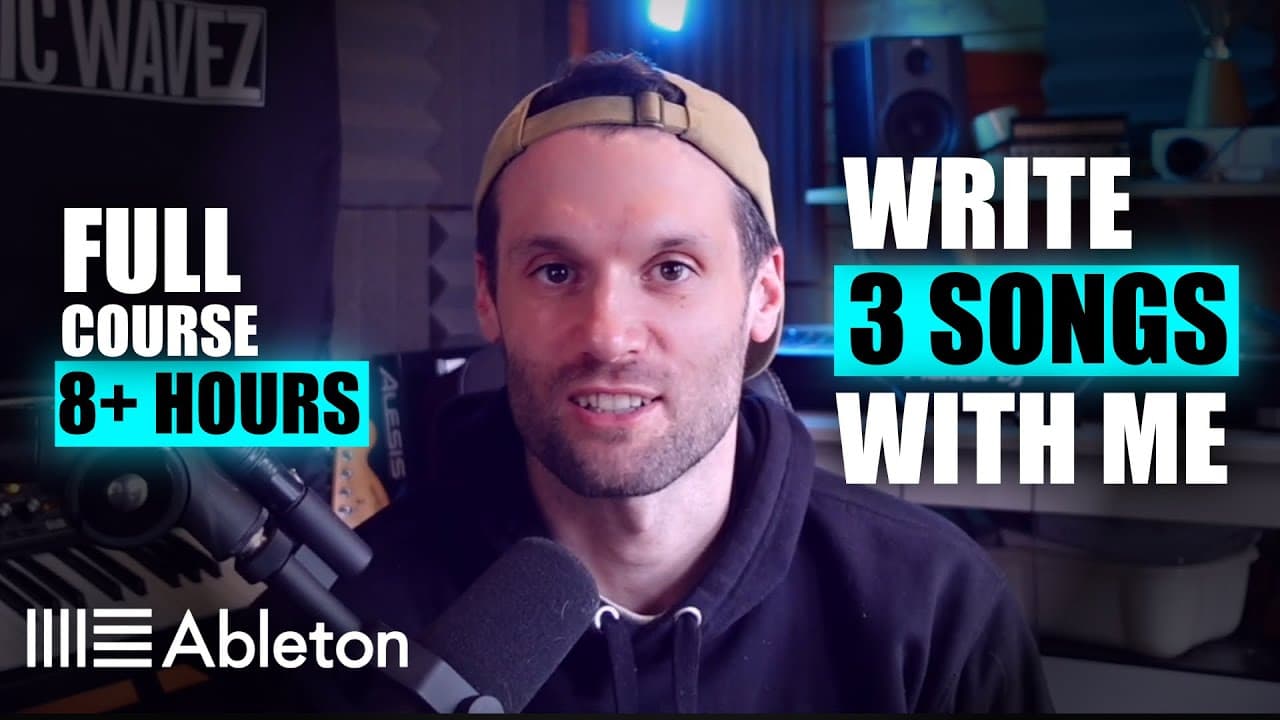 YouTube
Price
This course is free to watch on its platform.
Watch free on YouTube →Mark your own learning status. Opening a course link does not establish enrollment.
Loading saved status…
Each of the three tracks in this video is built from an empty session, so the lessons follow the order a producer works in: a first idea, then bass and sound design, then a fuller arrangement. The chapters are labeled by track and task, which makes it easy to jump to one stage.
Someone who has taken the first steps in Live and wants to see a complete arrangement built from start to finish. The video runs for more than eight hours, so it works better as a reference to dip into than as a single sitting.
🎧 Unlock exclusive live sessions, 1‑on‑1 feedback, label contacts, personal learning plans and more! Jump into The Creative Hub now → https://basicwavez.com/creative-hub/
Go from knowing absolutely nothing about Ableton Live 12 to writing your first 3 songs.
And then, write 2 more with our Intermediate Melodic House & Techno course: https://bit.ly/intermediatemt
Sample Packs Used Throughout This Course:
BTD Drum Pack - https://bit.ly/btddrumslive12
FX Mega Pack - https://bit.ly/live12fxmega
Lauren L'aimant Vocals - https://bit.ly/live12lauren
Nopi Signature Pack - https://bit.ly/nopilive12
Artist Kicks Vol.2 - https://bit.ly/live12kicks
Deep Organic Percussion - https://bit.ly/live12dop
00:00 - Intro
00:09 - Preview Song 1
00:19 - Preview Song 2
00:34 - Preview Song 3
01:00 - Intermediate Melodic House & Techno Course Preview
01:51 - About me
02:14 - Track 1 Intro to music theory and writing your first musical idea using MIDI and Piano roll
49:25 - Track 1 Using note rhythms in piano roll
01:07:20 - Track 1 Using eq to control frequencies
01:24:52 - Track 1 Making a drum loop and intro to sidechain compression
1:27:25 - Track 1 Using simpler for drums
1:33:50 - Track 1 Explaining sidechain compression and demonstrating it
1:42:15 - Track 1 Adding hi hats
1:48:15 - Track 1 Adding top loops
1:50:30 - Track 1 Adding the clap
01:58:14 - Track 1 Arranging our track, learning automation, adding fx and ear candy + using a limiter
2:00:00 - Track 1 Labelling sections
2:07:10 - Track 1 Adding effects
2:12:40 - Track 1 Automation demonstration
2:43:50 - Track 1 Adding vocal phrases
2:50:00 - Track 1 Auto filter and hi hat decay
03:00:51 - Track 1 FINAL RESULT
03:04:55 - Track 2 16 bar loop + intro to sound design
03:09:25 - Track 2 Making a bass out of wavetable
03:22:50 - Track 2 Explaining the difference between poly and monophonic
03:27:40 - Track 2 Sidechaining the bass
03:31:00 - Track 2 Making an arp from wavetable
03:40:50 - Track 2 Making ambient lead from wavetable
03:47:15 - Track 2 Adding extra drum sounds
03:56:50 - Track 2 Making additional melody from wavetable
04:05:49 - Track 2 arranging first and second drop and breakdown
04:10:40 - Track 2 Automation demonstration
04:30:00 - Track 2 Making a reese bass
04:51:50 - Track 2 Adding a pluck melody
05:05:30 -Track 2 Adding fx
05:10:55 - Track 2 intro and outro + fx
05:19:30 - Track 2 Buildup/transition fx
05:39:24 - Track 2 Arranging fx
05:50:36 - Track 2 FINAL RESULT
05:56:59 - Track 3 afro melodic house drums piano and pads
05:58:40 - Track 3 Adding a drone
06:00:40 - Track 3 Building drums
06:10:00 - Track 3 Adding a piano and creating chords
06:28:00 - Track 3 Adding a sub bass
06:31:15 - Track 3 Adding a pad
06:36:00 - Track 3 Adding rhythmic sounds
06:41:40 - Track 3 Adding mid range percussion
06:52:15 - Track 3 new chords vocal and arrangement
06:52:40 - Track 3 Showing new chord progression
06:59:30 - Track 3 Adding pluck/arp melodies
07:18:00 - Track 3 Arrangement and automation
07:38:00 - Track 3 Adding more percussion
07:42:10 - Track 3 Automation
07:48:21 - Track 3 Adding big drums + intro and outro + mastering
07:49:00 - Track 3 Making a big drum rhythm
07:58:15 - Track 3 Arrangement and automation
08:05:30 - Track 3 Adding a conga and transition fx
08:16:10 - Track 3 Operator/analog melody layers
08:19:10 - Track 3 Adding fx, sidechain compression and automation
08:22:25 - Track 3 Final Arrangement and automation
08:31:34 - Track 3 FINAL RESULT
Advertisement
No Korshub reviews yet.