Other
Free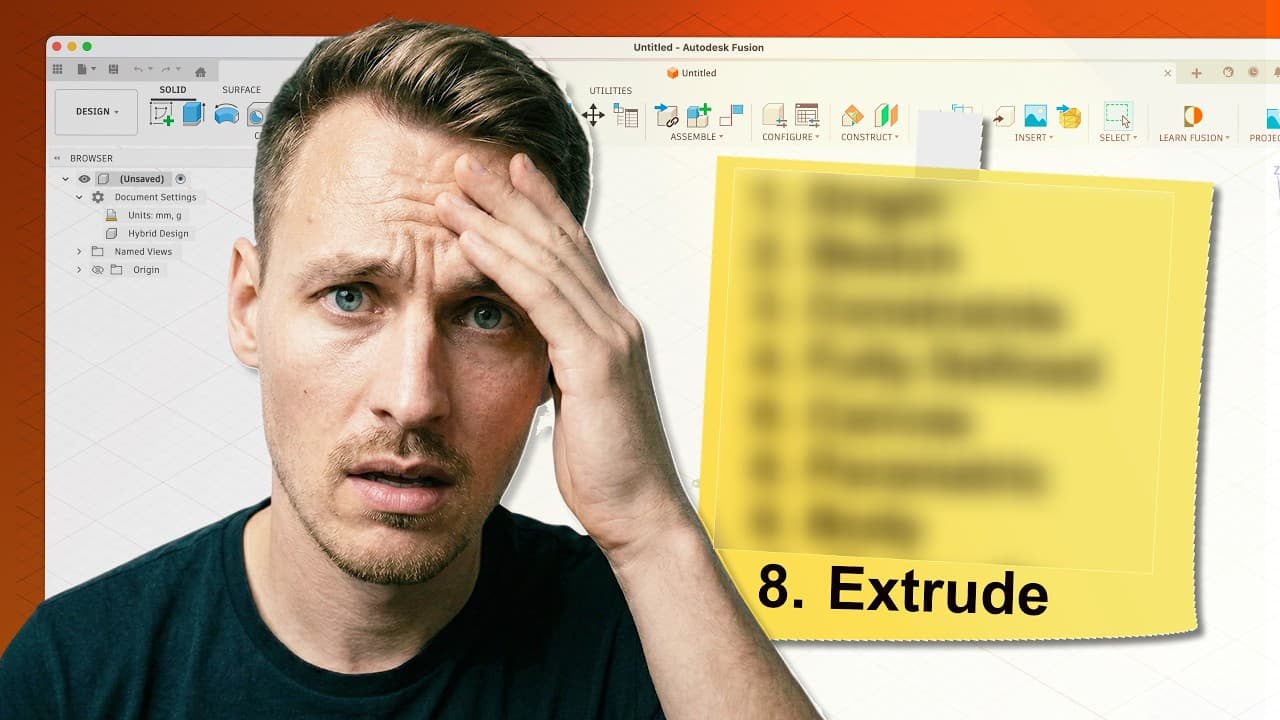 YouTube
Mark your own learning status. Opening a course link does not establish enrollment.
Loading saved status…
The series is built as 30 daily lessons, each taking an object or idea and turning it into a 3D model. Using real-world objects as examples keeps each session concrete rather than a menu tour.
This playlist carries the 2026 lessons. The creator is replacing older episodes as each day is released, and the earlier version has moved to a separate playlist, so check which one you are watching.
The main idea is short, steady repetition. One day at a time, the software starts to feel familiar. Because each day stands alone, you can pick the series back up after a missed day without losing the thread.
Learn Autodesk Fusion 360 in 30 Days for Complete Beginners!
IMPORTANT UPDATE: We're releasing brand-new 2026 lessons of this course! We'll be replacing the old lessons (and placing them in another playlist) as each day is released.
In this tutorial series, I'll walk you through the foundational knowledge needed to navigate and start 3D modeling in Autodesk Fusion - formerly called Fusion 360 - using real-world objects as examples!
Autodesk Fusion (Fusion 360) offers a free license for students (EDU license) and hobbyists (Personal Use license). This makes Fusion the perfect CAD software for 3D Printing, Woodworking, and other design projects.
I believe everyone can learn Fusion 360. Start creating objects, one day at a time, and be amazed at how fast you can learn a software program with lots of features.
Kevin Kennedy is a Product Designer who helps Hobbyists learn Fusion through high-quality tutorials. You can watch all the free Fusion 360 content on the Product Design Online YouTube Channel and find both free and premium Fusion 360 courses on the ProductDesignOnline[.com] website.
Advertisement
No Korshub reviews yet.