Coursera
SubscriptionDesigning and Prototyping Interfaces with Figma
CourseNo ratings yet142BEGINNER
Coursera Plus
View course →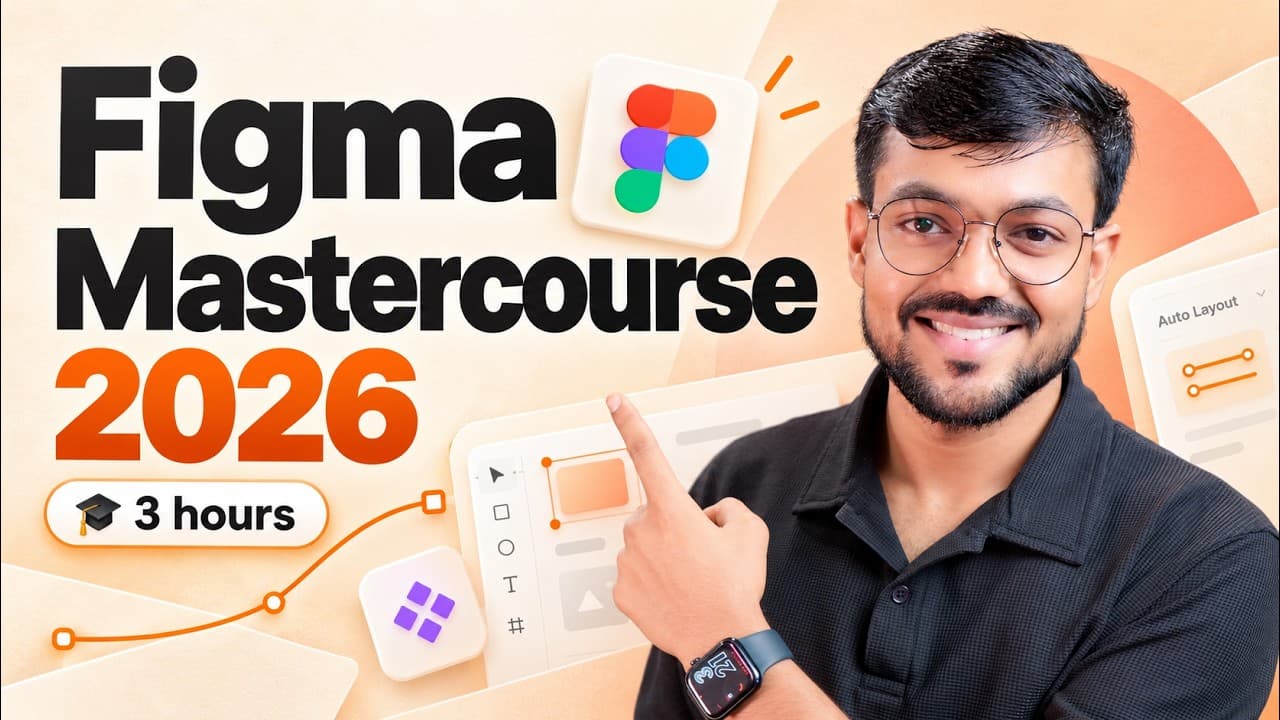 YouTube
Price
This course is free to watch on its platform.
Watch free on YouTube →Mark your own learning status. Opening a course link does not establish enrollment.
Loading saved status…
This YouTube course covers Figma from the interface onward in about 3 hours. It suits complete beginners, aspiring UI/UX designers and people who want to sharpen existing Figma skills.
The listing is tagged Hindi while its description is in English, so check the audio language before you commit. The detailed chapter timestamps help you jump straight to variables or Auto Layout.
🚀 Complete Figma Course 2026, from Beginner to Advanced.
Want to learn Figma from scratch? This 3-hour Complete Figma Mastercourse covers everything you need to understand Figma, from basic design tools to advanced features like Auto Layout, Components, Variables, Responsive Design, Figma AI, and Prototyping.
Whether you're a complete beginner, an aspiring UI/UX designer, or someone looking to improve their Figma skills, this free Figma tutorial will help you learn the tool step by step with simple explanations and practical demonstrations.
----------------------------
👉🏻 Pre-Register for my Recorded Figma Course : https://forms.gle/Pvn3ZmTy2mkNEuVP6
Follow me on Instagram : https://www.instagram.com/saurabhux/
Connect on LinkedIn : https://www.linkedin.com/in/saurabhsainiux/
👍 Like, share, and subscribe for more content on UI/UX design, AI in design, Figma tips, career guidance, and future-ready design workflows.
----------------------------
🎯What You'll Learn in This Figma Course:
✅ Introduction to Figma and its interface
✅ Creating design files, managing layers, and using the Properties Panel
✅ Move, Frame, Section, Slice, Shape, Pen, and Pencil tools
✅ Text Tool, Typography, and Text Styles
✅ Colors, Fills, Strokes, and Color Styles
✅ Effects, Layout Guides, and reusable Styles
✅ Auto Layout in Figma from scratch
✅ Responsive Design using Fixed, Hug, and Fill
✅ Components, Variants, and Component Properties
✅ Figma Variables and Light/Dark Modes
✅ Figma AI Features
✅ Prototyping Basics
✅ Collaboration, Comments, and Sharing Features
💡 Why Watch This Figma Mastercourse?
By the end of this tutorial, you'll have a strong foundation in Figma and a better understanding of how to use its features to create modern, responsive UI designs.
----------------------
Timestamps:
00:00:00 Introduction & Getting Started with Figma
00:03:36 Figma Interface
00:08:03 Creating File, Layers & Properties Panel
00:14:07 Move, Frame, Section & Slice Tool
00:19:51 Figma Shape Tools
00:25:46 Pen and Pencil Tool
00:30:13 Text Tool
00:38:16 Comment, Sharing Tools & Collaboration Features
00:45:02 Figma Colors/Fills & Strokes
00:51:26 Color Styles
00:59:29 Text Styles
01:01:18 Figma Effects
01:15:03 Layout Guide
01:20:29 Effects & Layout Guide Styles
01:22:28 Getting Started With Auto Layout
01:37:40 Responsiveness in Auto Layout (Fixed, Hug, Fill)
01:52:10 Components & Its Properties
02:13:47 Figma Variants & Properties
02:22:09 Figma Variables
02:40:40 Modes in Variables (Making Light/Dark)
02:46:41 Figma AI Features
02:58:32 Prototyping Basics
03:08:00 Outro
#Figma #FigmaTutorial #FigmaCourse
Advertisement
No Korshub reviews yet.
Designing and Prototyping Interfaces with Figma