Udemy
 Udemy
Free and discounted course coupons, posted every day.
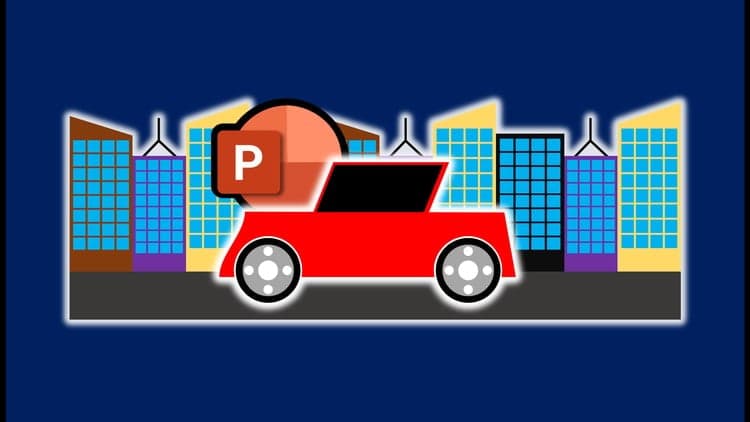
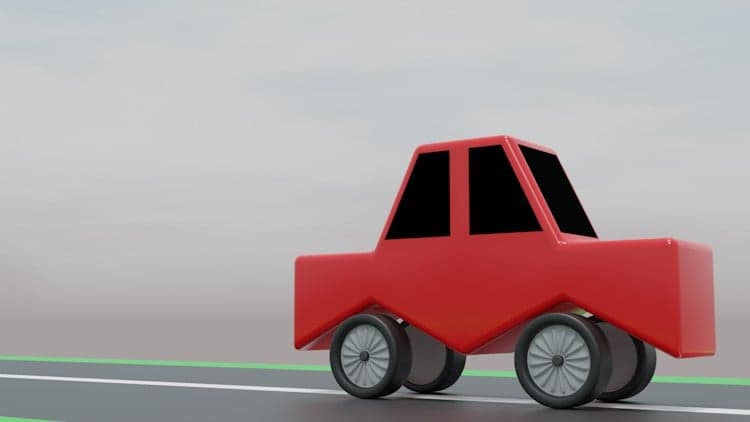
This course shows how to build looping vehicle animations using nothing but PowerPoint's built-in shapes and tools — no external animation software involved. You'll design every element from scratch, including the car body, wheels, and background buildings, then combine them into a single animated scene.
It covers both basic and more advanced animation techniques, including how to animate the car's movement and the rotation of its wheels, along with setting up slides and fine-tuning animation timing so the loop plays smoothly and looks professional.
Anyone who wants to add eye-catching motion graphics to presentations, or is curious how far PowerPoint's animation tools can actually go.
Mark your own learning status. Opening a course link does not establish enrollment.
Loading saved status…
From the Udemy page
Unlock the power of PowerPoint for creating stunning animations with this comprehensive course! If you've ever admired the animations you see on social media but thought they required complex software, think again. This course will show you how to produce captivating loop animations using only PowerPoint. Yes, you read that right—PowerPoint!
In this course, we’ll dive into the process of crafting engaging vehicle animations. …
Advertisement


Complete Animation Workflow (Adobe Character Animator Tutorial)

Yes. It's free on Udemy.
No Korshub reviews yet.