Udemy
Free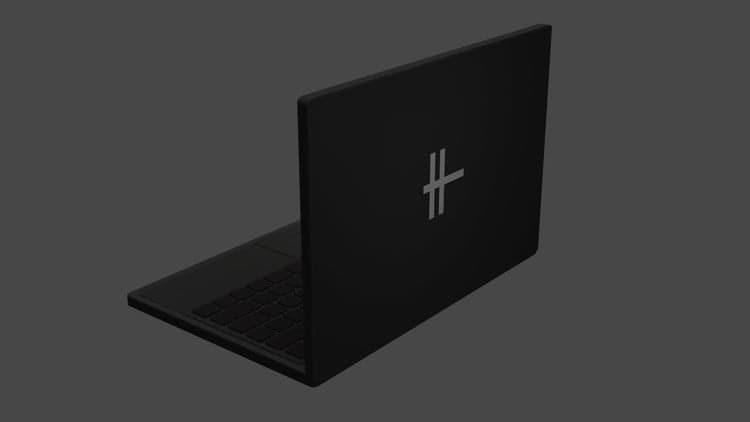 Udemy
UdemyMark your own learning status. Opening a course link does not establish enrollment.
Rather than jumping between disconnected exercises, this course anchors every technique to a single, tangible project: modeling a laptop in Blender. That focus makes it easier to see how individual tools fit into a complete workflow.
The course is aimed at true beginners as well as the instructor's own returning students, walking through the process step-by-step with no assumed prior 3D modeling experience.
Anyone starting out in Blender or 3D modeling who wants a concrete, guided project rather than abstract tutorials.
Hello and welcome to my new students and returning students.
Thank you for checking out this course, I hope that it fits your needs.
I have created this course for both my level 2 students and for newcomers who are curious.
This course will help you understand the ins and outs of blender at the beginner level.
The course was created with the intent to help you succeed in your 3D modeling ventures.
And yes, this course was most definitely intended for creating a Laptop in Blender.
If you do not have any 3D modeling experience, that shouldn’t be a problem.
We will walk through the course, step-by-step together.
I hope that this course helps you with starting off in blender, and sparks new ideas for you.
If you are interested in a more courses, please take a look at my instructor page.
I I I I I I I I I I I I I I I I I I I I I I I I I I I I I I I I I I I I I I I I I I I I I I I I I I I I I I I I I I I I I I I I I I I I I I I I I I I I I I I I I I I I I
The Course Will Cover Topics Such As:
3 D Modeling
U V Mapping
Beveling
Scaling
Rotating
Moving
Orbiting
Edit Mode
Object Mode
Material Mode
Adding Materials
Coloring an Object
Advertisement

Blender Basics: A Complete Beginner's Guide to 3D Modeling
Complete Blender Creator: 3D Modelling (Compatible with 4.3)