Skillshare
SubscriptionAdobe Firefly: Learn the AI Features of Adobe Creative Apps like Photoshop
Course3.2
Skillshare membership
View course →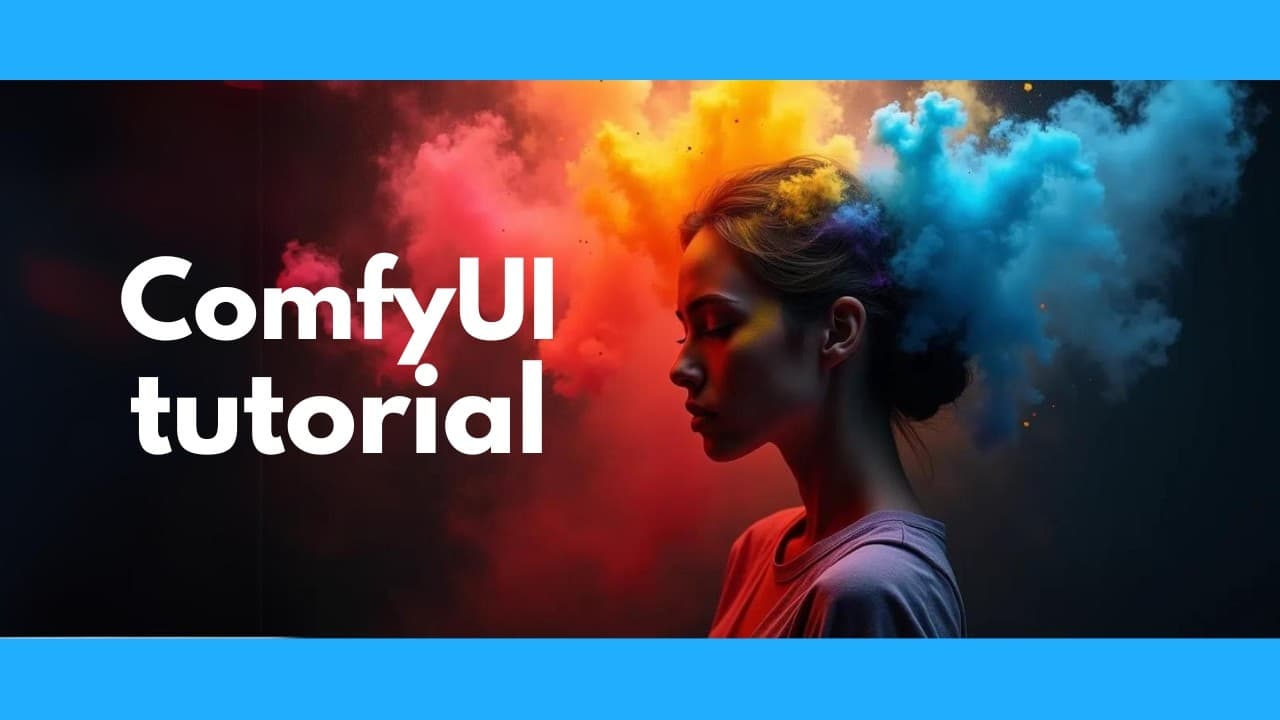 YouTube
Price
This course is free to watch on its platform.
Watch free on YouTube →Mark your own learning status. Opening a course link does not establish enrollment.
Loading saved status…
This full ComfyUI tutorial begins with installing the tool and downloading models, then moves into text-to-image generation and navigation shortcuts. Later sections cover upscaling, image-to-image, tile upscaling, ControlNet and face swapping, with plugin installation in between.
The closing section covers Flux, AuraFlow and newer models, so the video bridges the basics and the current model landscape. It works best as a single reference you return to chapter by chapter.
ComfyUI complete installation & tutorial. The ultimate image generator. Text to image, image to image, faceswap, controlnet, upscaling, external plugins, & more!
#aiart #ai #stablediffusion #flux
TurboType helps you type faster with keyboard shortcuts. Use it for FREE:
https://www.turbotype.app/
Install: https://github.com/comfyanonymous/ComfyUI
Find models: https://civitai.com
Model rankings: https://imgsys.org/
Git: https://git-scm.com/downloads
Controlnet Union: https://huggingface.co/xinsir/controlnet-union-sdxl-1.0
Faceswap: https://github.com/cubiq/ComfyUI_InstantID
Auraflow tutorial: https://youtu.be/o1q4y1M7xRs
Flux tutorial: https://youtu.be/K3xJ7GQuHpw
Newsletter: https://aisearch.substack.com/
Find AI tools & jobs: https://ai-search.io/
Support: https://ko-fi.com/aisearch
Here's my equipment, in case you're wondering:
Dell Precision 5690: https://www.dell.com/en-us/dt/ai-technologies/index.htm?utm_source=AISearchTools&utm_medium=youtube&utm_campaign=precisionai#tab0=0
GPU: Nvidia RTX 5000 Ada https://nvda.ws/3zfqGqS
Mouse/Keyboard: ALOGIC Echelon https://bit.ly/alogic-echelon
Mic: Shure SM7B https://amzn.to/3DErjt1
Audio interface: Scarlett Solo https://amzn.to/3qELMeu
0:00 Scope and features
1:48 Installation
4:00 Downloading models
7:25 Text to image
21:30 Navigation, editing, and shortcuts
26:15 Installing ComfyUI manager
27:00 Installing Git
27:51 ComfyUI manager continued
28:43 Upscaling
37:49 Image to image
43:07 Tile upscaling
51:53 Controlnet
1:03:54 Faceswap & installing other plugins
1:16:08 Flux, Auraflow, and newer models
Advertisement
No Korshub reviews yet.
Adobe Firefly: Learn the AI Features of Adobe Creative Apps like Photoshop