Udemy
 Udemy
Free and discounted course coupons, posted every day.
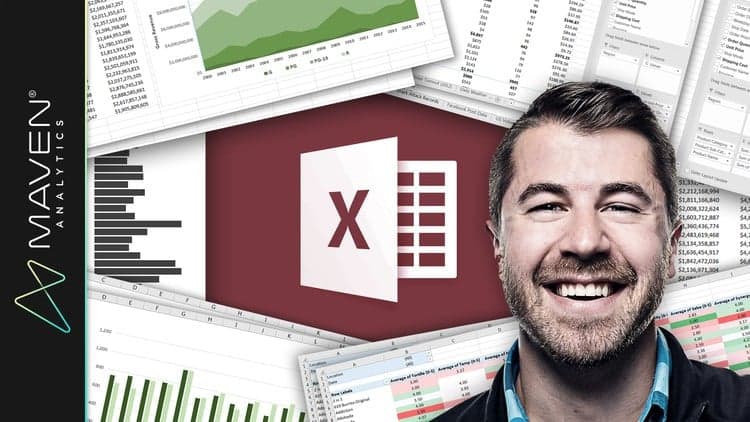
Pivot tables are one of Excel's most powerful — and most underused — features. This hands-on course builds a thorough, practical understanding of them, structured so each section can be tackled independently depending on what you need most.
It covers everything from how your underlying data should be structured through to advanced formatting, filtering, and calculated fields, with lessons demonstrated in both Excel 2007 and Excel 365 to show the skills carry across versions.
Anyone who works with data in Excel and wants to move from static spreadsheets to dynamic, insight-revealing summaries.
Mark your own learning status. Opening a course link does not establish enrollment.
Loading saved status…
From the Udemy page
Excel Pivot Tables are a must-have tool for anyone who works with data in Excel.
Pivot tables allow you to quickly summarize and analyze data, revealing trends and valuable insights into your data that you would not have discovered otherwise. Excel Pivot tables will provide quick, accurate, and intuitive answers to the most difficult analytics questions.
This course will provide a thorough understanding of Excel Pivot Tables through a hands-on approach , ensuring that skills learned can be immediately applied …
Advertisement
Yes. It's free on Udemy.
Excel 2016 Pivot Tables: Create Basic Pivot Tables in Excel


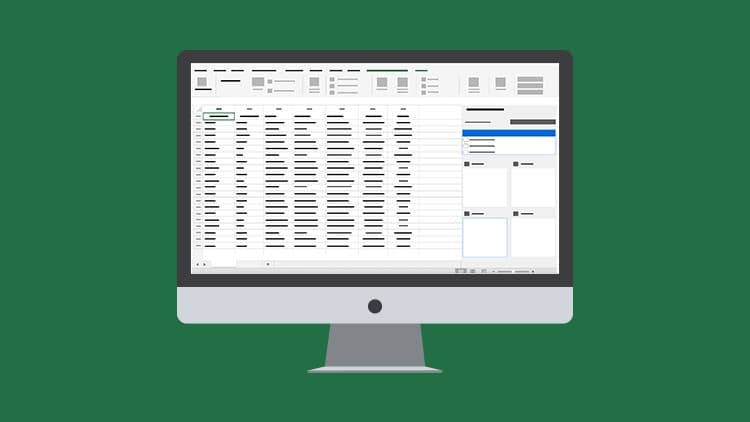
The Complete Excel Pivot Tables Course: Beginner to Advanced
No Korshub reviews yet.