
Udemy
Microsoft Visio 13/16/19 Like a Boss - The Definitive Course
Course4.739kALL LEVELS
$79.99
 Udemy
UdemyPrice
No active coupon right now
View Course →No coupon right now. We'll tell you when there is one.
Mark your own learning status. Opening a course link does not establish enrollment.
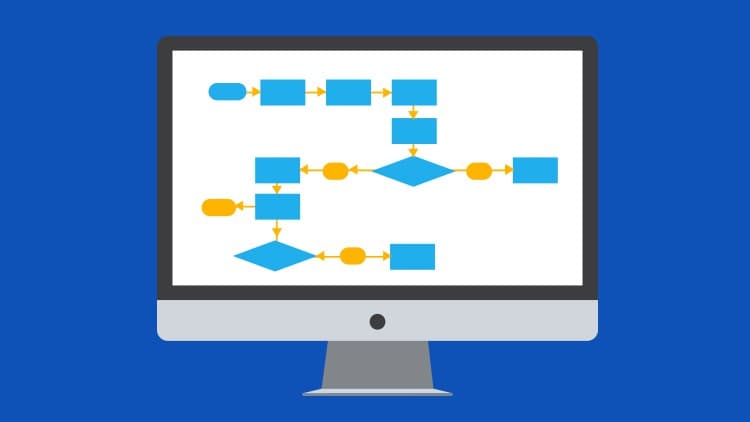
Visio is the standard for flowcharts, organization charts, and technical diagrams because its shapes, connectors, and automation handle the tedium of alignment and layout. This course, from the Microsoft experts at Simon Sez IT, covers the complete toolkit: workspace navigation, connecting and resizing shapes, adding annotations (ScreenTips, comments, callouts), organizing with groups and containers, applying themes and colors, building org charts and cross-functional flowcharts. The 8+ hours span 73 individual lessons with downloadable exercises so you practice on your own data.
By the end, you'll produce polished, professional diagrams—the kind executives actually read and trust. The course covers everything from fundamentals to advanced features, making it useful whether you're diagramming a business process, a system architecture, or an organizational hierarchy. Save the hours of manual fiddling and focus on what your diagram communicates.
Microsoft Visio remains the go-to tool for professional-looking diagrams, flow charts, and org charts.
In this comprehensive, Microsoft Visio 2019 online course from Microsoft experts, Simon Sez IT, we teach you how to use Visio quickly and effectively. We start by looking at how to use the Visio workspace before moving onto how to connect and resize shapes. After that, we look at adding text and images into Visio and how to use the Visio automation features as well as pan and zoom.
We then move onto a deep dive into creating Organization Charts in Visio before looking at styles and colors in Visio. After that, we look at how to add ScreenTips in Visio as well as comments and callouts.
This course includes downloadable exercises so you can put into practice exactly what you learn.
After taking this course, you will know:
How to use the Visio Workspace
How to connect and resize shapes
How to add text into the Visio Workspace
How to use Visio automation features and pan and zoom
All about building Organization Charts in Visio
How to use the Visio Backstage view
About Themes, Styles, and Colors in Visio
How to add ScreenTips, Comments, and Callouts in Visio
About working with pictures in Visio
About Groups, Containers, Lists, and Cross-Functional Flowcharts
How to align shapes in Visio
How to use Hyperlinks in Visio
All about reporting and custom templates in Visio
This course includes:
8+ hours of video tutorials
73 individual video lectures
Exercise files to practice what you learned
Certificate of completion
Here’s what our students are saying…
"It's good as I hoped it would be."
- Jose
"I've been familiar with this program for years, but am getting more comfortable and learning more than I could have imagined this early in the course."
- Aimee
"This is a great refresher and the instructor talks clearly and in an easy to understand manner."
- Dana
Advertisement
Microsoft Visio 13/16/19 Like a Boss - The Definitive Course

FREE Microsoft Dynamics 365 For Beginners (Updated for 2021)




Not the best price we've seen. The lowest we've recorded is $9.99 on 18 Aug.
This is what we recorded in US pricing — not every price this course has ever had, and prices differ by country.