Skillshare
SubscriptionBeginner's Guide to Adobe After Effects: Learn Motion Graphics
Course3.5
Skillshare membership
View course →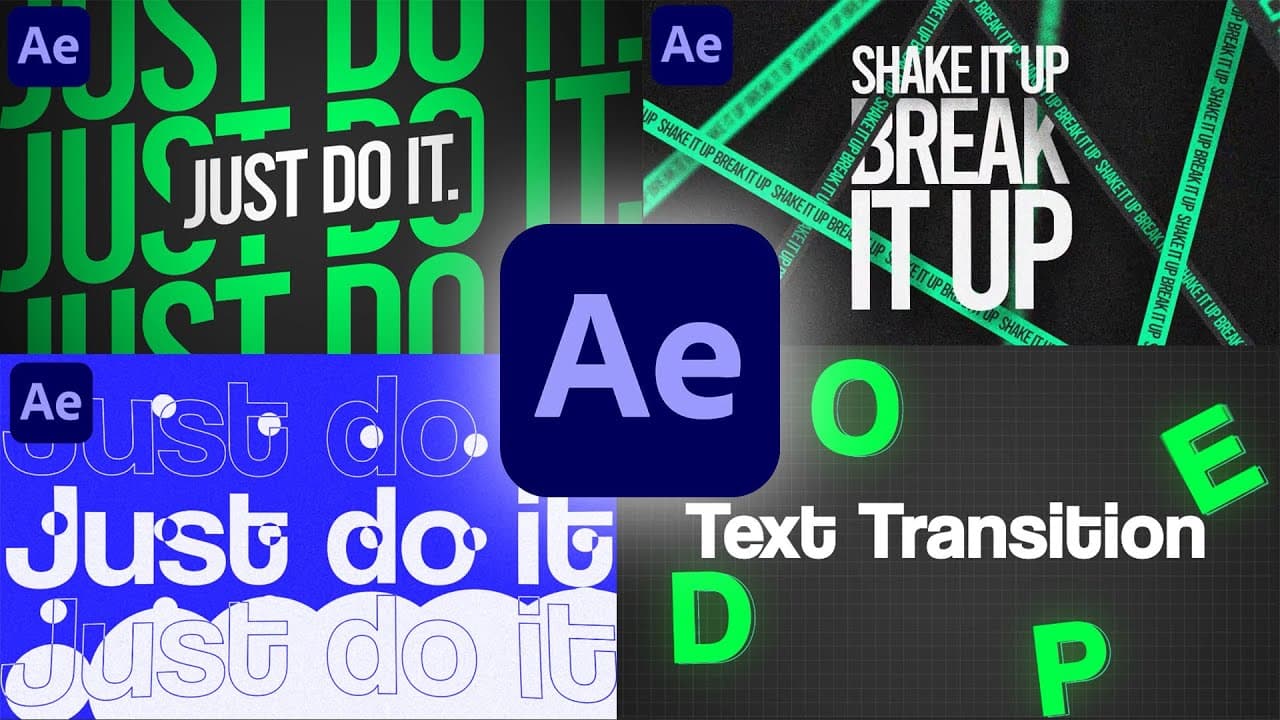 YouTube
Mark your own learning status. Opening a course link does not establish enrollment.
Loading saved status…
The class is organized as a run of projects, so each concept lands inside a finished animation. Shape layers, text animation, transitions and easing are introduced in that context, which keeps each lesson anchored to something you can watch change on screen.
By the end you should have worked through logo reveals, kinetic type and looping clips, and know the export settings needed to deliver them. Those are the pieces most beginners need before building their own reels or client work.
Beginners who prefer learning by building, and video editors who want to add motion to existing edits. If you already know the basics, the early sections will feel familiar, so skim to the parts you need.
Learn Motion Graphics from scratch to advanced in this 10-hour full masterclass! In this complete Adobe After Effects training, you will learn everything you need to create professional motion graphics, logo animations, text animations, transitions, kinetic typography, and stunning visual effects.
This class is perfect for beginners, intermediate users, and even professionals who want to sharpen their skills. The entire course is project-based so you can follow along and build industry-ready animations.
🎓 What You Will Learn:
✔ Basics of After Effects & essential workflow
✔ Shape layers & advanced motion design
✔ Professional text animation techniques
✔ Logo animation & brand reveal design
✔ Kinetic typography & eye-catching transitions
✔ Graph Editor, Easy Ease & smooth animation
✔ Masking, Track Mattes & Blending modes
✔ Looping animations for social media
✔ Export settings for best quality
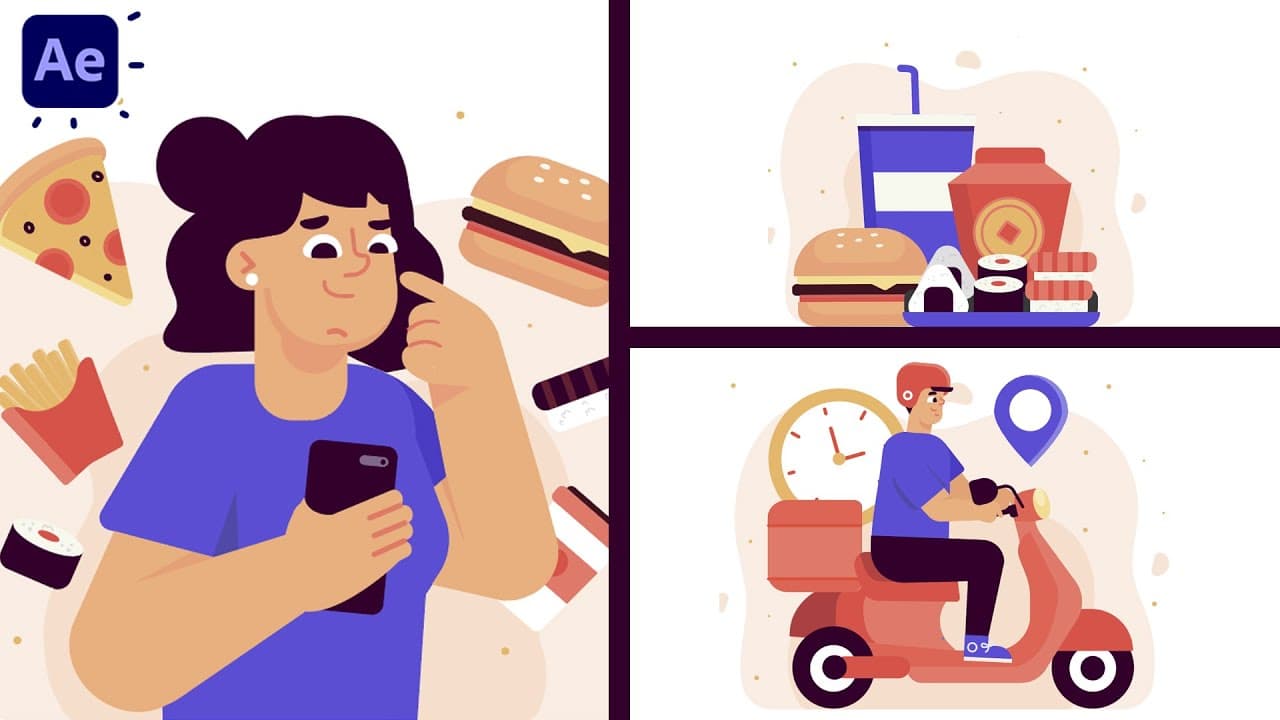
✔ Multiple real-world motion graphics projects
🎁 Who This Masterclass Is For:
• Beginners wanting to learn motion graphics from zero
• Designers looking to move into animation
• Video editors wanting to upgrade their skills
• Freelancers and content creators
• Anyone who wants to master Adobe After Effects
🧩 Why This Masterclass?
This 10-hour lesson covers EVERYTHING about motion design in one place — no plugins required. By the end, you’ll be able to create professional animations for YouTube, brands, ads, reels, and client projects.
❤️ If You Found This Helpful:
👍 Like
💬 Comment your favorite part
🔔 Subscribe for more Motion Graphics tutorials
Advertisement
No Korshub reviews yet.
Beginner's Guide to Adobe After Effects: Learn Motion Graphics
Adobe After Effects for Beginners: Motion Design Essentials
Motion Graphics Masterclass (8 Hours) – Complete After Effects Training for Beginners to Pros