Skillshare
SubscriptionBeginner's Guide to Adobe After Effects: Learn Motion Graphics
Course3.5
Skillshare membership
View course →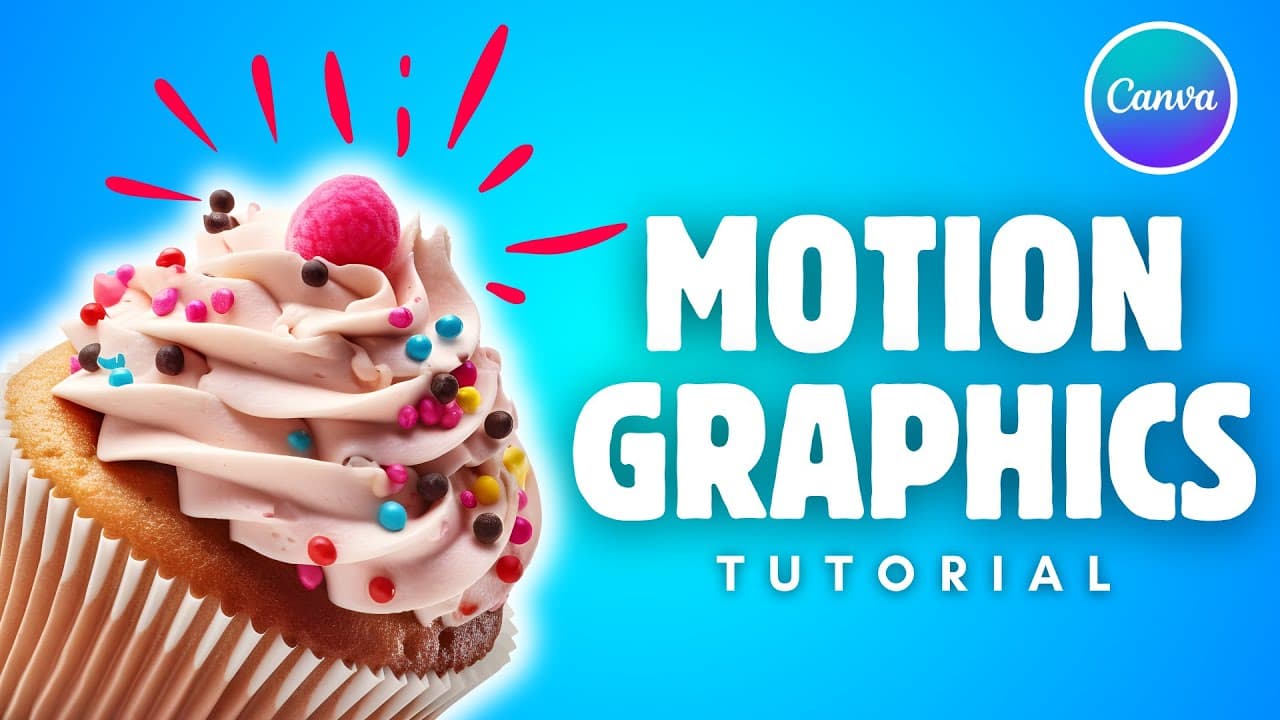 YouTube
Mark your own learning status. Opening a course link does not establish enrollment.
Loading saved status…
This playlist takes Canva beyond static posters and shows how to animate elements so they move on the page. It is written for people who are already comfortable with the editor but have not tried motion before.
Canva is a fast, template-led tool, so motion there suits short clips and simple promotional graphics. For detailed motion design with precise timing control, a dedicated application such as After Effects is the better next step.
Watch the first video to confirm the interface matches the version you use, since Canva updates its editor regularly.
Take your Canva skills to the next level with motion graphics! This playlist is packed with tutorials that show you how to create eye-catching animations, even if you're a complete beginner.
Advertisement
No Korshub reviews yet.
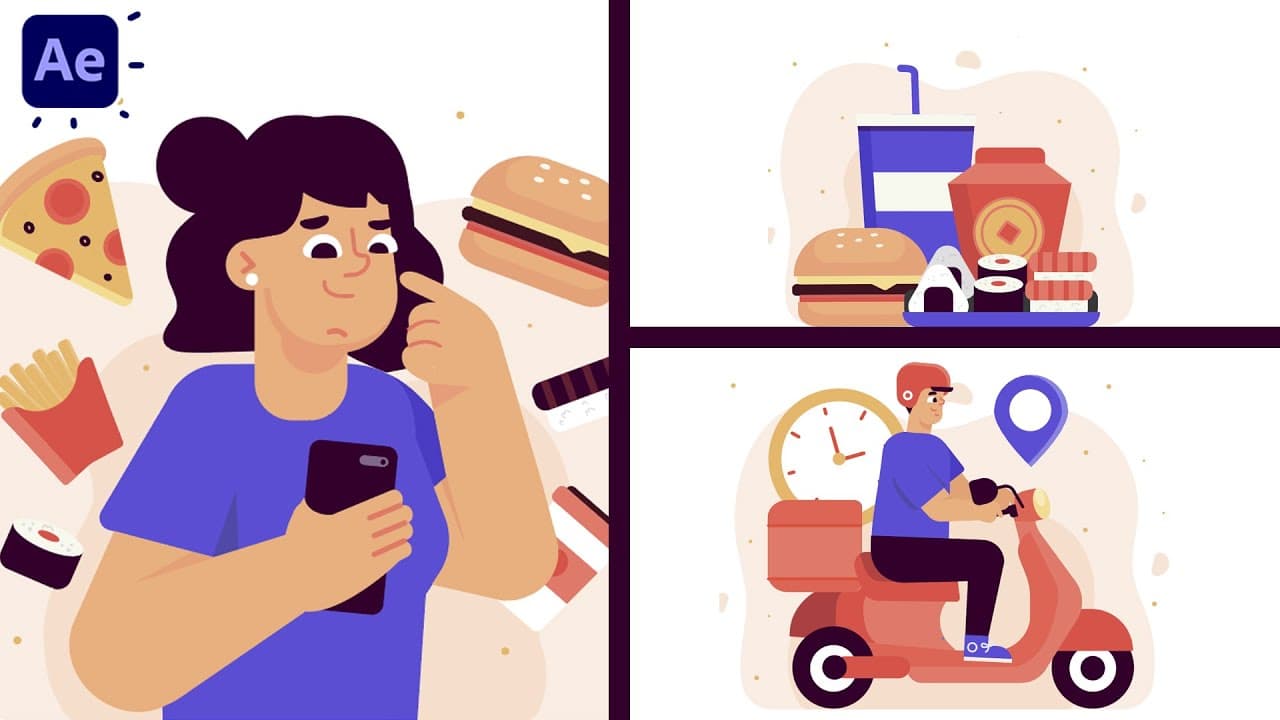
Beginner's Guide to Adobe After Effects: Learn Motion Graphics
Adobe After Effects for Beginners: Motion Design Essentials
Motion Graphics Masterclass (8 Hours) – Complete After Effects Training for Beginners to Pros